How to Fix Photos in the Wrong PDF Page Order
Control the sequence before conversion and verify it in the exported file.
Do not rely on selection order
A file picker may display names, dates, or a different sort order from the one you expect. A series named page-1, page-2, and page-10 can also be ordered differently by different programs. Use zero-padded names such as page-01, page-02, and page-10 when you need a sequence that remains obvious.
Arrange before exporting
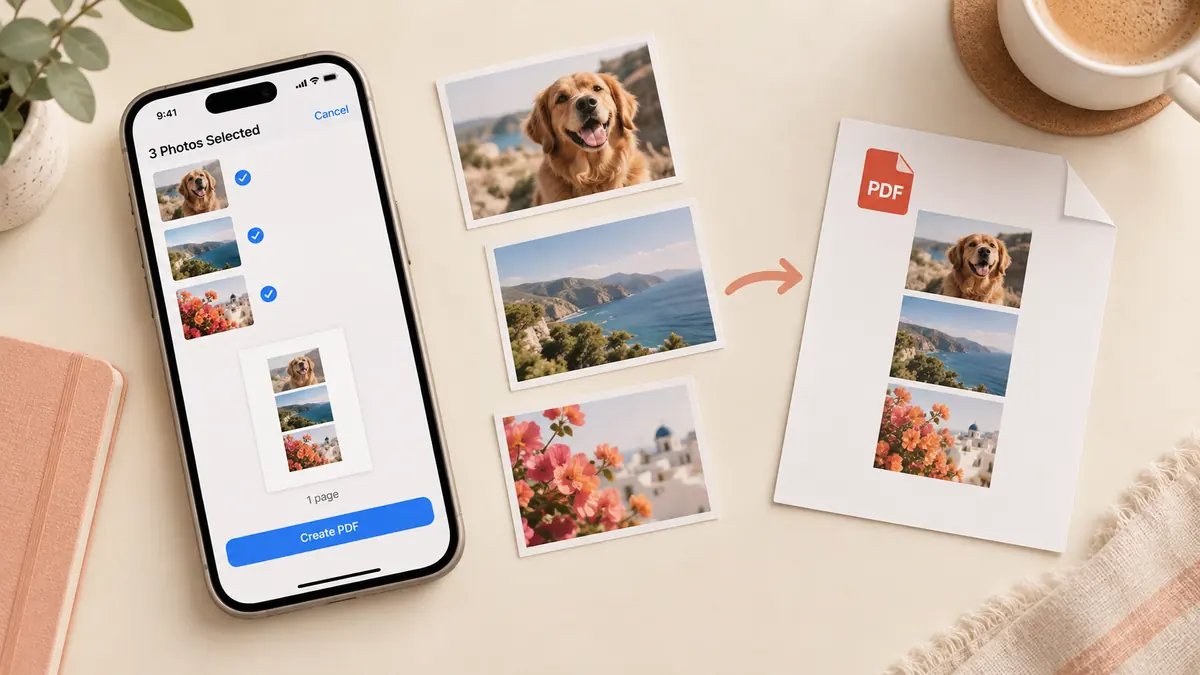
In Image to PDF, inspect the selected-image list and use its move controls. Put the cover first, then the numbered pages, then any supporting images. Remove duplicate captures and verify that the front and back of each sheet are together.
For a large packet, write down the intended page count first. A simple three-item checklist—cover, main document, attachments—can expose an omitted section better than repeatedly counting thumbnails.
Check the PDF itself
Open the downloaded copy and move through it from first to last. The list you saw before conversion is not the file the recipient receives. If a page is misplaced, correct the image order and export again. Name the corrected version clearly and send only that copy so the recipient does not have to choose between conflicting attachments.
Sources & further reading
- Apple · Checked Oct 1, 2026