GIF Maker: Video to GIF Make
Turn a video clip into a GIF for sharing.
View on the App StoreThis app is developed by SFByte.
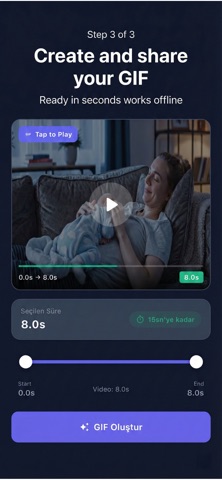
Features and details from the App Store listing
Video to GIF Fast and Offline
Turn any video on your iPhone into a smooth high quality GIF in seconds
No editing tools No uploads No distractions
Video to GIF is built for one simple purpose
Convert videos into GIFs quickly and beautifully fully offline
Create GIFs the Easy Way
GIFs are all about capturing the perfect moment
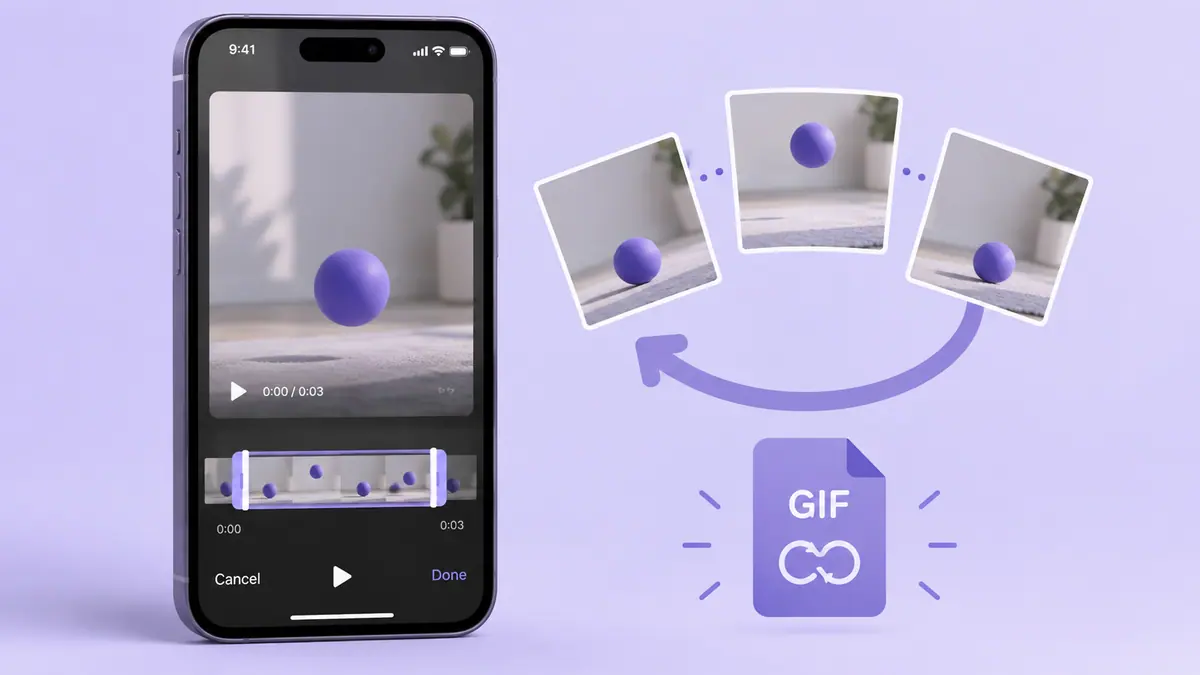
With Video to GIF you can select the exact part of your video you want and instantly turn it into a looping GIF without complicated editors or internet access
Just pick a video choose the moment and create your GIF
How It Works
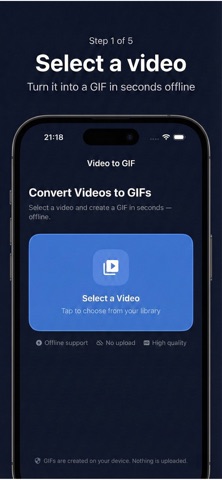
Select a video from your library
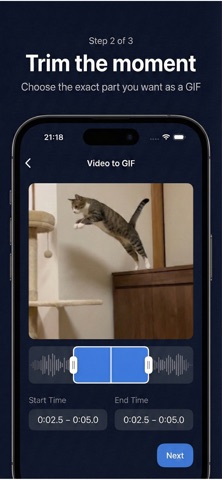
Choose the start and end points
Preview the selected moment
Create your GIF
Share or save it instantly
Thats it No extra steps
Key Features
Convert videos to GIFs in seconds
Select the exact moment you want to turn into a GIF
Live preview of the selected range
Smooth playback and high quality output
Works completely offline no uploads
Clean simple and focused interface
Privacy First Always
Your videos never leave your device
No internet connection required
No cloud processing
No accounts or tracking
Everything happens on your iPhone
Your content stays private exactly where it belongs
Premium Features
Upgrade to Premium to unlock the full experience
Save unlimited GIFs
Create longer GIFs up to 15 seconds
No watermarks
Higher quality and smoother results
Premium is perfect if you create GIFs often or want full control over your exports
Perfect For
Turning short videos into shareable GIFs
Capturing reactions moments or highlights
Messaging apps social media and chats
Anyone who wants a fast and simple GIF tool
No Editor No Learning Curve
Video to GIF is not a video editor
Its a focused utility designed to do one thing convert videos to GIFs and do it well
Open the app create your GIF and move on
Download Video to GIF Today
Create smooth high quality GIFs from your videos instantly and offline
term of use:https://www.apple.com/legal/itunes/appstore/dev/stdeula/
privacy policy:https://www.emzirmetakibi.com/videotogif/privacy.html
Popular uses
- Create a delivery copy for a message, project, or social post.
- Keep the source recording available for another edit or a higher-quality export.
How to get started
- Import a short representative clip into the task described by this app’s listing.
- Preview the change, checking motion, framing, duration, and sound.
- Export a separate copy and replay the saved file before sharing or deleting any source.
Common questions and problems
The export is too large
Check duration and actual byte size, then decide whether a shorter selection, smaller delivery copy, or transfer link suits the recipient.
The saved file differs from the preview
Compare the original, project, and saved export. Check audio, orientation, and format compatibility one change at a time.
App details
- Category
- Photo & Video
- Current version
- 1.0.2
- Store information checked
- Sep 30, 2026
Availability
Requires iOS 15.0. Availability and pricing may vary by region.