How to Resize a Photo Without Stretching It
Keep the original proportions or choose a deliberate crop.
Read the starting dimensions
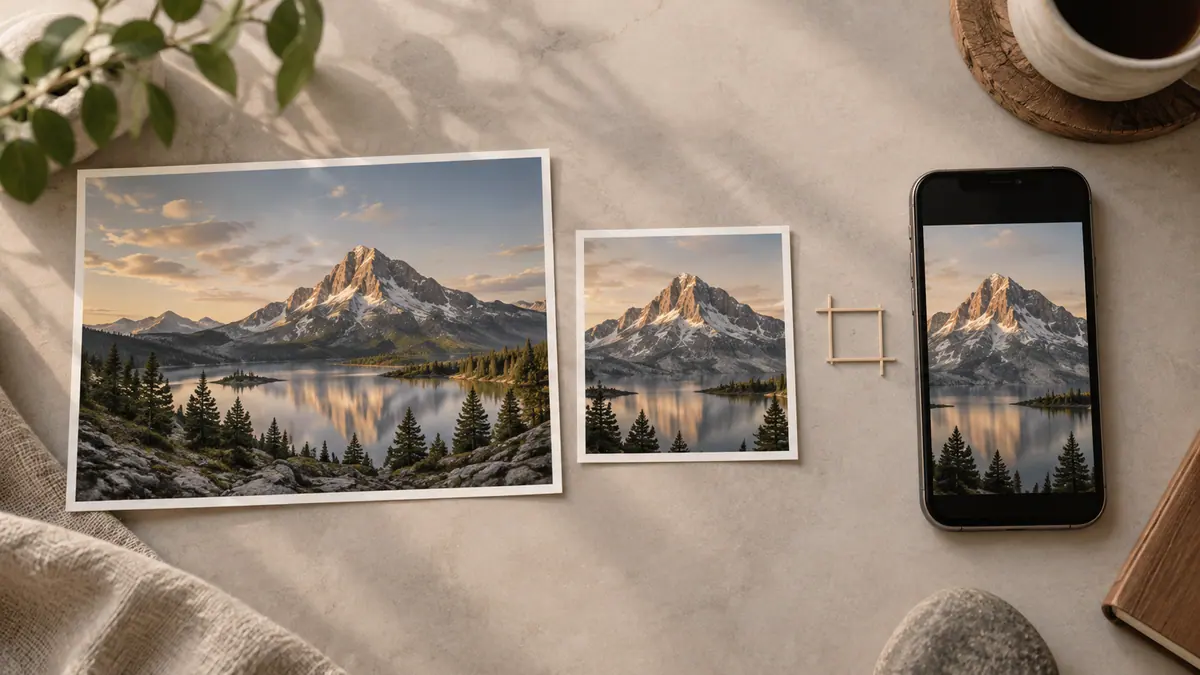
A 4000 × 3000 photo has a 4:3 ratio. Resizing it to 1200 × 900 keeps the proportions; forcing it to 1200 × 675 changes them unless you crop or add borders. Use Aspect Ratio Calculator to work out a matching dimension.
Choose between three outputs
Resize proportionally when the whole picture must remain visible. Crop when a destination demands a different shape and you can remove some edges. Add borders when the required frame must contain the entire original. Stretching is rarely the right answer for people, products, or text.
Before cropping, check faces, hands, labels, and anything close to the edge. Leave space for the destination’s own interface if it will overlay a caption or control.
Check the saved image
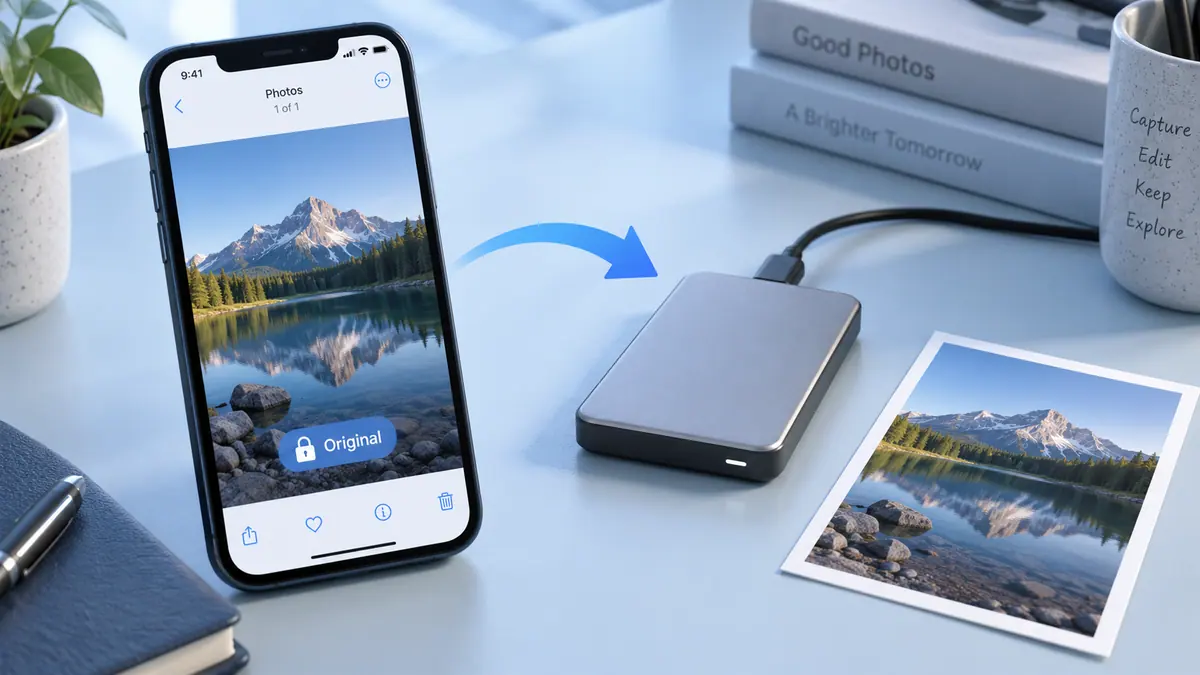
Our Image Compressor can reduce width while preserving the aspect ratio and producing a JPEG. Inspect the output’s dimensions and clarity. Upscaling a small image does not recreate missing detail; if a form requires a larger image than you have, find the original rather than repeatedly enlarging a thumbnail.
Sources & further reading
- Apple · Checked Oct 1, 2026