A simple checklist for sharing a collection of photos
Choose the right images, put them in order, and review what you are about to send.
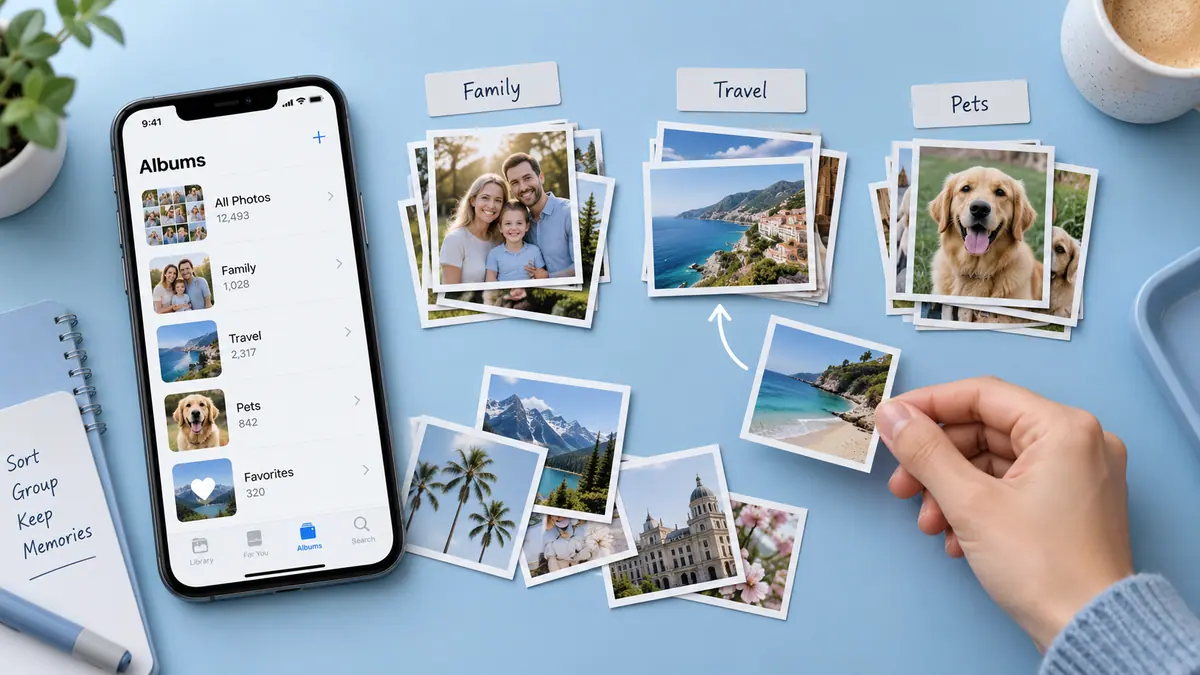
Start with a smaller selection
Choose the images that serve the purpose of the message. Remove accidental duplicates from the selection without deleting originals you might need later.
Check each image
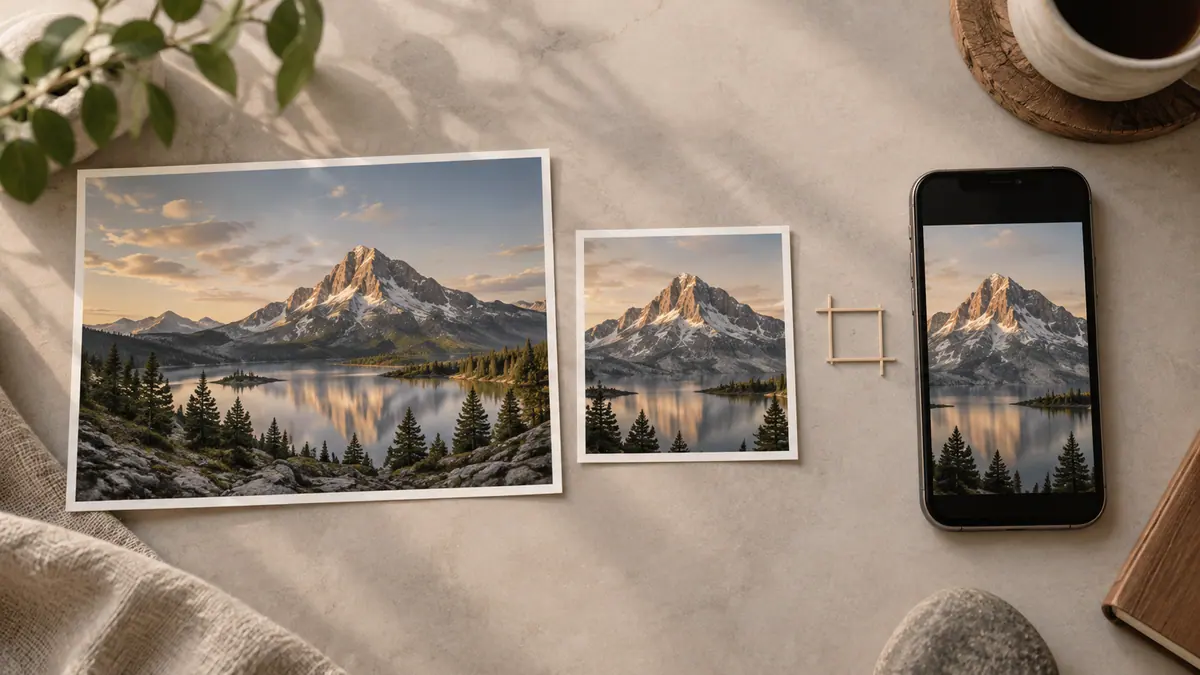
Look for orientation, readability, and any private details you did not intend to share. If you are sending a document photographed over several images, check that no page is missing.
Choose an appropriate format
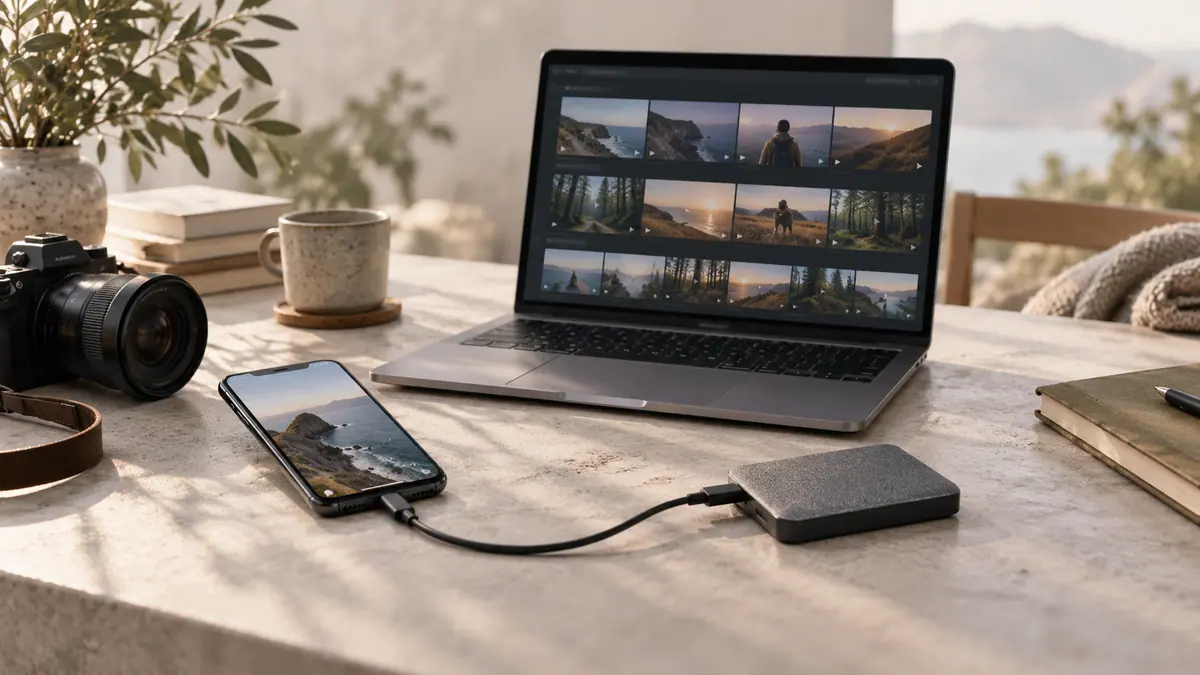
Separate images are useful when the recipient needs to edit them individually. A PDF can be useful when page order and keeping a set together matter more. You can combine images into a PDF in your browser.
Review the final result
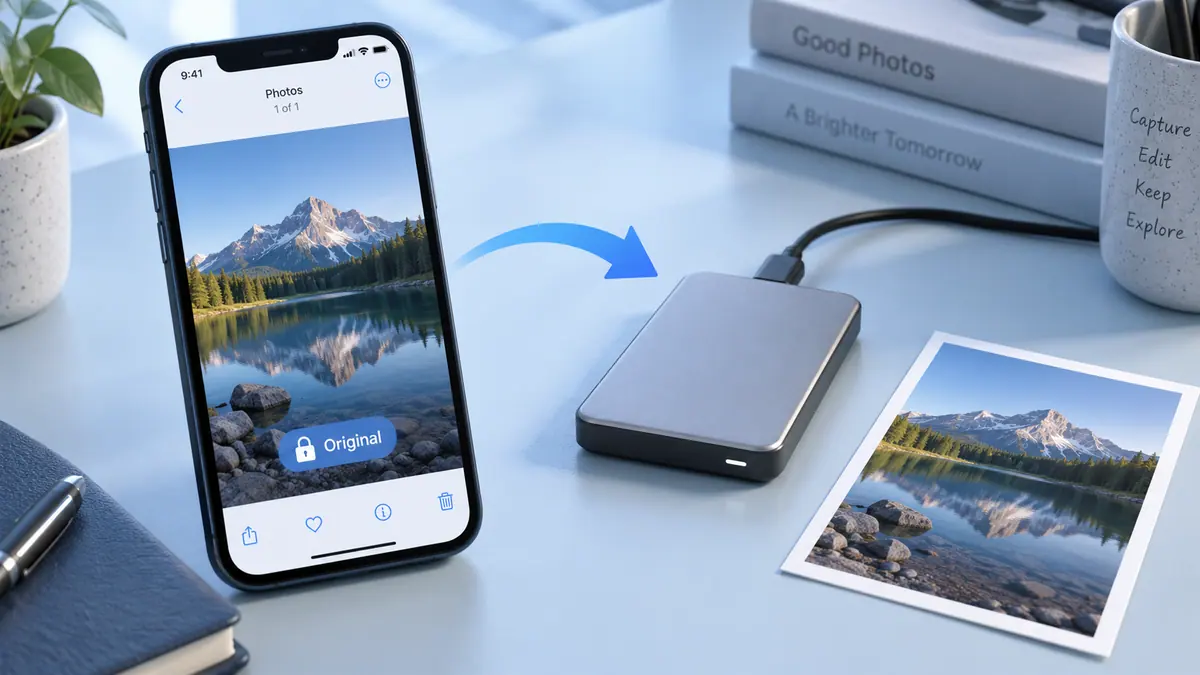
Open the file you plan to send. Check the pages or attachments in their final order, and keep your original images until you know the recipient can use the result.
Sources & further reading
- Apple · Checked Oct 1, 2026