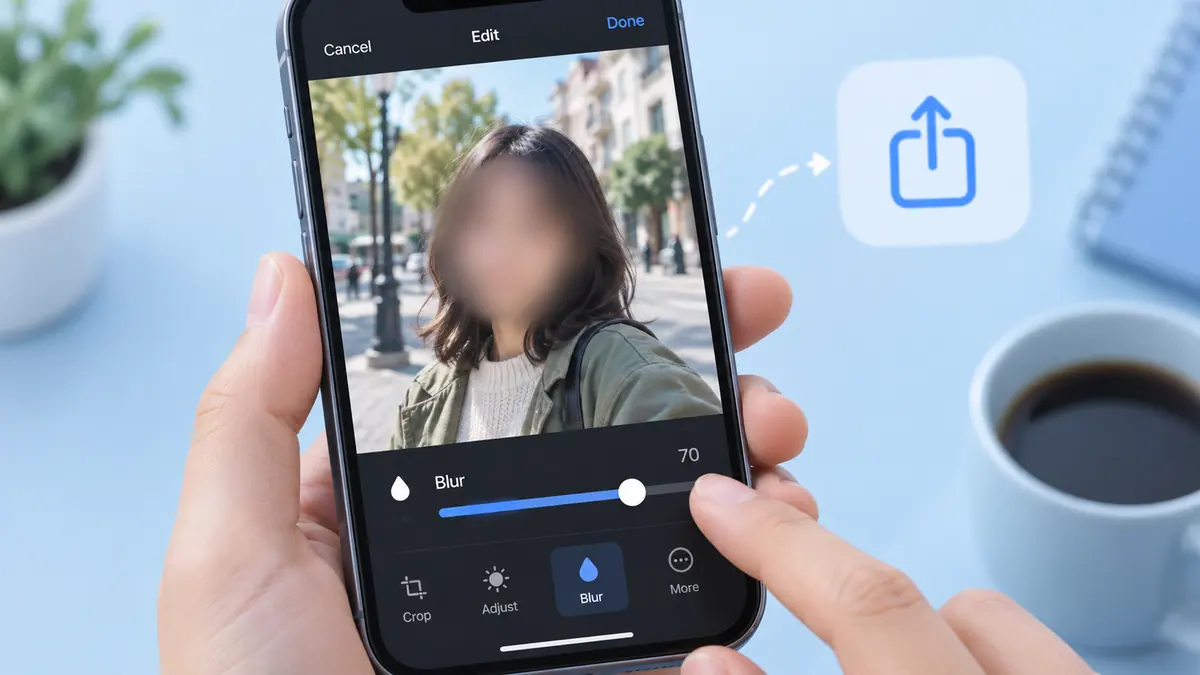
Guide · Photos & Camera
How to Blur a Face in a Photo Before Sharing
Create a separate copy and inspect the rest of the scene for identifying details.
3 min readOrganize, edit, and share the moments you want to keep.
Photo organization works best when finding and deleting are separate decisions. Start with one small collection: a trip, a project, or last month’s screenshots. Use albums to make useful views without treating every album as a separate backup. When editing a photo, keep an original and inspect your exported copy for cropping, orientation, and readability.
A picture can look right on your phone and still be awkward for its destination. A document upload may require JPEG, a printed photo needs enough pixels, and a public post may need location or identifying details removed. Choose the format and dimensions for the actual task. Review similar photos manually before deleting; two frames can capture different expressions even when an app groups them together.
Use the guides below for a specific task, then follow the related tools and apps when they fit your workflow. Each article links to its sources and separates a general explanation from instructions that depend on a particular app or device.
Create a separate copy and inspect the rest of the scene for identifying details.
3 min read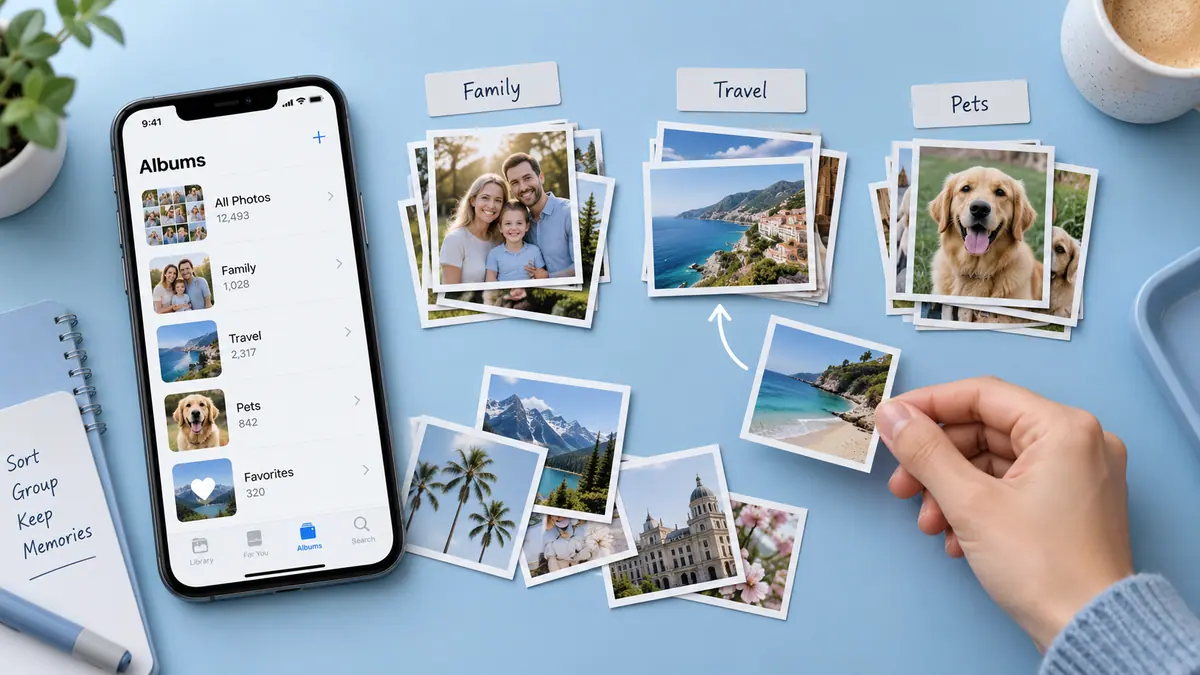
Build a useful library in small passes without confusing albums with backups.
3 min read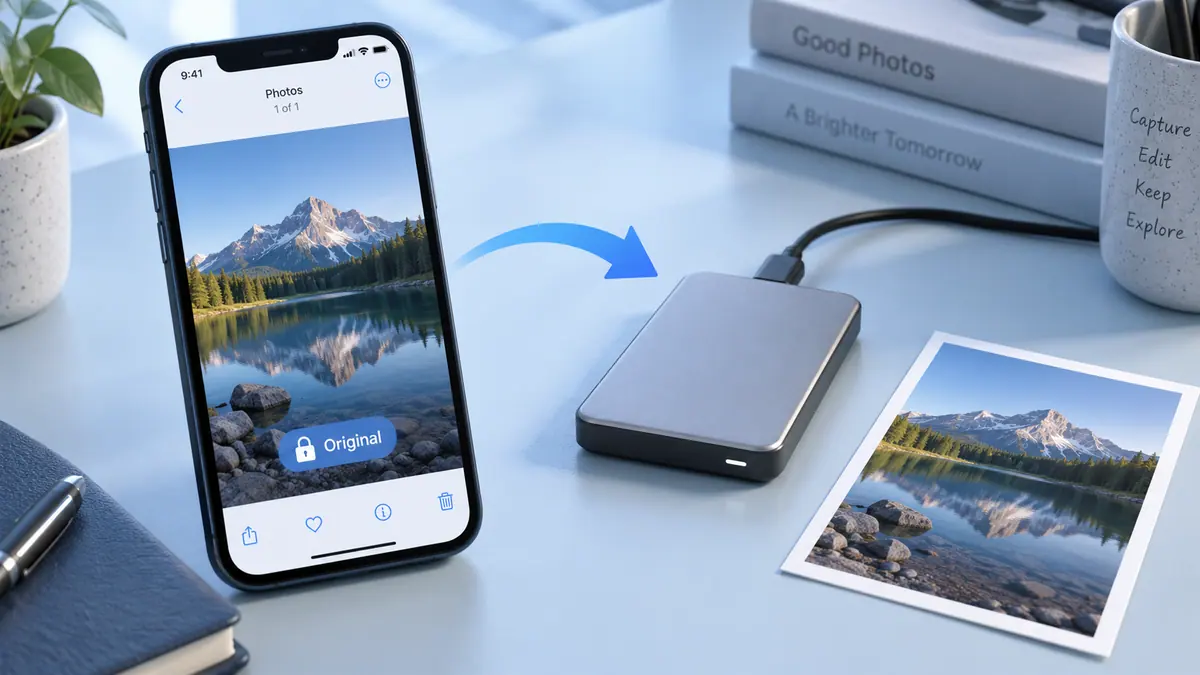
Before editing valuable iPhone photos, keep a separate copy of the originals in a destination you control and verify that those files open correctly.
4 min read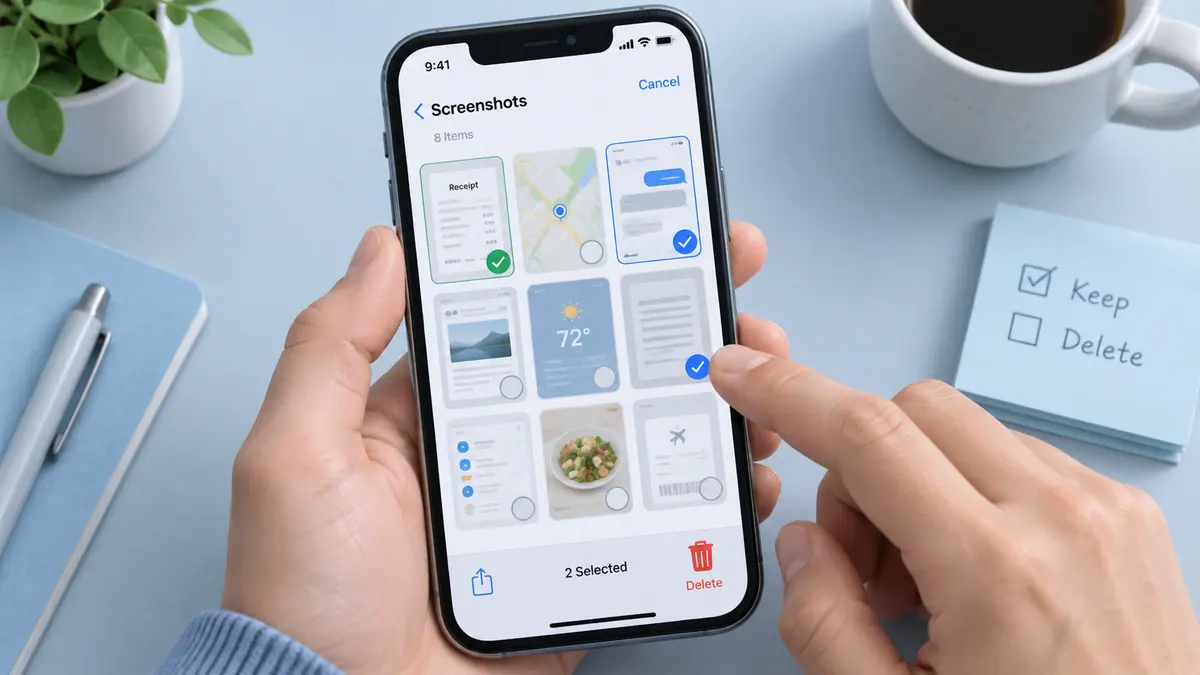
Delete unwanted iPhone screenshots by reviewing the Screenshots collection in Photos, keeping useful records elsewhere, and removing a small confirmed selection at a time.
4 min readCheck Recently Deleted in Photos first when an iPhone picture was removed by mistake.
4 min readTo share an iPhone photo without its stored location, review the sharing options in Photos and turn Location off before sending where that control is available.
4 min readReview the app’s photo-access selection and whether the originals are available locally. Start with a known accessible item.
Stop the batch, compare the selected items with the intended ones, and check the app’s supported recovery or undo behavior before continuing.
Before editing valuable iPhone photos, keep a separate copy of the originals in a destination you control and verify that those files open correctly.
4 min readTo share an iPhone photo without its stored location, review the sharing options in Photos and turn Location off before sending where that control is available.
4 min readChoose the right images, put them in order, and review what you are about to send.
1 min readConvert pixels to inches and separate a useful estimate from a quality promise.
1 min read
Build a useful library in small passes without confusing albums with backups.
3 min read
Delete unwanted iPhone screenshots by reviewing the Screenshots collection in Photos, keeping useful records elsewhere, and removing a small confirmed selection at a time.
4 min readCheck Recently Deleted in Photos first when an iPhone picture was removed by mistake.
4 min readCompress a JPEG or PNG into a smaller JPEG, with a size and quality check before downloading.
Free browser toolBring your images together in one easy-to-share PDF. Your files never leave your browser.
Free browser toolCalculate megapixels, approximate print dimensions, and uncompressed RGB data from pixel dimensions.
Free browser tool Photos & Camera
Find photos through focused views for dates, favorites, and media types.
View app Photos & Camera
Explore digital marbling inspired by Turkish ebru art.
View app Photos & Camera
Arrange family photos into a more navigable timeline.
View app Photos & Camera
Apply blur to selected faces or areas in photos and videos.
View app Photos & Camera
Prepare product photos for online marketplace listings.
View app Photos & Camera
Organize photos and videos as part of your capture workflow.
View app Photos & Camera
Retouch photos, adjust backgrounds, and apply selective blur.
View app Photos & Camera
Trigger a photo using a clap or finger snap.
View app Photos & Camera
Cover faces and sensitive details before sharing an image.
View app
See the three documented iOS 27.0.1 fixes, affected camera conditions, and how to update without assuming every iPhone problem has the same cause.
3 min read
Apple’s September software announcement describes new and updated Photos editing capabilities, including Spatial Reframing, Extend, and Clean Up changes.
3 min read
Apple’s new camera features make the distinction between capture, editing, and delivery worth checking.
3 min read