Guide · Photos & Camera
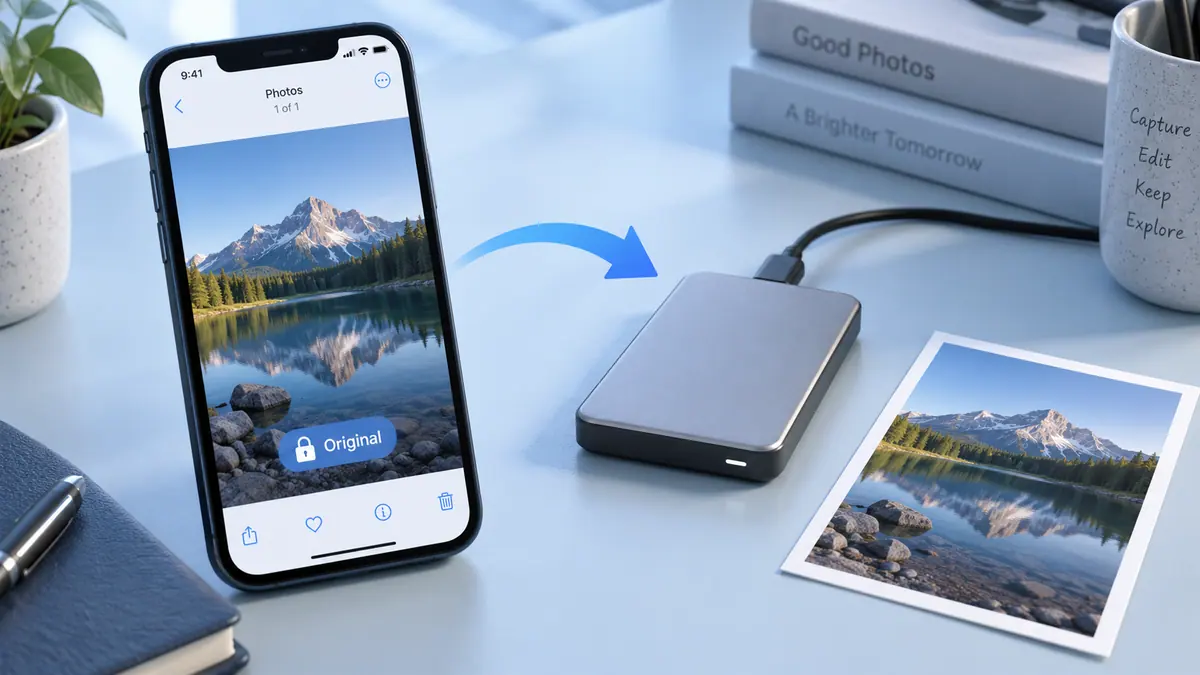
How to Back Up Original iPhone Photos Before Editing
Before editing valuable iPhone photos, keep a separate copy of the originals in a destination you control and verify that those files open correctly.
4 min readOrganize, edit, and share the moments you want to keep.
Before editing valuable iPhone photos, keep a separate copy of the originals in a destination you control and verify that those files open correctly.
4 min read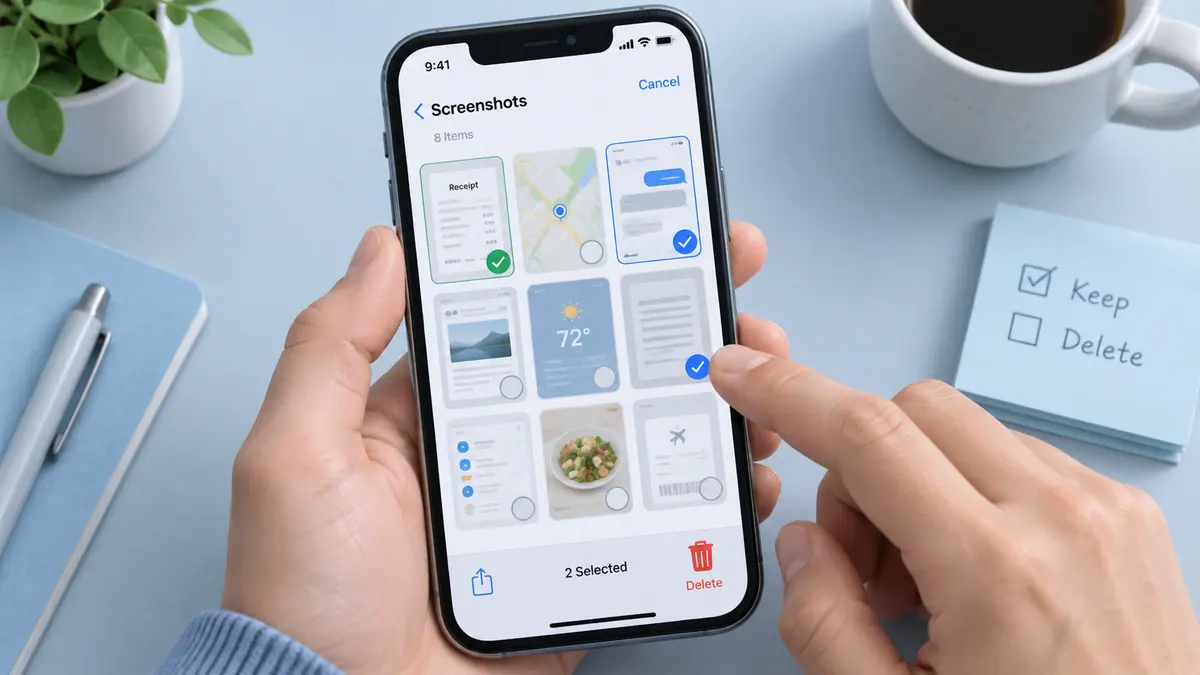
Delete unwanted iPhone screenshots by reviewing the Screenshots collection in Photos, keeping useful records elsewhere, and removing a small confirmed selection at a time.
4 min readCheck Recently Deleted in Photos first when an iPhone picture was removed by mistake.
4 min readTo share an iPhone photo without its stored location, review the sharing options in Photos and turn Location off before sending where that control is available.
4 min readChoose the right images, put them in order, and review what you are about to send.
1 min readConvert pixels to inches and separate a useful estimate from a quality promise.
1 min read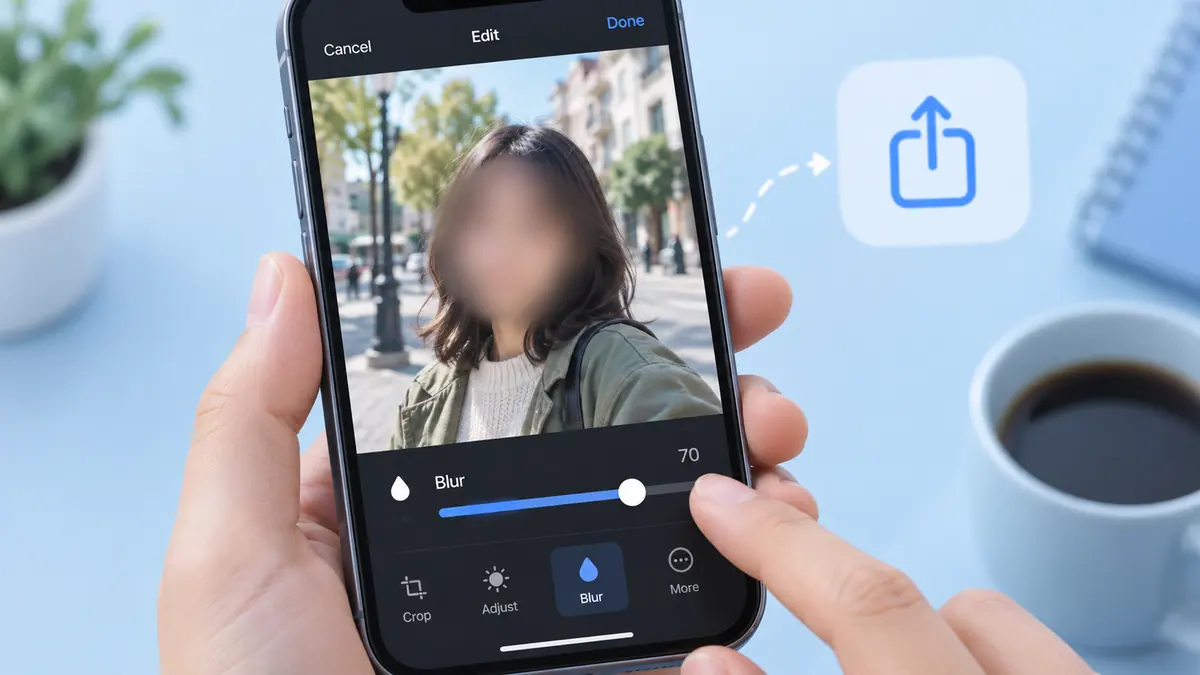
Create a separate copy and inspect the rest of the scene for identifying details.
3 min read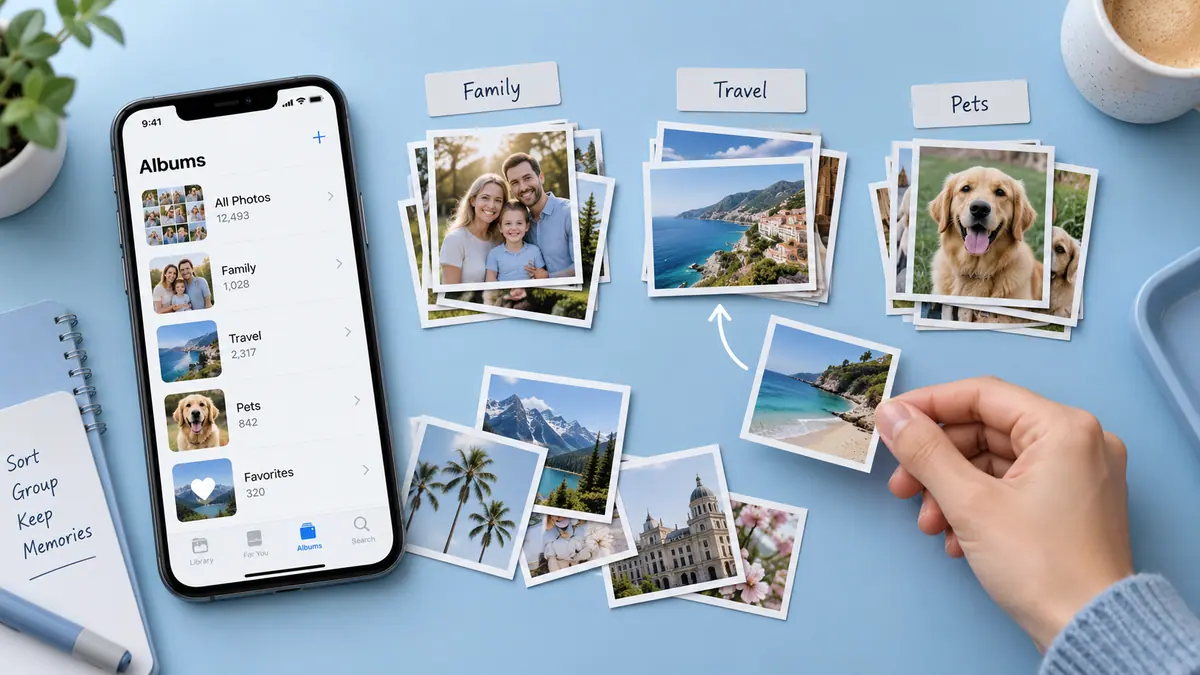
Build a useful library in small passes without confusing albums with backups.
3 min readKeep the original proportions or choose a deliberate crop.
1 min read