Photo Organizer: Memory AI
Arrange family photos into a more navigable timeline.
View on the App StoreThis app is developed by SFByte.

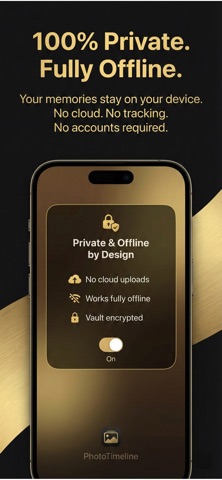
Features and details from the App Store listing
Private Photo Album Organizer helps you turn thousands of photos into a clean and meaningful family timeline.
No cloud. No uploads. No tracking.
Your photos stay on your device.
Organize your memories automatically and build a private family album in minutes.
HOW IT WORKS
Scan your photo library
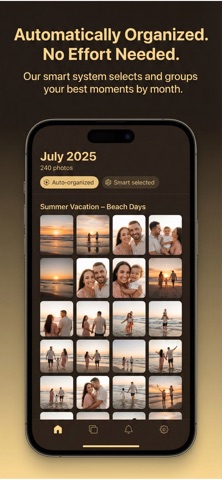
Get smart monthly chapters
Review weekly suggestions
Lock each month and build your timeline
Create a beautiful yearbook anytime
Everything works fully offline.
No account required. No internet needed.
PRIVATE AND SECURE
Your photos never leave your device.
No cloud storage.
Vault protected with password and optional biometric unlock.
Designed for privacy from day one.
SMART ORGANIZATION
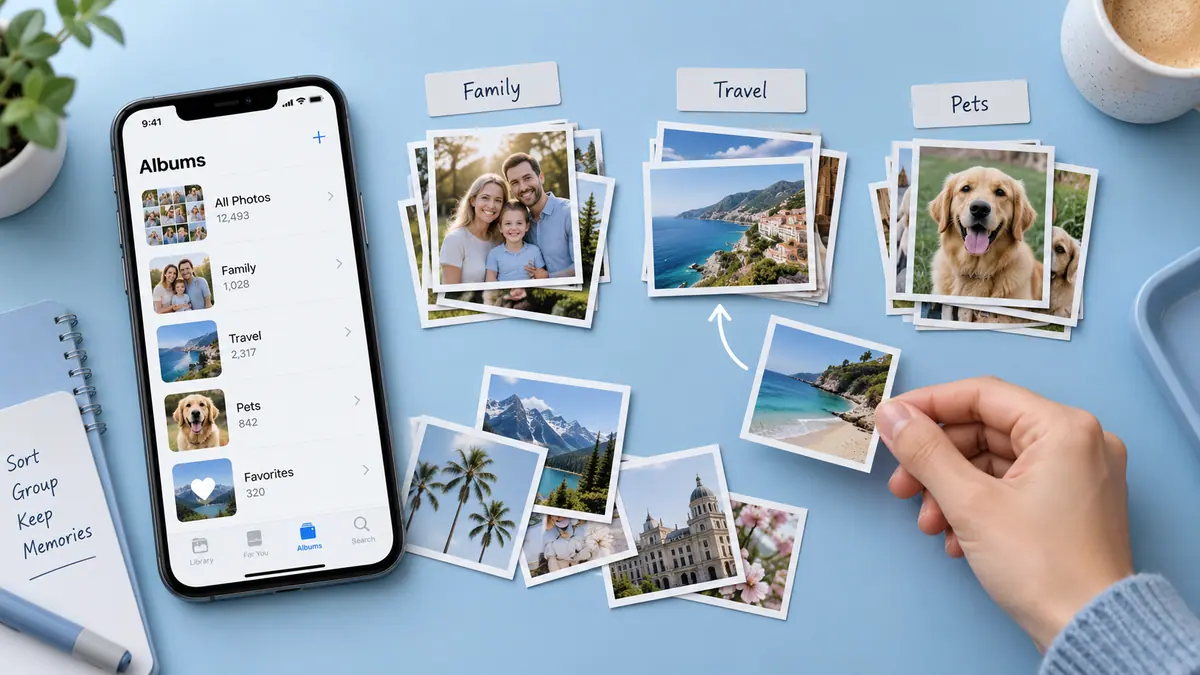
Automatically grouped by month and year
Smart weekly suggestions to help you choose the best moments
Auto organized chapters
Progress by month to keep your memories structured
FREE FEATURES
One active chapter
Weekly suggestions
Up to 5 memories per month
Basic export with watermark
Password protected vault
Works fully offline
PREMIUM FEATURES
Unlimited chapters
Up to 5 smart suggestions per week
Unlimited memories per month
Face clustering for smarter selection
Growth compare over time
Full year HD yearbook export
No watermark
PERFECT FOR
Family photo organization
Private photo albums
Monthly memory tracking
Building yearly photo books
Keeping memories safe and offline
Start building your private family timeline today.
Your memories. Your device. Fully private.
Term Of use: https://www.apple.com/legal/itunes/appstore/dev/stdeula/
Privacy Policy: https://www.zenbyte.app/privatephotoalbum/privacy.html
Popular uses
- Keep a reviewable group of photos organized around an event or task.
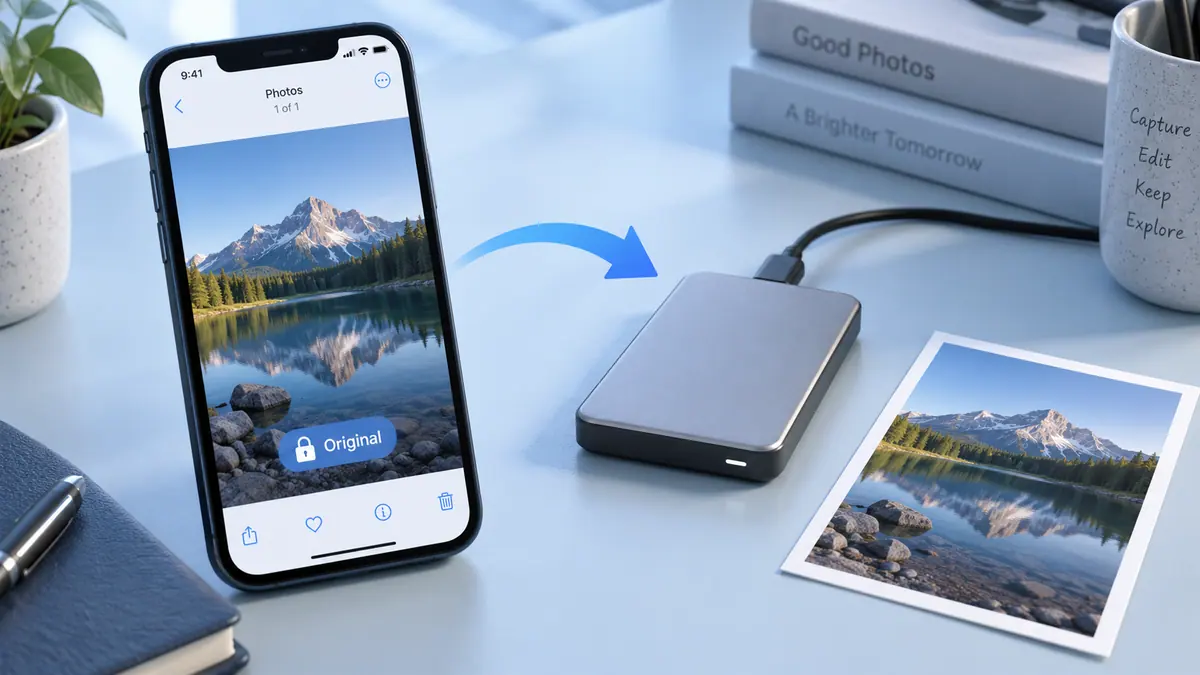
- Prepare a separate delivery image while retaining an original you may need again.
How to get started
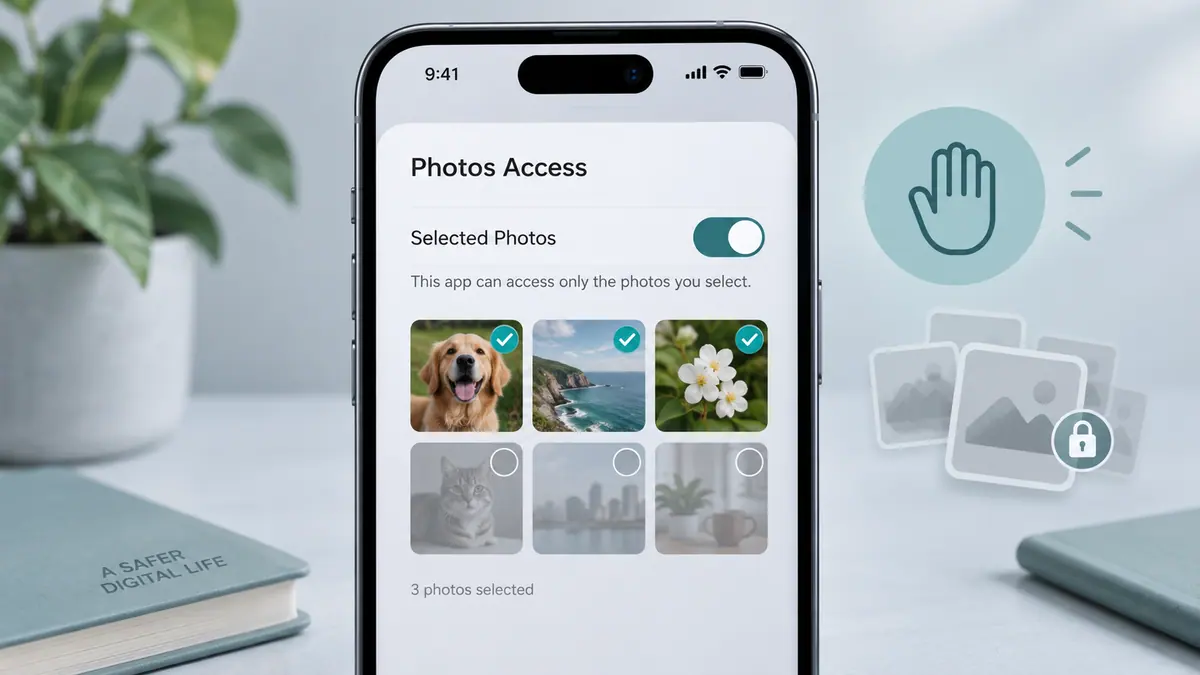
- Choose a small group of photos and review the access the app requests.
- Use the organization or editing functions described in the listing, checking selection and preview carefully.
- Review the saved result or library change before applying the same operation to a larger batch.
Common questions and problems
Some photos do not appear
Review the app’s photo-access selection and whether the originals are available locally. Start with a known accessible item.
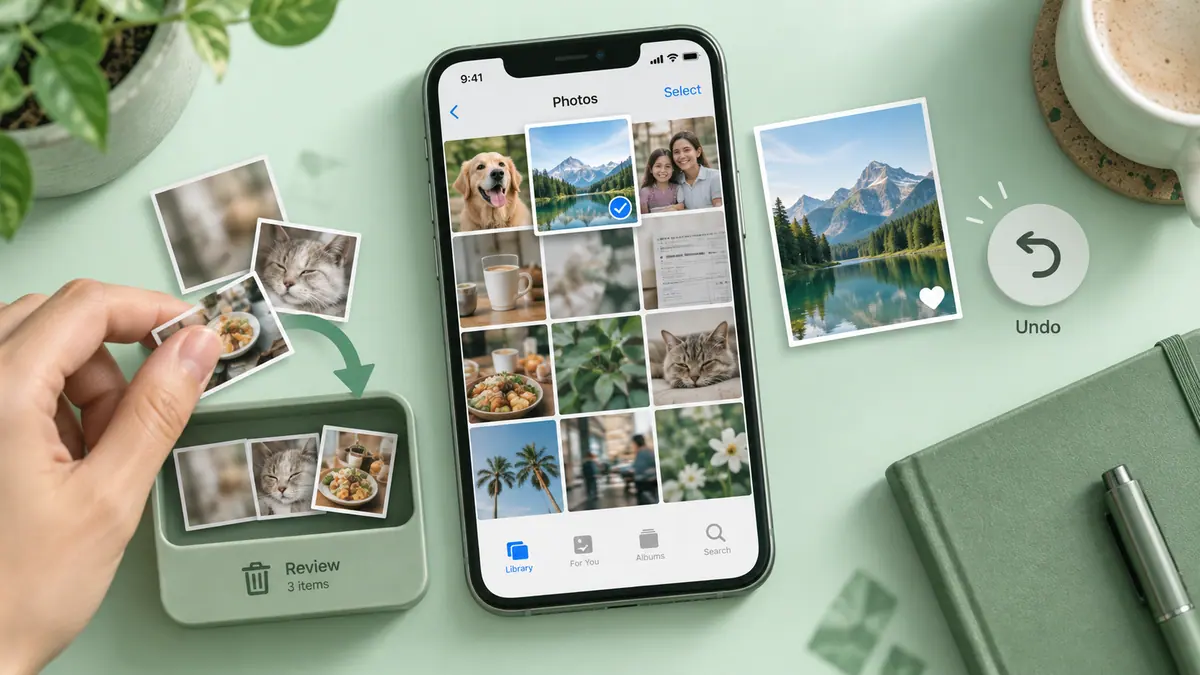
A cleanup or edit affects the wrong item
Stop the batch, compare the selected items with the intended ones, and check the app’s supported recovery or undo behavior before continuing.
App details
- Category
- Photo & Video
- Current version
- 1.0.2
- Store information checked
- Sep 30, 2026
Availability
Requires iOS 16.0. Availability and pricing may vary by region.