Photos: Fast Photo Organizer
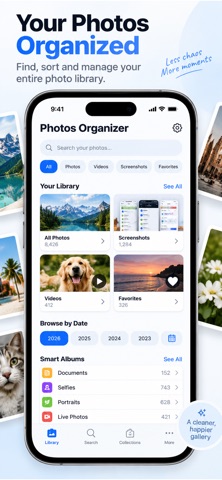
Get to the photos you need through focused views for screenshots, favorites, videos, and dates.
View on the App StoreThis app is developed by SFByte.
What you can do
- Browse screenshots, favorites, and videos
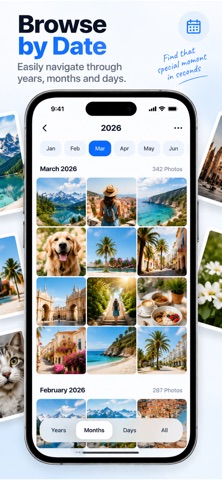
- Find photos through date-based views
- Open recent photos from a focused interface
Features and details from the App Store listing
Photos feel messy and hard to navigate Finding what you need should not take forever
Photo Organizer is built to make your photo library simple fast and easy to use
No clutter No confusion Just quick access to the photos that matter
Find Photos Faster
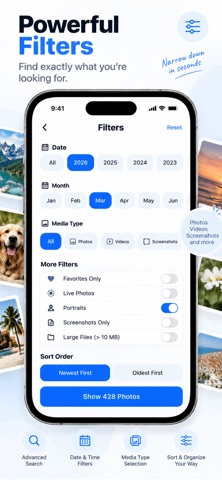
Instantly access Screenshots Favorites and Videos
Browse photos by date month or recent activity
Clean and simple interface designed for speed
Simple and Clear Organization
No complex folders or confusing layouts
Smart sections help you reach photos in one tap
Designed for everyday use fast and intuitive
Quick Access to What Matters
Open recent photos instantly
Jump to important categories like screenshots and favorites
Spend less time searching more time finding
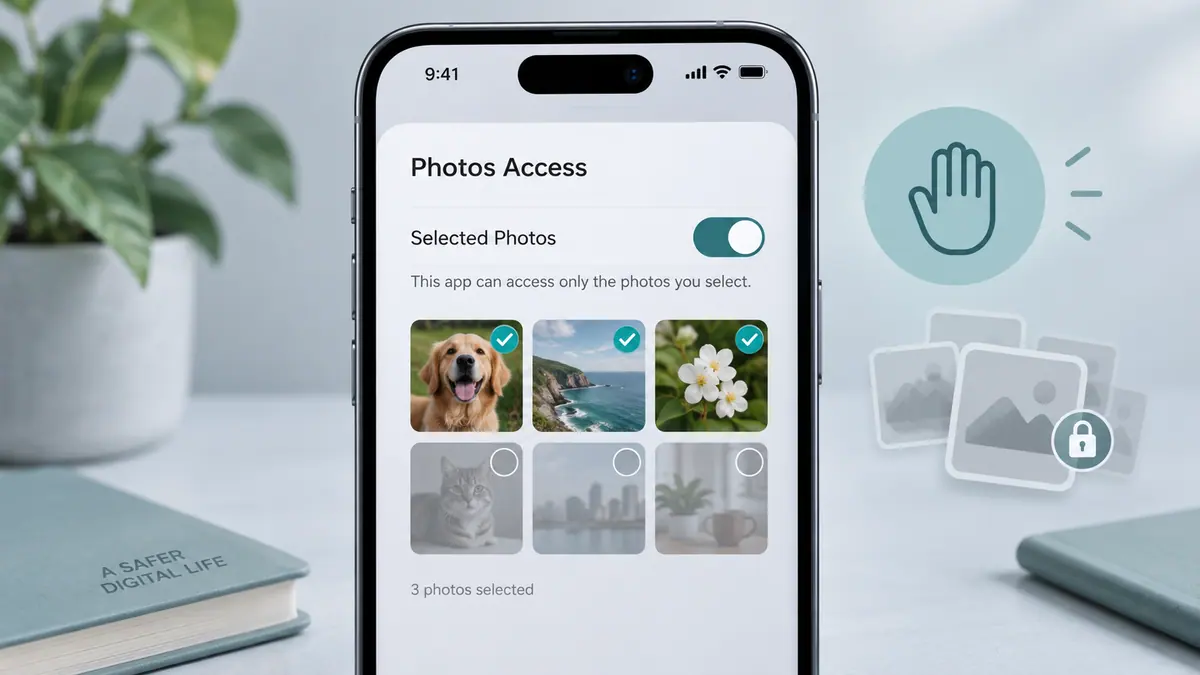
Private by Design
All processing happens on your device
No accounts required
No data collection
Your photos never leave your phone
Upgrade to Premium
Browse photos by month and year
Remove limits and access your full library
Advanced filters and smart collections
Faster and more powerful photo search
Photo Organizer helps you take control of your gallery with a clean simple and private experience
Terms and Privacy
Privacy Policy
https://www.emzirmetakibi.com/photoalbum/privacy.html
Terms of Use EULA
https://www.apple.com/legal/itunes/appstore/dev/stdeula/
Popular uses
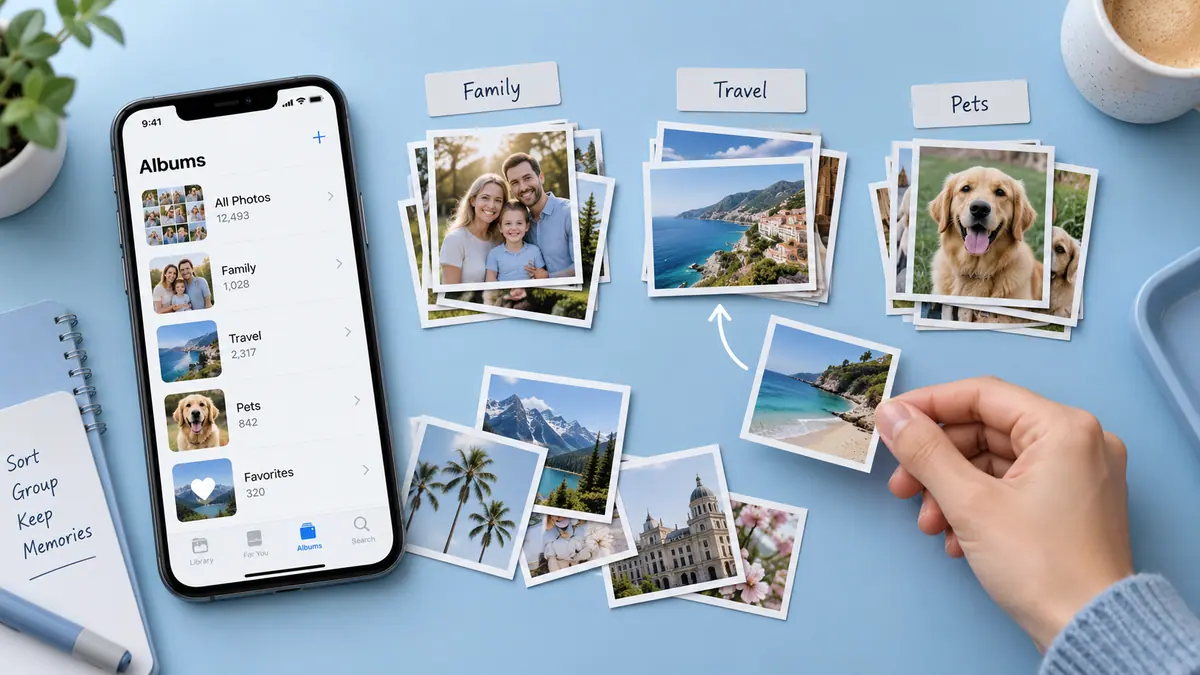
- Keep a reviewable group of photos organized around an event or task.
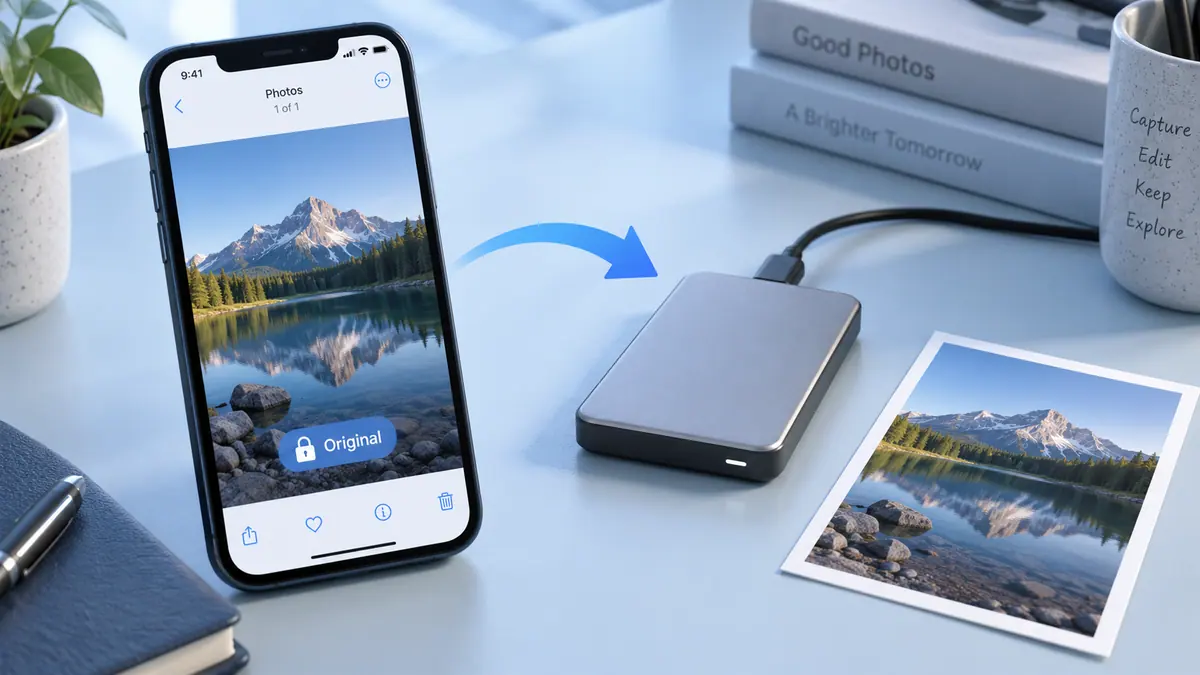
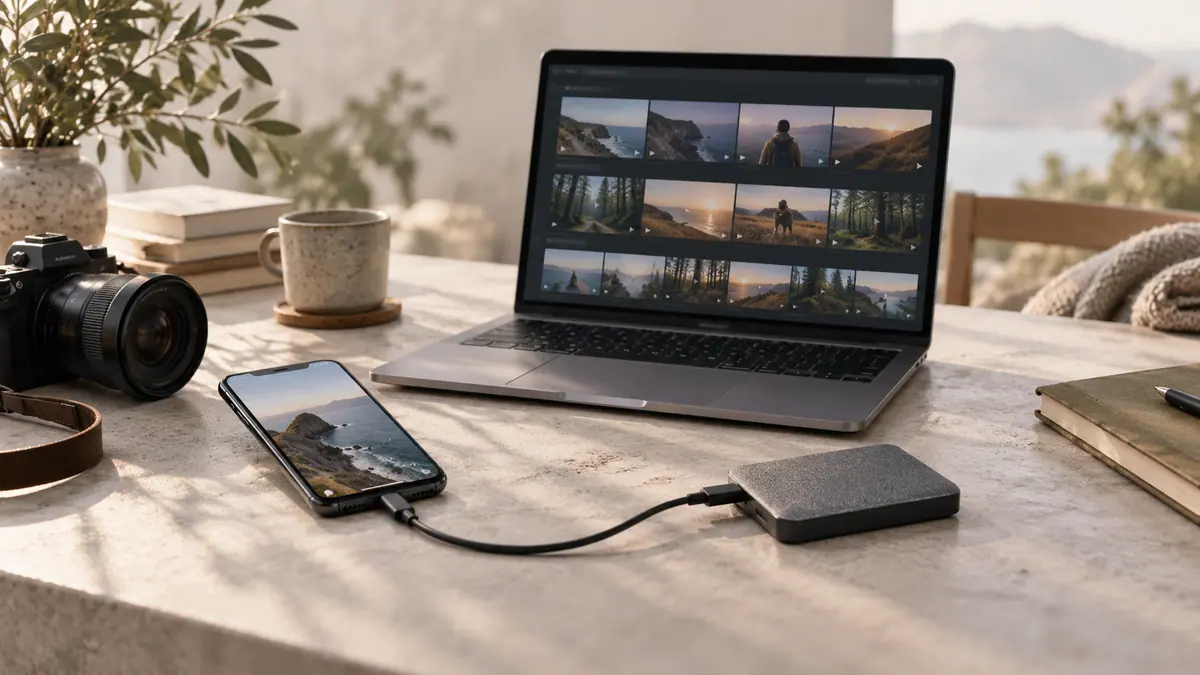
- Prepare a separate delivery image while retaining an original you may need again.
How to get started
- Choose a small group of photos and review the access the app requests.
- Use the organization or editing functions described in the listing, checking selection and preview carefully.
- Review the saved result or library change before applying the same operation to a larger batch.
Common questions and problems
Some photos do not appear
Review the app’s photo-access selection and whether the originals are available locally. Start with a known accessible item.
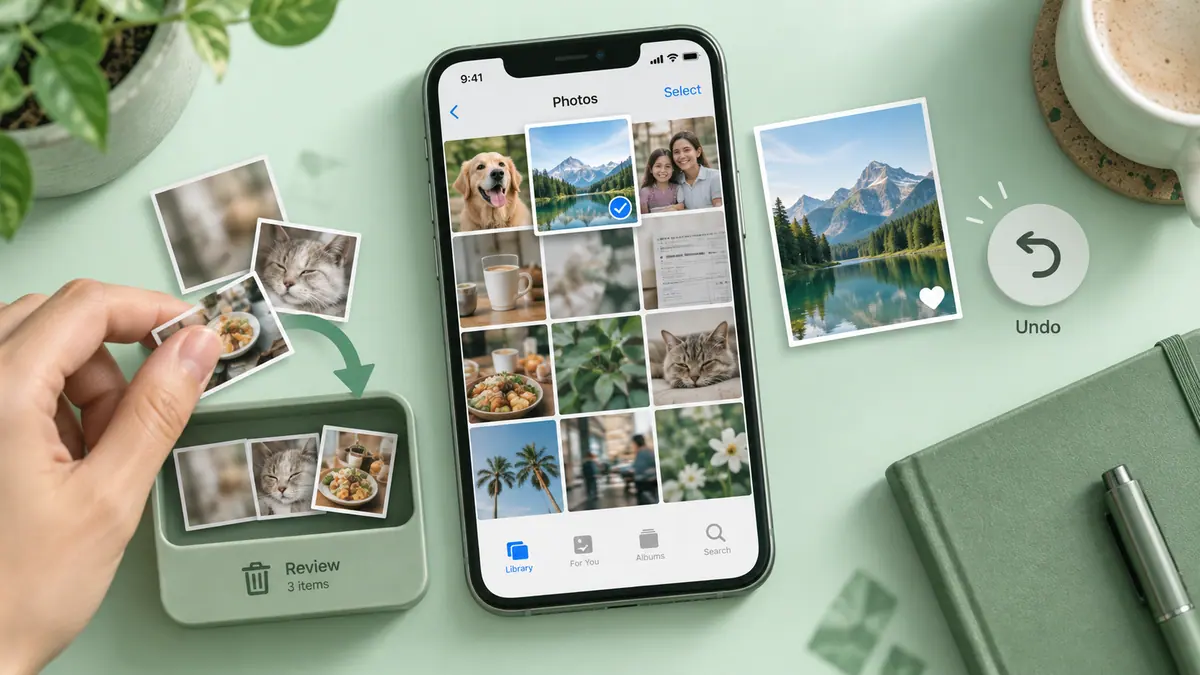
A cleanup or edit affects the wrong item
Stop the batch, compare the selected items with the intended ones, and check the app’s supported recovery or undo behavior before continuing.
App details
- Category
- Utilities
- Current version
- 1.4.1
- Store information checked
- Sep 30, 2026
Availability
Requires iOS 16.0. Availability and pricing may vary by region.