Why Can an App See Only Some of My Photos?
Check selected-photo access before assuming an image has disappeared.
Start with the permission scope
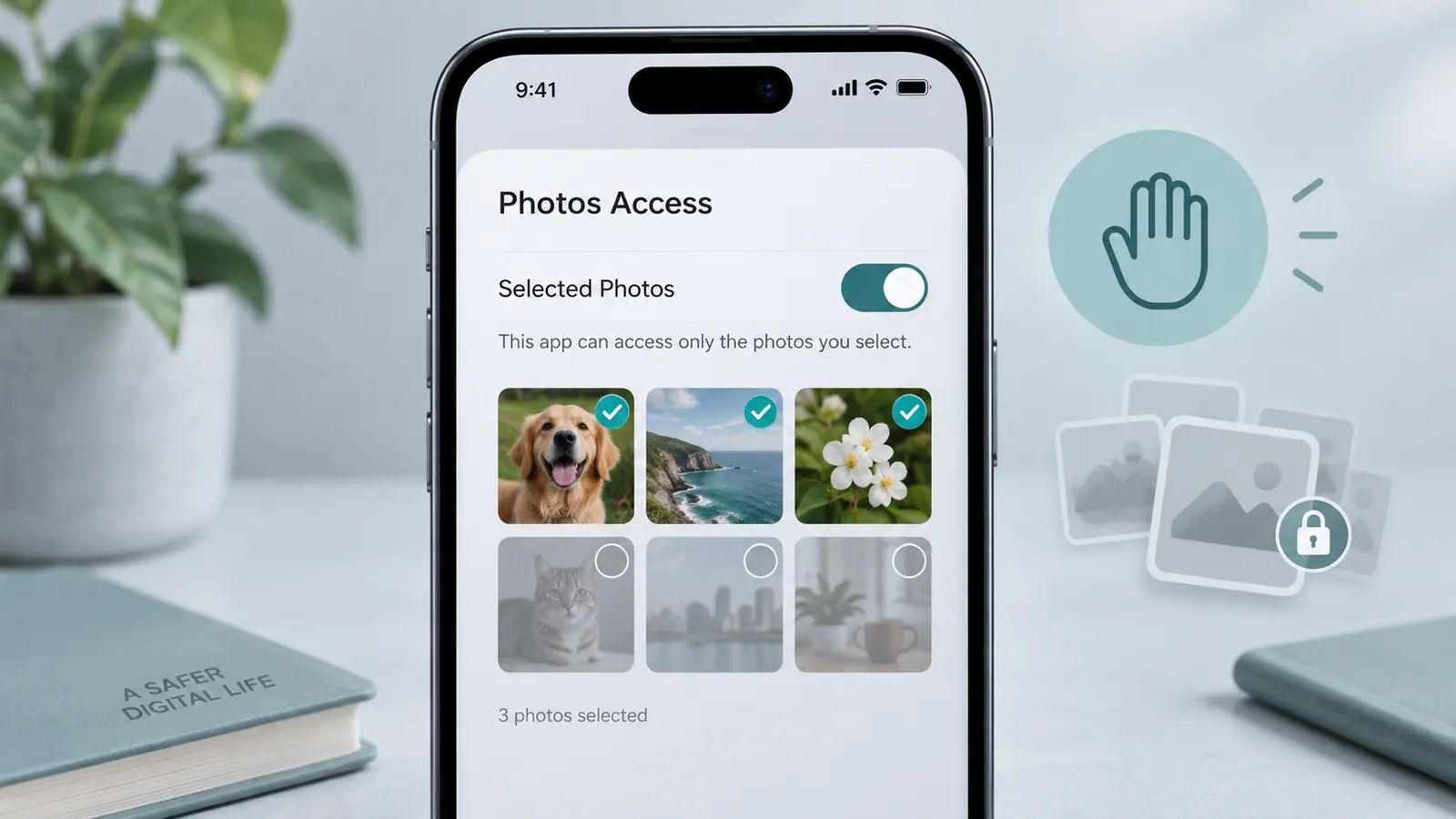
An app can have access to a selection of photos rather than the entire library. That can explain why a picture is visible in Photos but missing from the app’s picker. It does not necessarily mean the file was deleted or corrupted.
Give only the access you need
Review the app’s photo permission in iPhone settings or use its supported selection flow to add the required images. A one-time edit may need only a few pictures. An organizer that works across your library has a different access requirement; decide whether that matches the task you want it to do.
If the photo is already permitted, check whether it needs to download from cloud storage and whether the app supports its format. Try a small, ordinary image to separate a permission issue from a decoding issue.
Review the result and permissions
After exporting, open the saved copy in its destination. If you no longer need broad access, narrow it again. Changing access is separate from deleting copies already imported into an app. Check the app’s own retention controls and privacy policy when the image contains personal information.
Sources & further reading
- Apple · Checked Oct 1, 2026