iPhone 18 Pro Camera Changes: Keep an Original Through the Edit
Apple’s iPhone 18 Pro announcement describes new camera and reference-image capabilities, but the practical handoff still depends on what you save and what the receiving app supports. Keep an original when preparing an edited or smaller sharing copy. Check the actual exported file for framing, orientation, and useful detail before delivery. A JPEG derivative should not be assumed to retain every companion asset or editing property associated with the capture. The feature claims here come from Apple’s announcement; SFByte has not independently tested this camera workflow.
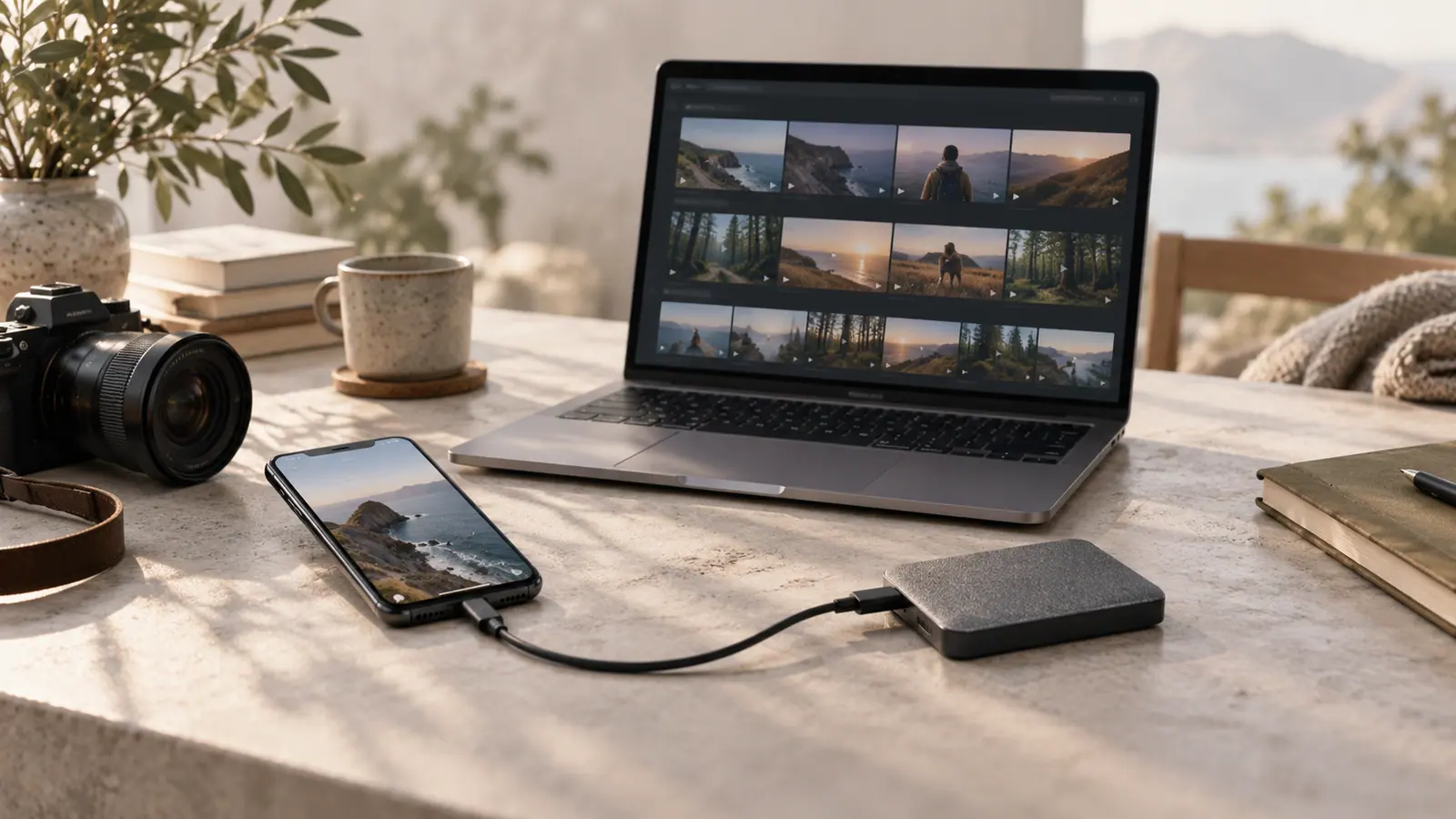
Source announcement:
What Apple announced
Apple’s iPhone 18 Pro announcement describes a variable-aperture Main camera and new capture controls. It also introduces Apple Reference Image as a way of retaining a reference associated with the captured scene. These are Apple’s feature descriptions, not independent SFByte test findings.
Decide which copy you need
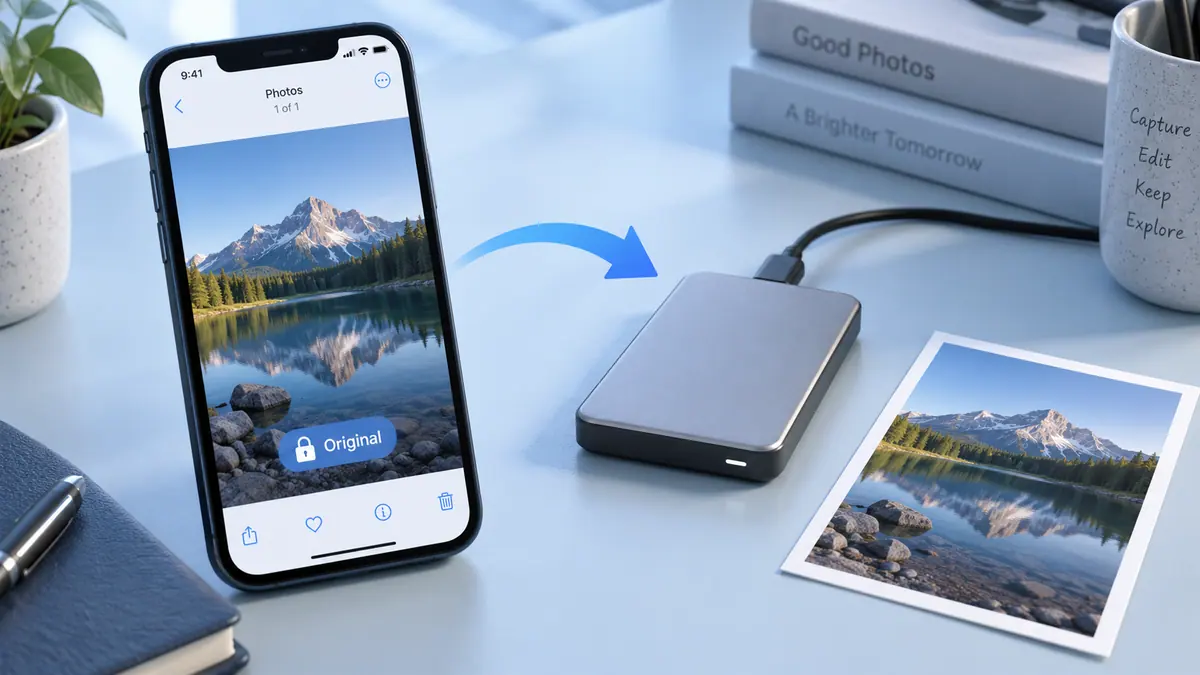
A capture original, an editable project, and a small sharing image serve different purposes. Before applying a new effect or importing a file into another app, check what that app reads and preserves. Do not assume every companion asset or piece of metadata survives an ordinary JPEG export.
For a valuable photograph, keep the original and work on a copy. Open the final export in its intended destination and check color, crop, orientation, and useful detail.
Organize the handoff
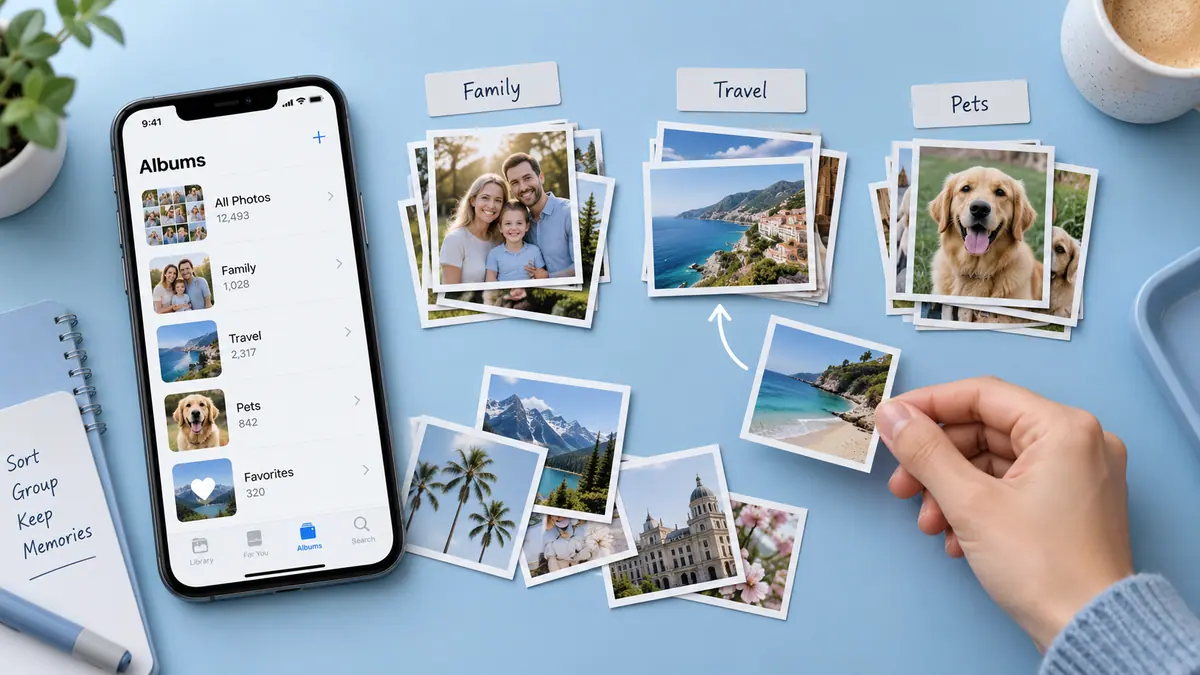
Name the edited version distinctly and store it alongside a clear reference to the original. If another person needs to edit further, agree on the format rather than sending only a small messaging copy. Organizing a large photo library and photo print sizing cover the practical decisions that follow capture.
Agree on the kind of delivery
If another person will continue editing, clarify whether they need the original capture, an editable project, or a rendered image. If they only need to view it, a separate delivery copy may be sufficient. Name those versions clearly so a small message attachment is not mistaken for the only retained original.
Before moving a large group, transfer a sample and open it in the actual destination. The file verification guide explains why a completed transfer indicator is not enough. Preserve the original until the recipient has confirmed the result is usable.
Review privacy independently of image quality
A detailed capture can also contain information you did not intend to share. Inspect visible screens, badges, reflections, and location clues. The guide to removing photo location before sharing covers a separate metadata control; it does not replace reviewing the picture itself.
Keep the event date of the announcement visible. An editorial check of the handoff workflow does not make the original hardware announcement a newly released product again.
Sources & further reading
- Apple · Checked Oct 1, 2026