iOS 27.0.1: Face ID, Camera and Touchscreen Fixes Explained
Apple released iOS 27.0.1 on September 28. Its release notes address unexpected restarts following a failed Face ID attempt on iPhone 18 Pro models, a particular 2x photo color artifact, and a touchscreen freeze associated with opening two system panels together. These are specific fixes, not a guarantee that every authentication, camera, or display problem is resolved. Check the available update on your phone, back up first, and keep a clear record if your original symptom continues.
Source announcement:
Match your symptom to the documented fix
Apple’s iOS 27 release notes identify three issues:
| Symptom | Scope described by Apple |
|---|---|
| Restart after Face ID fails to authenticate | iPhone 18 Pro and Pro Max |
| Color artifact in a 2x photo | Certain lighting at f/1.48 on a small number of those Pro devices |
| Unresponsive touchscreen | Opening Notification Center and Control Center simultaneously |
A failed Face ID match without a restart is not the same symptom as the first item. A generally blurry photo is not necessarily the second. Describe the actual behavior rather than assuming that a matching keyword identifies the problem.
Should you install it?
Apple’s release history dates the update to September 28. Use Software Update to see the version currently offered for your device; a later release may supersede this one.
There is no need to deliberately reproduce a freeze before updating. If you already have evidence of a problem, save it somewhere you can access after a restart. A short note about the app, action, and time is often more useful than repeatedly triggering the failure.
Update with a backup in place
Apple’s update instructions start with a backup. Connect to Wi-Fi and power, then open Settings → General → Software Update and follow the offered installation steps.
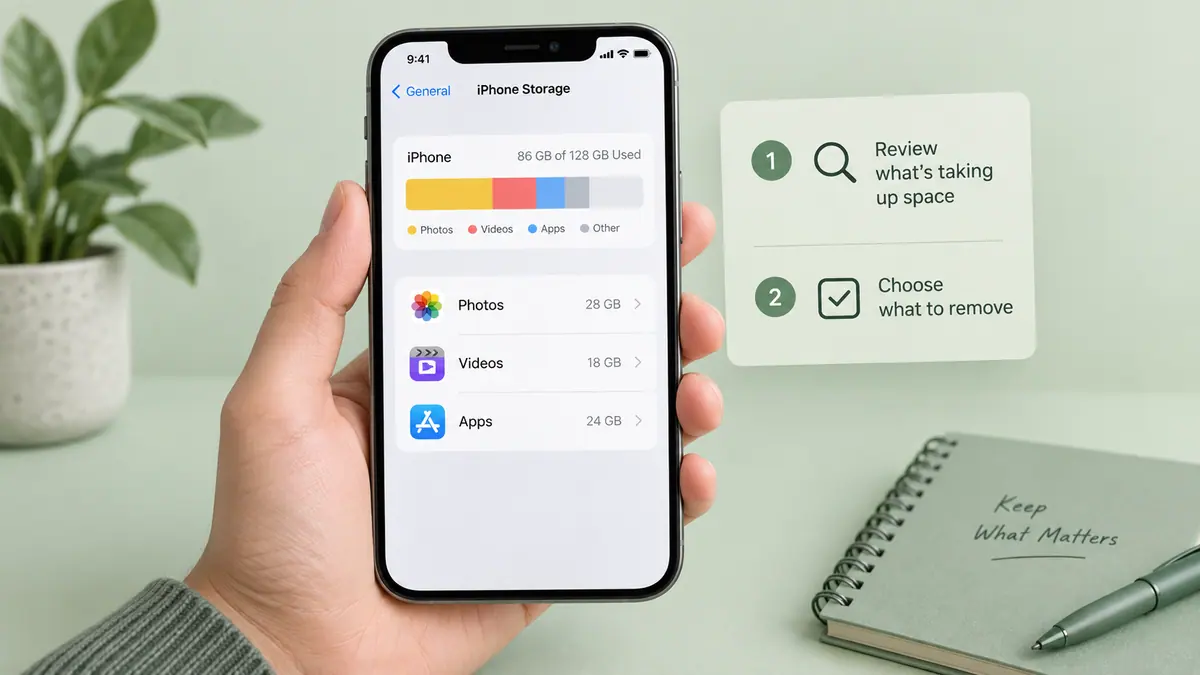
If available space is an obstacle, use our storage review guide to identify what you can safely move or remove. Avoid deleting irreplaceable material simply to finish an installation quickly.
Check the result without losing evidence
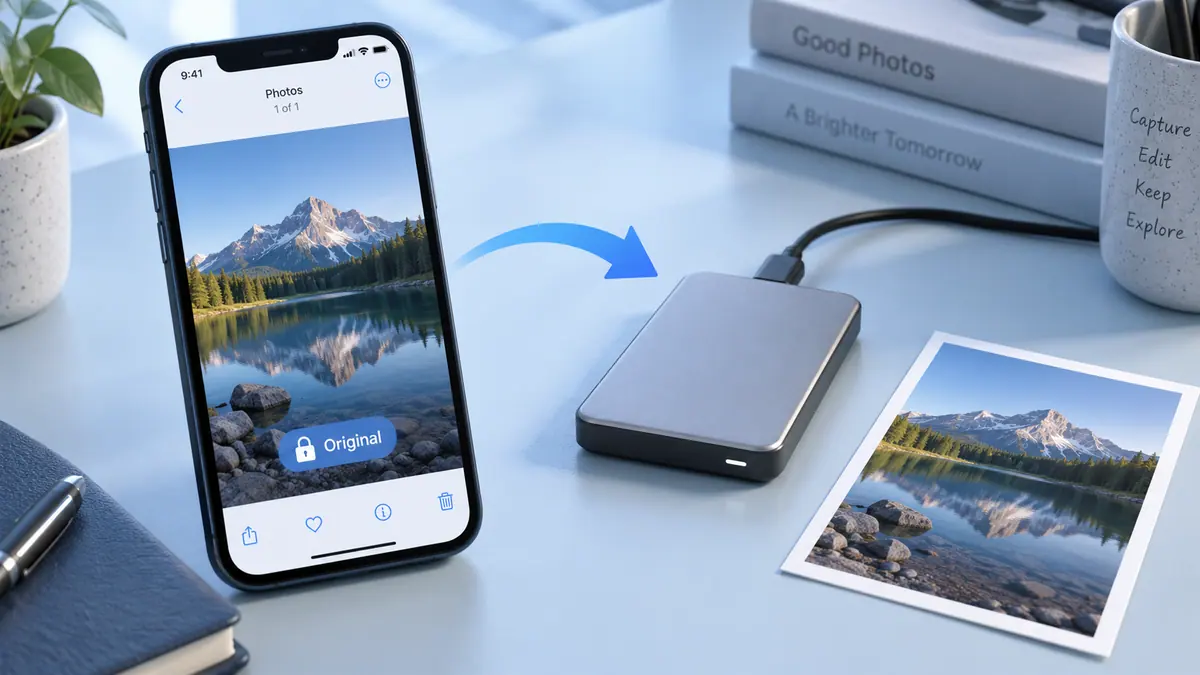
For a camera concern, retain the original affected file and compare a new photo in ordinary use after updating. Keep the comparison separate from edited or compressed copies. Our original-photo backup guide explains that distinction.
If a restart or touch problem continues, write down the new software version and the exact action that preceded it. Report the continuing symptom to Apple rather than describing the update as universally successful or unsuccessful.
What is outside these notes?
The three listed fixes do not establish a remedy for every battery, cellular, or hardware complaint. The AT&T/SOS report has separate carrier and service advice. We do not have a device-by-device success rate or SFByte test results for this release.
Follow the Apple & iOS hub for related explanations.
Sources & further reading
- Apple Support · Checked Oct 3, 2026
- Apple Support · Checked Oct 3, 2026
- Apple Support · Checked Oct 3, 2026