Guide · Privacy & Security
How to Prepare a Screenshot for Private Sharing
Remove account details and verify the exported image before sending it.
1 min readMake deliberate choices about permissions and shared information.
Privacy starts with understanding the task an app needs to perform. A photo editor may need selected images; a voice recorder needs microphone access while recording. Review the permissions you granted and narrow them when a smaller selection is sufficient. A permission prompt is a decision about access, not a guarantee about how an app stores or uses information afterward.
Think about the exported result as well as the source. A screenshot may reveal account details, a photo may carry location information, and a sharing link may permit access beyond the intended recipient. Inspect the final copy and review the sharing settings before sending it. Blurring a face can reduce recognition, but clothing, background details, or a voice may still identify someone.
Use the guides below for a specific task, then follow the related tools and apps when they fit your workflow. Each article links to its sources and separates a general explanation from instructions that depend on a particular app or device.
Remove account details and verify the exported image before sending it.
1 min readSee which apps requested access and revoke permissions you no longer need.
1 min read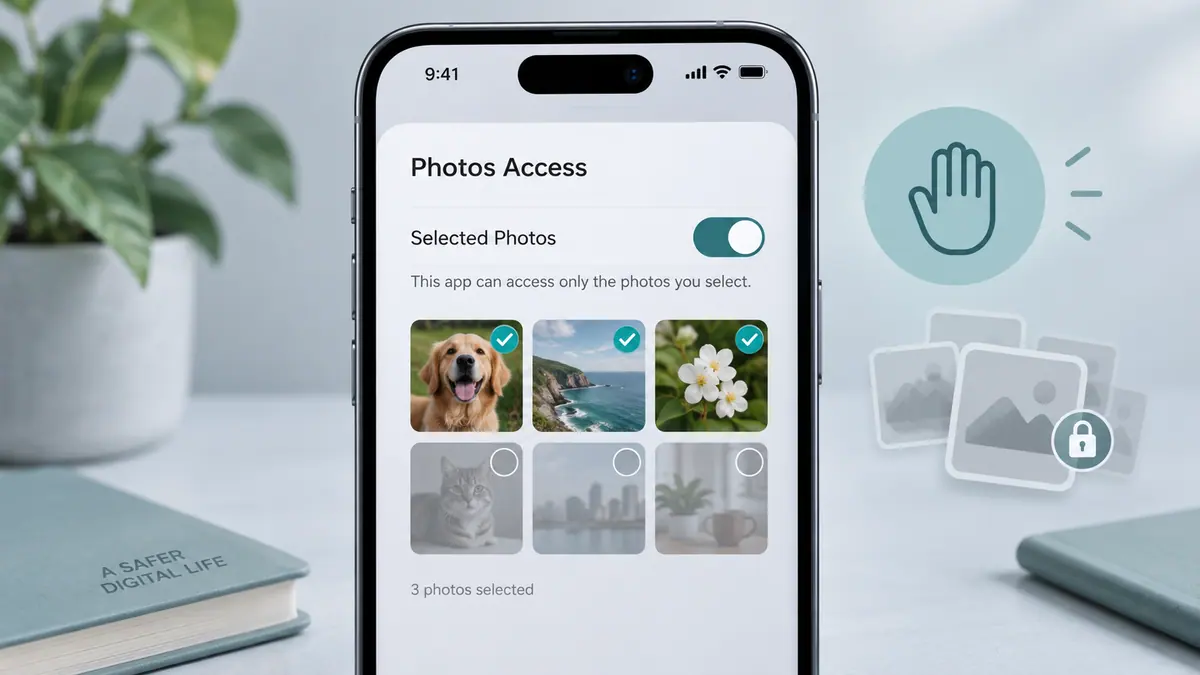
Check selected-photo access before assuming an image has disappeared.
1 min readReview the app’s documented controls and change one setting at a time. Keep a way to return to the previous working setup.
Use the specific documented scope. A browser, filter, or password tool does not automatically protect every activity on a device.
 Privacy & Security
Manage DNS filtering to reduce unwanted connections.
View app Privacy & Security
Set up DNS filtering for unwanted browsing connections.
View app Privacy & Security
Browse with controls for blocking unwanted web content.
View app Privacy & Security
Organize passwords in a dedicated local password manager.
View app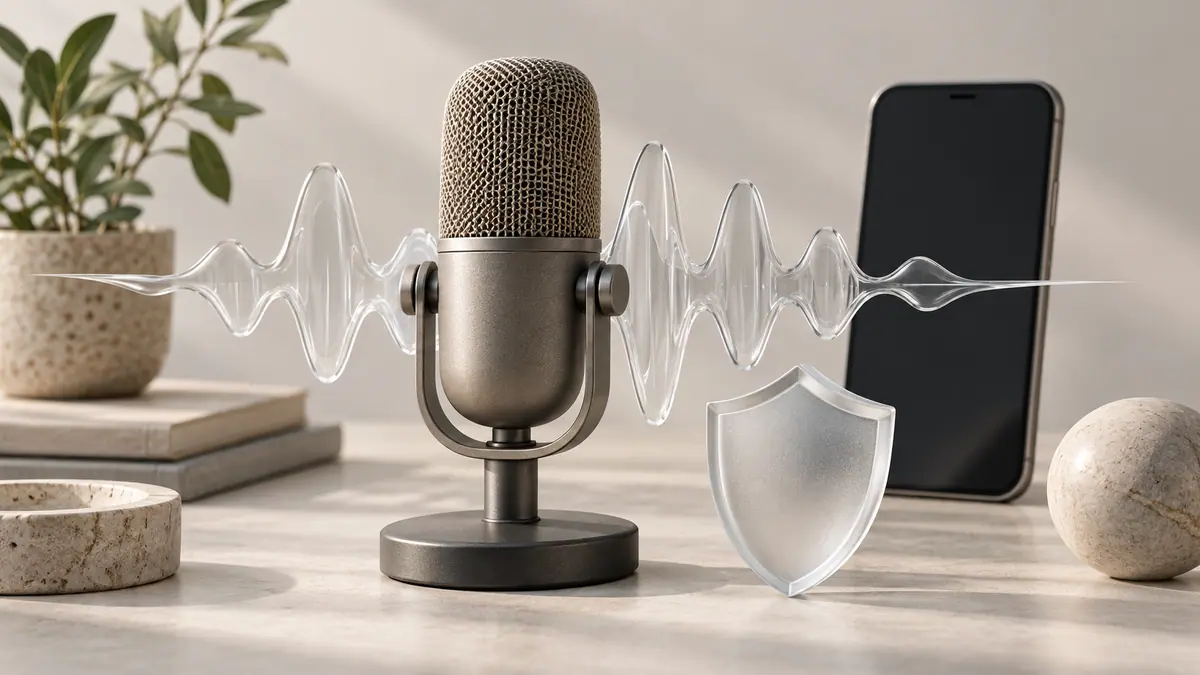
YouTube says it plans to add speaking-voice detection to its likeness-protection work later in 2026.
3 min read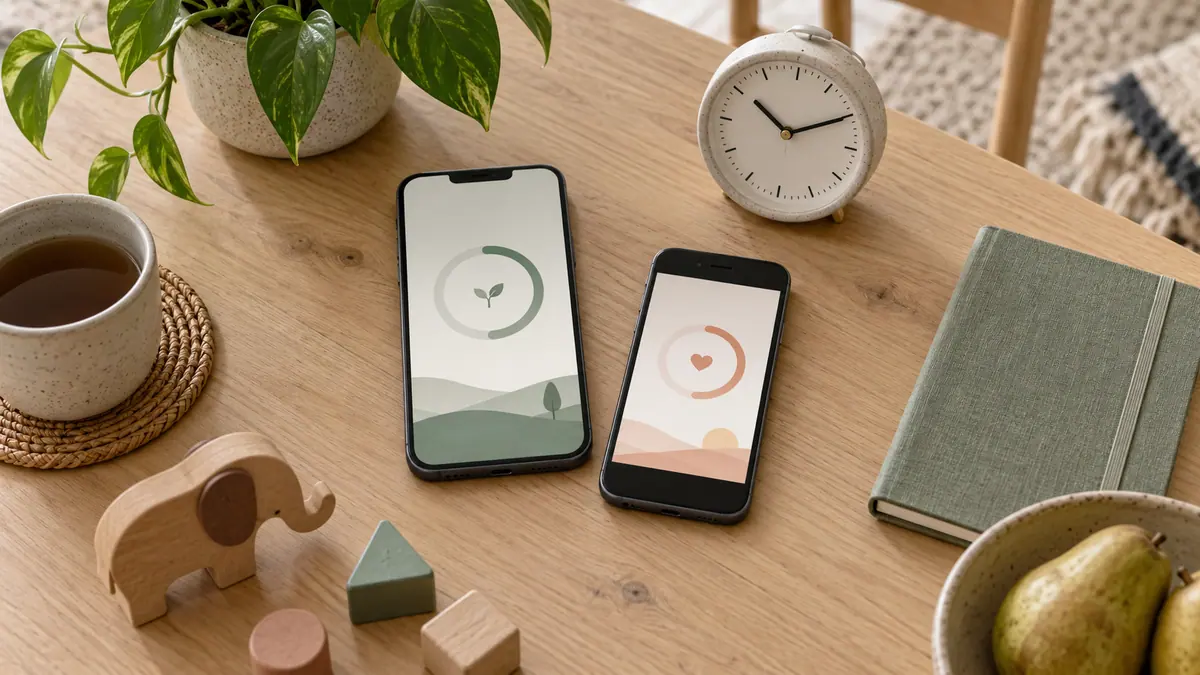
New controls need a deliberate setup across the devices a family actually uses.
3 min read