YouTube Plans Voice Likeness Detection: What Creators Should Know
YouTube says it plans to add speaking-voice detection to its likeness-protection work later in 2026. That is a stated future addition, not evidence that every creator can use it now or that every impersonation will be found. For a creator deciding what to publish today, consent, identifiable faces, recognizable voices, and contextual clues still need a separate review. Keep a record of the original material and use the platform’s current reporting tools when needed. Blurring a face does not by itself anonymize the person speaking.
Source announcement:
Separate the plan from current protection
The September 23 announcement discusses face-likeness detection and a planned extension to speaking voices. It does not justify a guarantee of complete detection, immediate removal, or access for every account. Check YouTube’s current eligibility and reporting guidance when a real incident occurs.
A practical review before uploading
Look at the video as a viewer who does not know the production context. Could a face, voice, badge, screen, location, or caption identify someone? Does that person understand how the recording will be used? Make the necessary editing and permission decisions before upload rather than assuming a detection system will resolve them later.
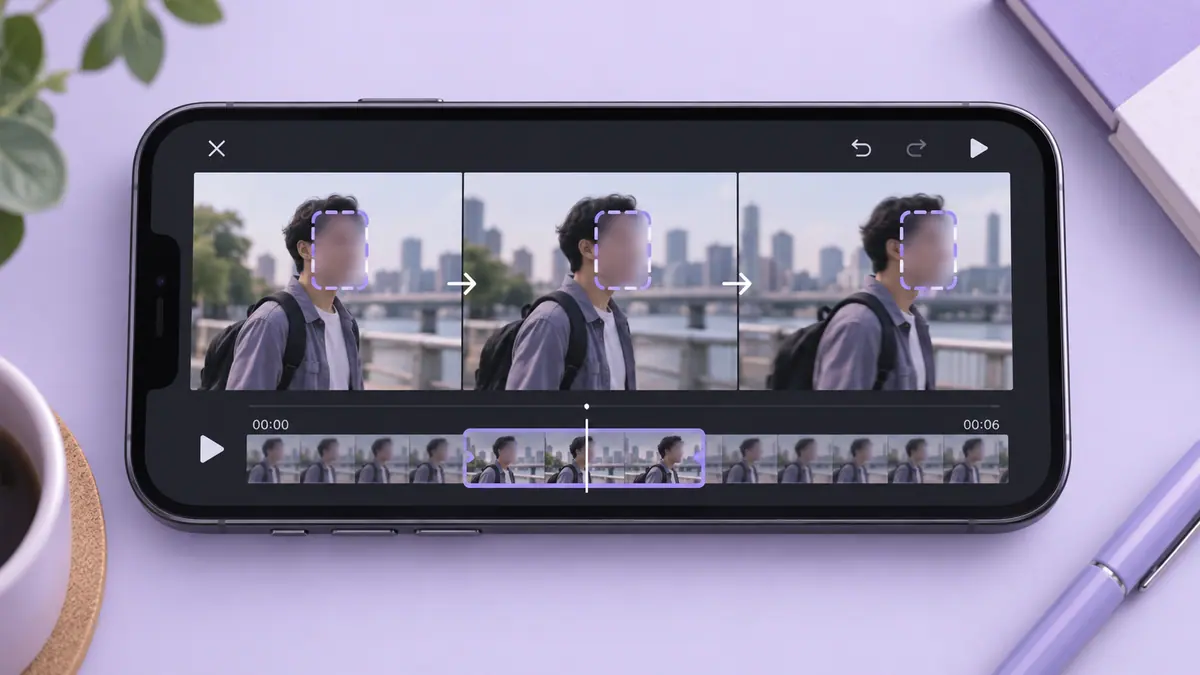
When a face needs obscuring, inspect the entire timeline, including cuts, reflections, and reappearances. The guide to blurring a face throughout a video explains why a mask needs review across frames. Voice and context require their own decisions; a visual blur is only one part of the task.
If you encounter a suspected imitation
Record the URL, relevant timestamps, and the reason you believe the material imitates a real person. Preserve your own original files if they help establish context. Use the platform’s current report or likeness process and follow the information it requests. Avoid reposting a harmful clip simply to draw attention to it.
A resemblance is not the same as a completed platform decision. Describing a report accurately matters: say what you observed and what you submitted, rather than claiming a removal or finding that has not occurred.
Keep editing records useful
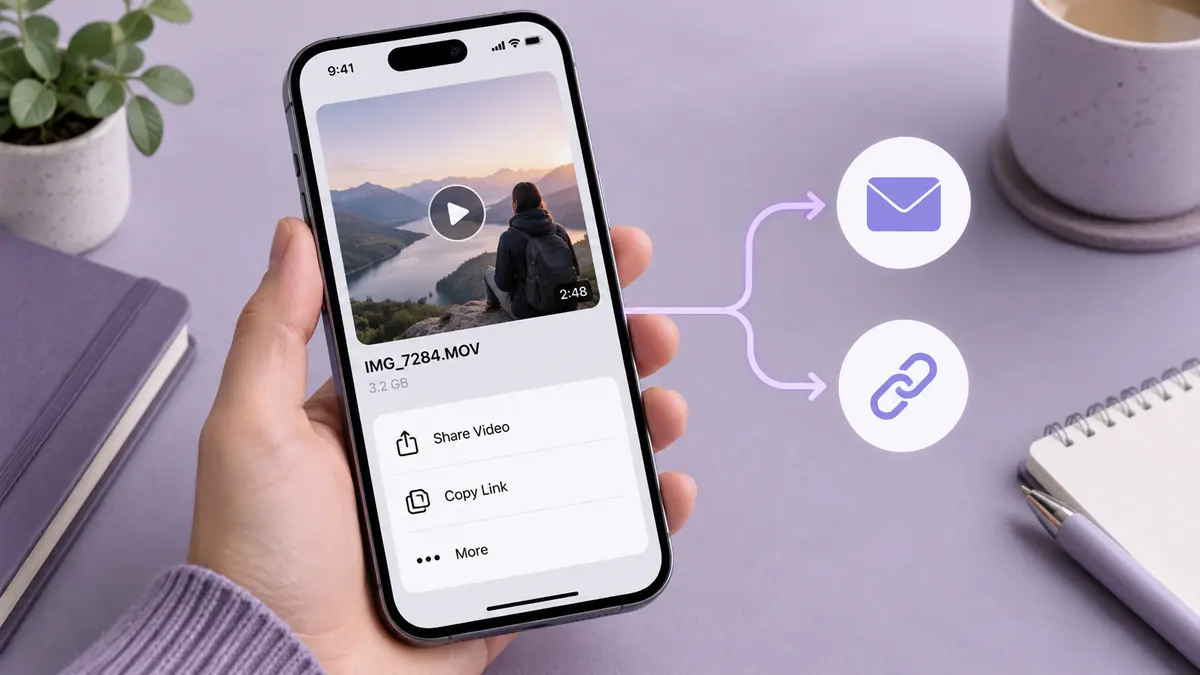
Maintain a clearly named source and publication copy. Document which parts you intentionally altered so you can reproduce the edit without relying on memory. Our file naming guide gives a simple project structure, and the screenshot redaction guide helps when sending a support report that includes private account details.
Does face blur remove a recognizable voice?
No. Review the soundtrack separately. Removing or replacing audio can change a clip’s meaning, so make that decision deliberately and keep the original securely where appropriate.
Is detection a guarantee against misuse?
No such guarantee follows from this announcement. Treat platform tools as one available response, alongside careful publication choices and accurate reporting.
Sources & further reading
- YouTube · Checked Oct 2, 2026