How to Find Large Photos and Videos Before a Cleanup
Find large photos and videos by starting with the iPhone Storage breakdown, then narrowing the Photos library to likely candidates such as long videos and high-resolution captures. Inspect an item’s information where your viewer provides file size, and compare actual files rather than judging only from thumbnails. Not every Photos view offers a universal largest-first sort, so do not spend time looking for a button your version may not have. Review a small shortlist, back up anything valuable, and distinguish a removable duplicate export from an original you need to preserve.
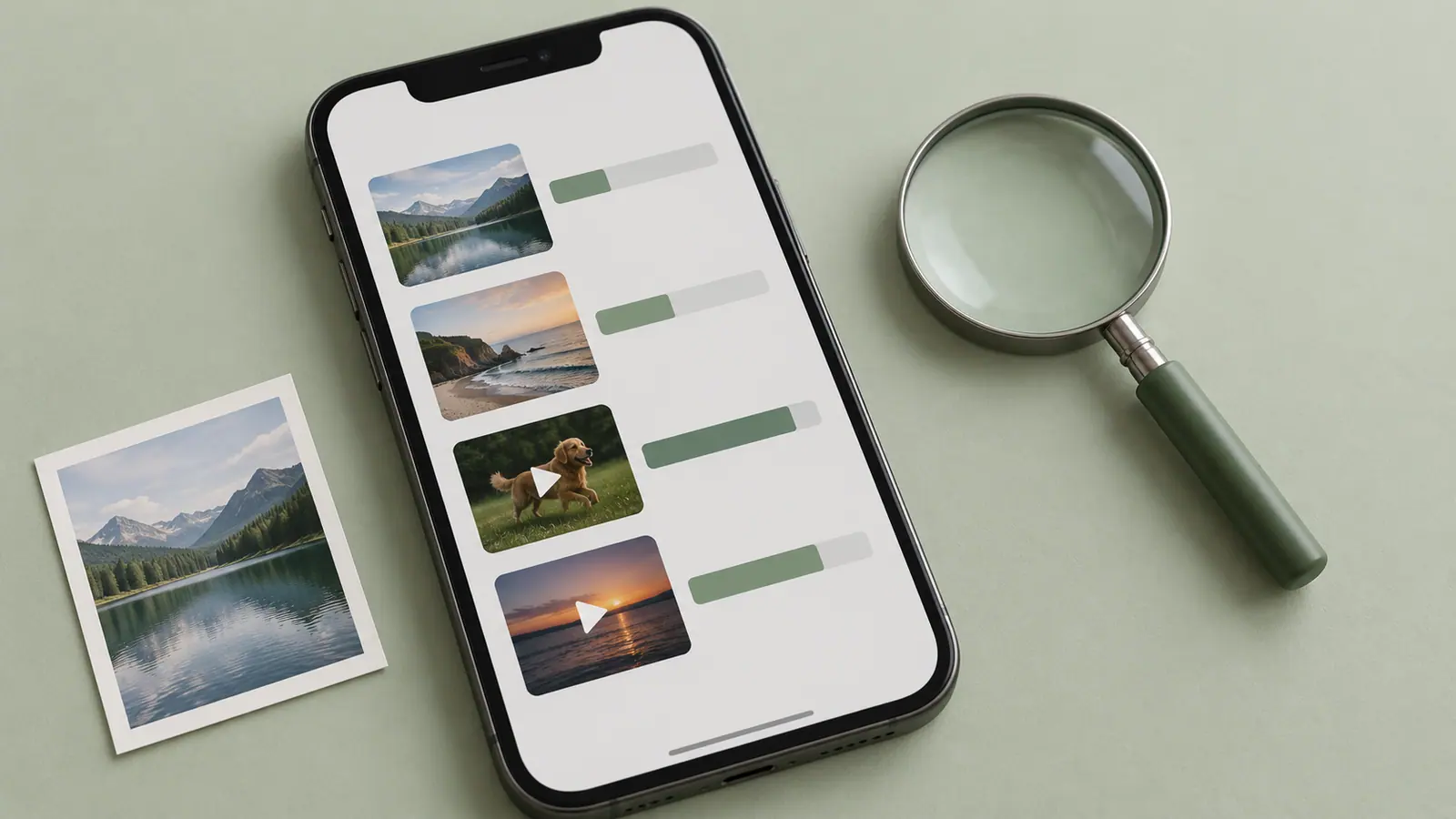
Use the storage category to narrow the search
Before inspecting individual pictures, confirm that Photos is actually the category causing the problem. An offline music collection or app download may be responsible instead. Record available device storage and open the category breakdown. The storage comparison guide helps identify whether the warning is local or in iCloud.
If Photos is the target, begin with media whose size you can reasonably explain. A long video is a useful candidate because duration matters. A high-resolution picture can be large, but its dimensions alone do not determine compressed size. A thumbnail gives even less information.
Build a shortlist instead of deleting as you browse
- Review the Videos collection and identify unusually long or repeated recordings.
- Open each candidate and inspect its information, including size where shown.
- Note the file’s purpose: unique original, edited copy, reference, or accidental capture.
- Check whether an independent backup opens correctly.
- Decide whether to keep, offload, make a smaller delivery copy, or remove it.
- Recheck device storage after the chosen action.
The exact collection names and information controls vary with iOS. If a third-party library tool offers sorting or filters, confirm those features in its current interface. This guide does not assume that every cleaner includes a file-size sort or can inspect every kind of stored media.
Compare candidates by both size and value
A 600 MB finished export can be replaceable when the project and source are safely stored elsewhere. A 60 MB recording can be irreplaceable. The useful ranking is not simply biggest first; it is space that can be recovered without losing something you need.
Write a short list of the five largest safe candidates you find. This is often easier to verify than selecting hundreds of images whose individual sizes are unknown. If you need to plan a video reduction, use the Video Size Calculator and then compare the actual exported file with the estimate.
Understand what an export changes
Exporting or sharing can produce a converted copy, depending on the app and options. That copy’s size may not equal the library original’s size. If you save an image to Files to inspect it, record whether you exported an original or a delivery version. Do not use a small converted copy as proof that the original takes little space.
If you make a smaller video, open the beginning, middle, and end and check audio. Keep the original until the replacement or offloaded copy is verified. The file transfer checking guide provides a stronger process than relying on a success message.
When the largest items are still worth keeping
Use a storage route appropriate to the material: an independent computer copy, an external device supported by your workflow, or a suitable cloud destination. A synchronized library is useful but can propagate deletion. Know the distinction between storing a separate backup and seeing the same library from another device.
The photo cleanup guide can help review unwanted images without treating every large file as a mistake. SFByte’s Photo Cleaner is a related library-review option; check its current permissions and supported categories before granting broad access.
Questions about size
Is a 4K clip always larger than a 1080p clip?
No. Duration, bitrate, codec, and settings all matter. Compare actual files or use an explicitly stated bitrate scenario rather than a fixed resolution-to-size rule.
Can a calculator find the largest file on my phone?
The SFByte calculators work from numbers you enter. They do not scan your library or inspect device storage.
Why did freeing one file not change the display by exactly its size?
Recovery storage, cloud optimization, conversion, and reporting can complicate a direct comparison. Check the file’s lifecycle and the same storage category before deciding that the action did nothing.