Storage & Cleaning Guides, Tools & Apps

Find what uses space and clear it with a plan.

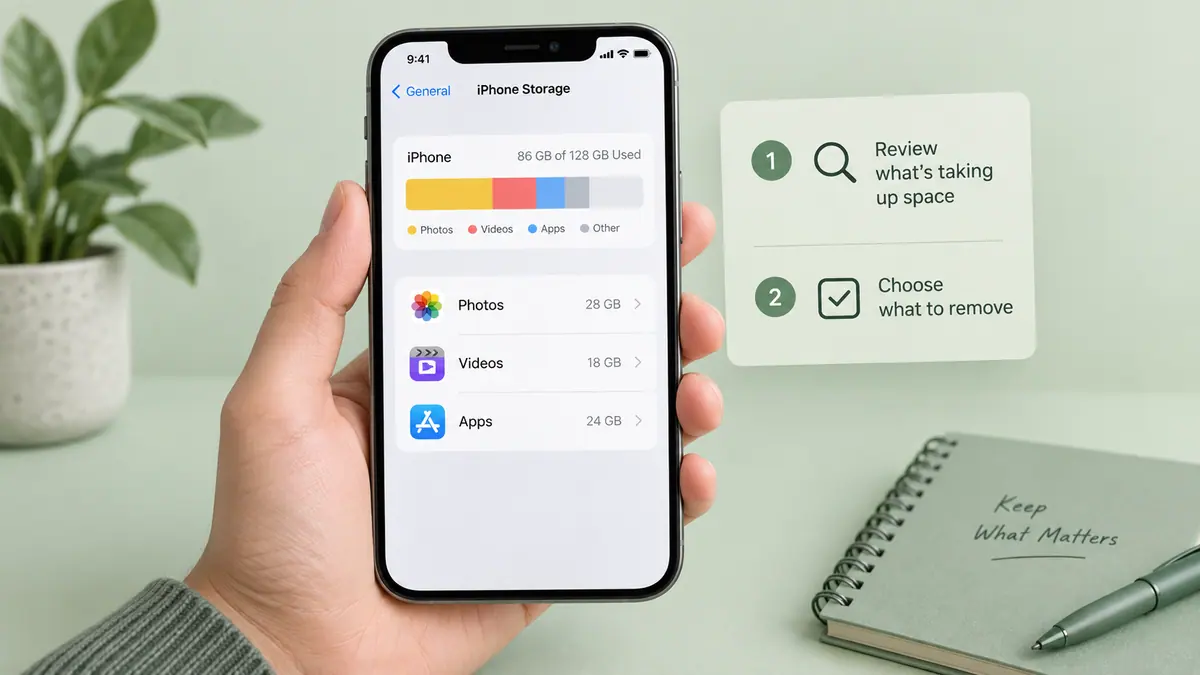
Start a cleanup by identifying the kind of storage that is full. Device storage, cloud storage, and a file-sharing allowance are separate limits. Removing a downloaded copy is also different from deleting a synchronized original. Before clearing a photo library or app, check whether the information exists somewhere you can restore it from.

Large videos and offline downloads are often easier to evaluate than hundreds of tiny files. Work on one category at a time, write down the available space, and check the result after each change. A cleaner’s suggested selection deserves a manual review. Keep the files you need for travel or work available offline, and leave enough free space for the next recording or export rather than filling the device immediately again.

Use the guides below for a specific task, then follow the related tools and apps when they fit your workflow. Each article links to its sources and separates a general explanation from instructions that depend on a particular app or device.

Popular Guides

All 8 guides

Common Problems

Storage did not change as expected

Check the same device-storage view before and after, and distinguish cloud capacity from local storage. Do not assume an app can promise a fixed recovery amount.

A suggested item should be kept

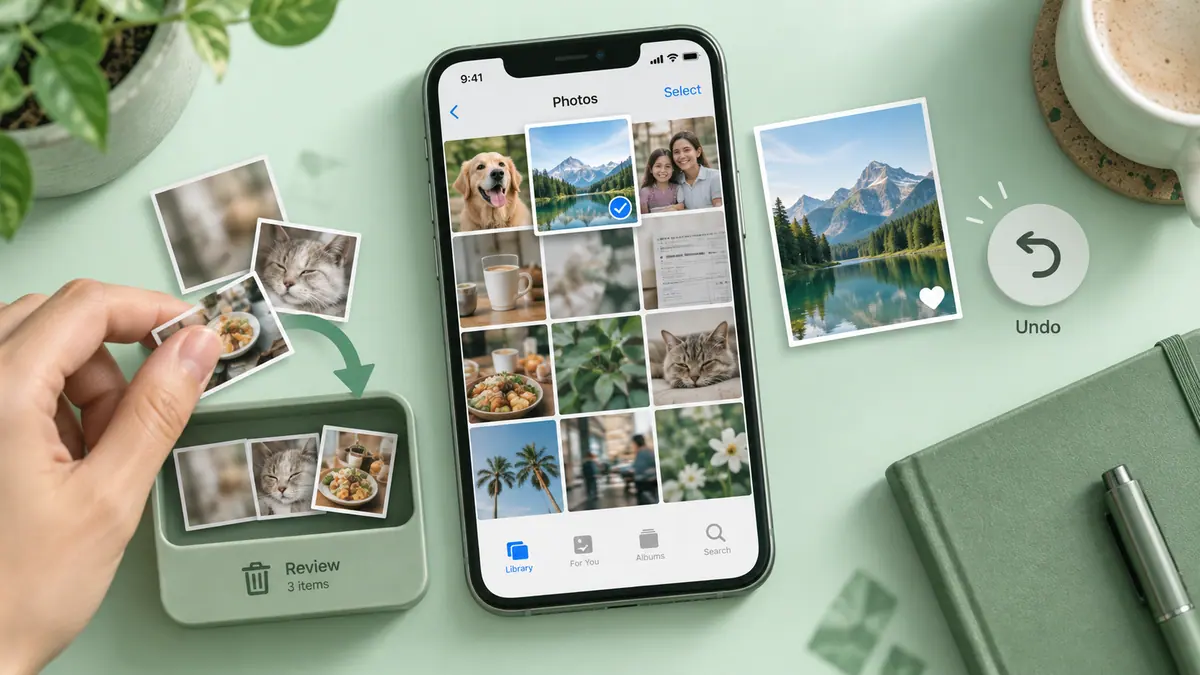
Review selections individually and exclude it using the app’s available controls. File similarity does not determine whether a memory or record is disposable.

Understand & Reclaim Space

Storage & Cleaning Tools

SFByte Storage & Cleaning Apps

All apps →

Latest Trends

Explore trends