Swipe Cleaner: Photo Cleanup
Swipe through photos and decide which ones to keep.
View on the App StoreThis app is developed by SFByte.
Features and details from the App Store listing
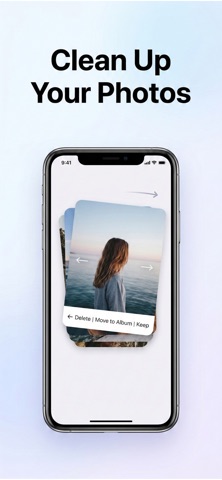
Clean up your photos and take control of your camera roll.
Photo Cleaner: Swipe Cleanup helps you quickly review, delete, and organize photos on your iPhone. Instead of scrolling endlessly through your gallery, simply swipe through your photos month by month and decide what to keep, delete, or move to albums.
It’s the fastest way to clean up your photo library and organize your camera roll.
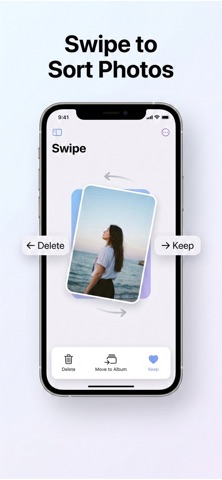
Swipe to organize your photos
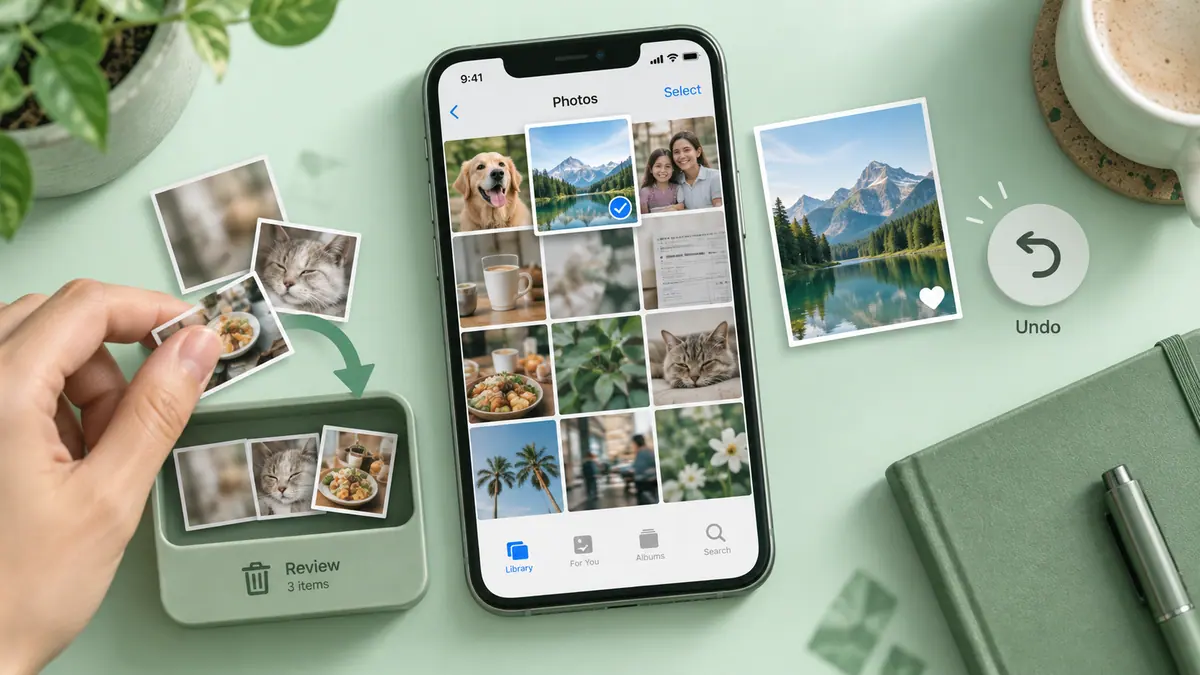
Review your photos one by one using simple swipe gestures.
• Swipe left to delete unwanted photos
• Swipe right to keep important ones
• Move photos directly to albums
• Review photos month by month
• Organize your camera roll faster
No complicated menus. Just swipe and organize.
Clean up your camera roll
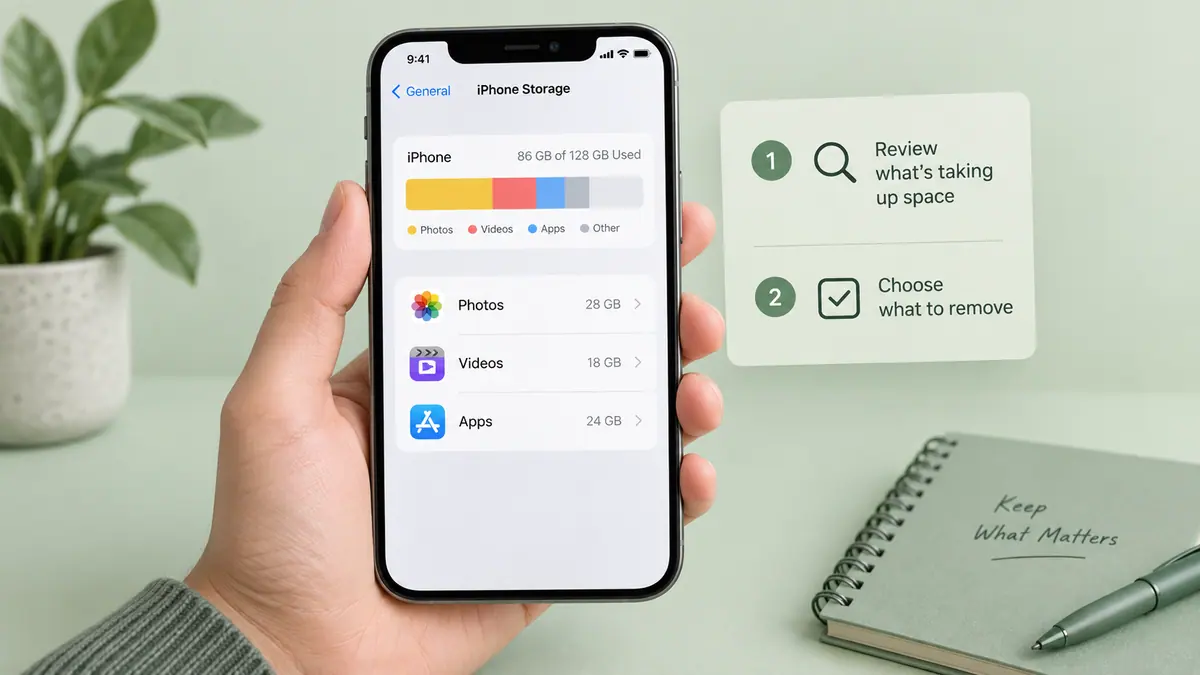
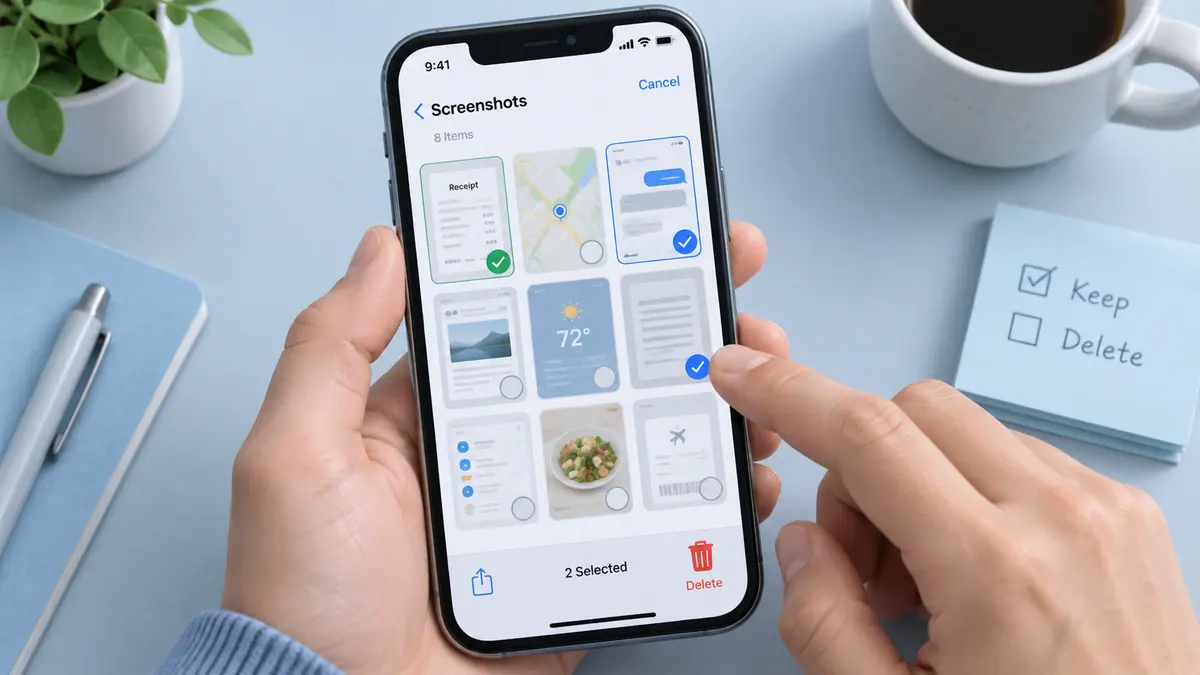
Your camera roll fills up quickly with screenshots, duplicates, and random photos. Photo Cleaner helps you review your photos quickly so you can remove what you don't need and free up space on your device.
Spend a few minutes reviewing your photos and keep only what matters.
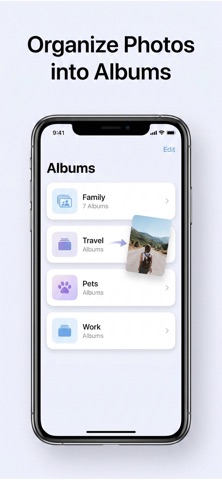
Create and manage albums
Keep your photos organized by moving them into albums while reviewing.
• Create custom albums
• Move photos instantly
• Organize photos while reviewing
• Keep your library structured
Private and secure
Your photos stay on your device.
• 100% private
• No cloud uploads
• No photo data leaves your phone
Everything happens locally on your device.
Designed for simplicity
Photo Cleaner focuses on one thing: helping you clean up and organize photos quickly.
Whether your camera roll has hundreds or thousands of photos, swipe review makes it easy to go through them and keep your library organized.
Clean up your photos today and organize your camera roll in minutes.
Legal
Privacy Policy:
https://www.emzirmetakibi.com/simpleclean/privacy.html
Terms of Use:
https://www.apple.com/legal/itunes/appstore/dev/stdeula/
Popular uses
- Review large or unwanted media before deciding what to remove.
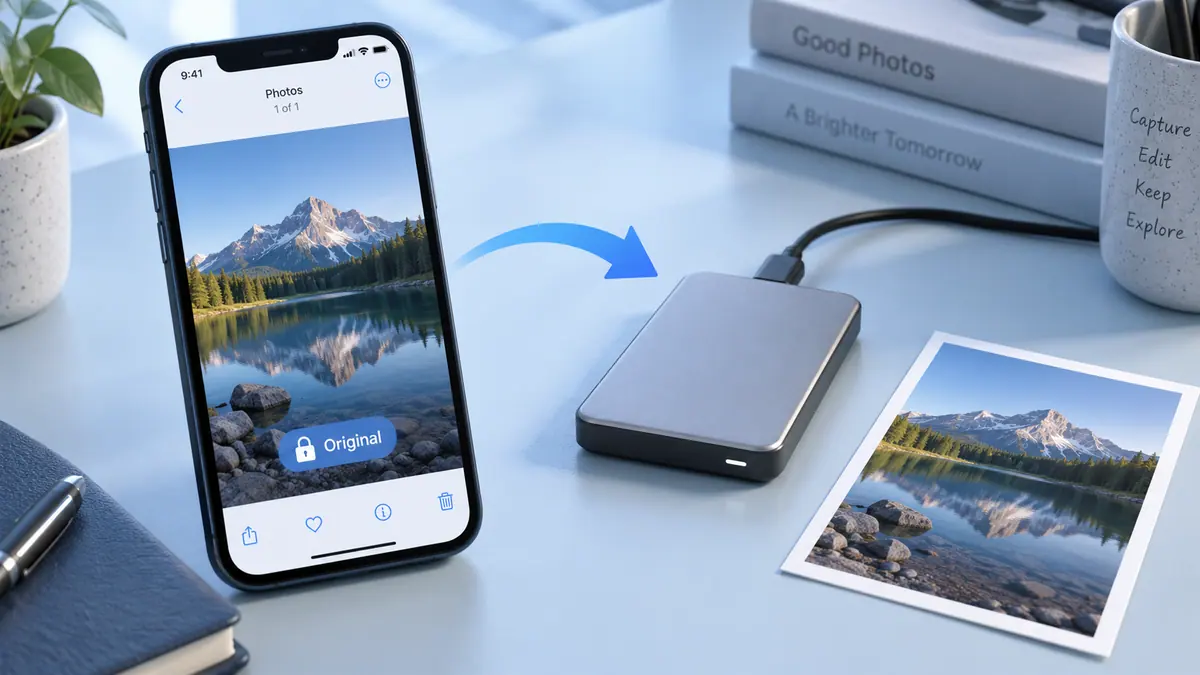
- Separate important originals from temporary screenshots and delivery copies.
How to get started
- Check device storage and confirm how your library synchronizes before removing media.
- Review the app’s suggested or selected items in a small batch; similar pictures may still have different value.
- Confirm important backups and inspect the result before starting another cleanup.
Common questions and problems
Storage did not change as expected
Check the same device-storage view before and after, and distinguish cloud capacity from local storage. Do not assume an app can promise a fixed recovery amount.
A suggested item should be kept
Review selections individually and exclude it using the app’s available controls. File similarity does not determine whether a memory or record is disposable.
App details
- Category
- Utilities
- Current version
- 1.0.1
- Store information checked
- Sep 30, 2026
Availability
Requires iOS 13.0. Availability and pricing may vary by region.