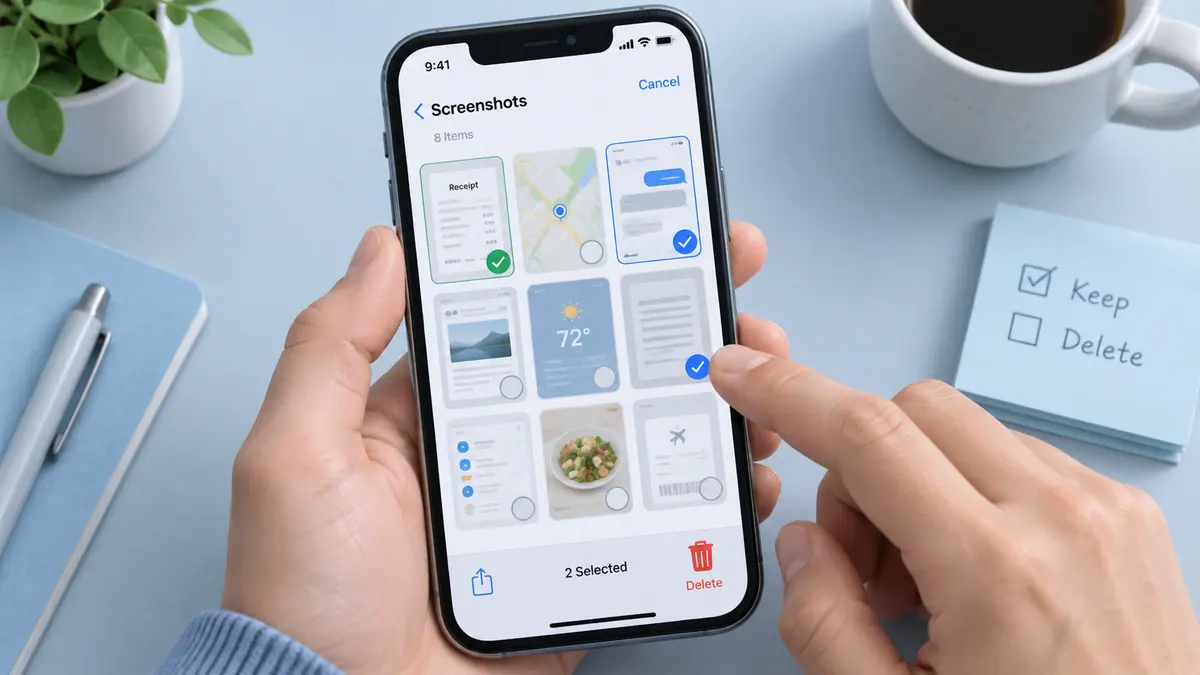
Clean up Storage, Swipe Photo
Review your photo library and choose what to keep or remove.
View on the App StoreThis app is developed by SFByte.
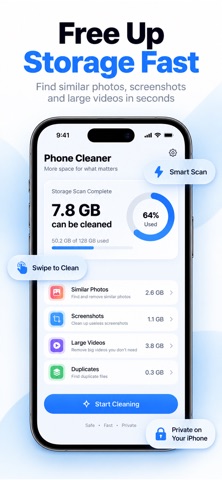
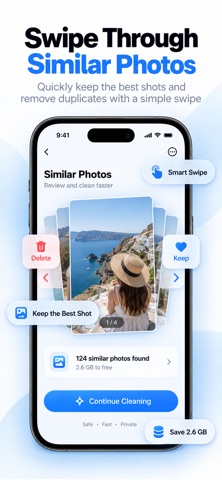
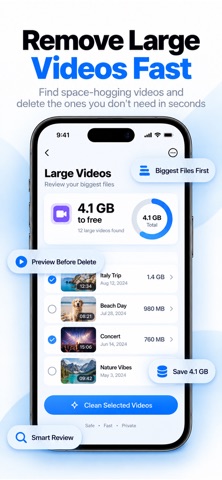
Features and details from the App Store listing
Free Up Space in Seconds
Your iPhone is full — but you don’t need more iCloud storage.
You need smarter cleanup.
PhotoClean uses intelligent on-device AI to find duplicate photos, similar shots, old screenshots, and large videos instantly — so you can reclaim space without the manual work.
No complicated folders.
No confusing tools.
Just clean, fast results.
Smart AI That Does the Work for You
• Detects duplicate photos automatically
• Groups similar shots so you keep only the best one
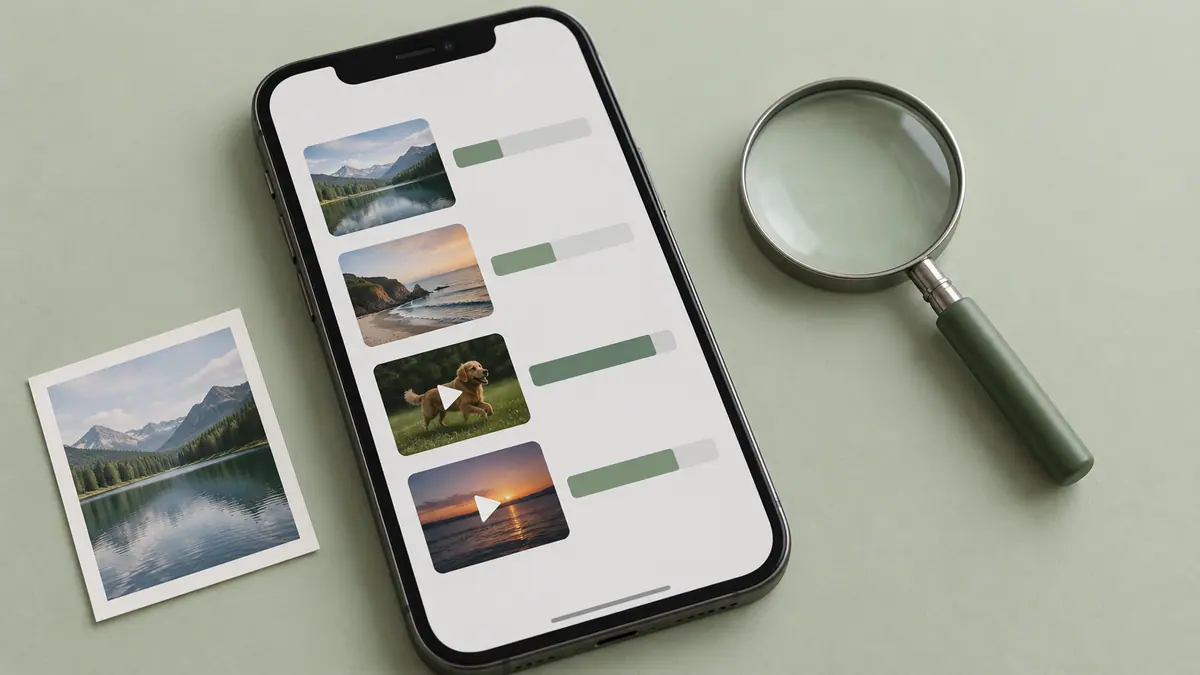
• Finds old screenshots and large videos
• Highlights blurry and unnecessary images
• Shows exactly how much space you can recover
You choose what stays.
AI handles the rest.
Swipe or Clean in One Tap
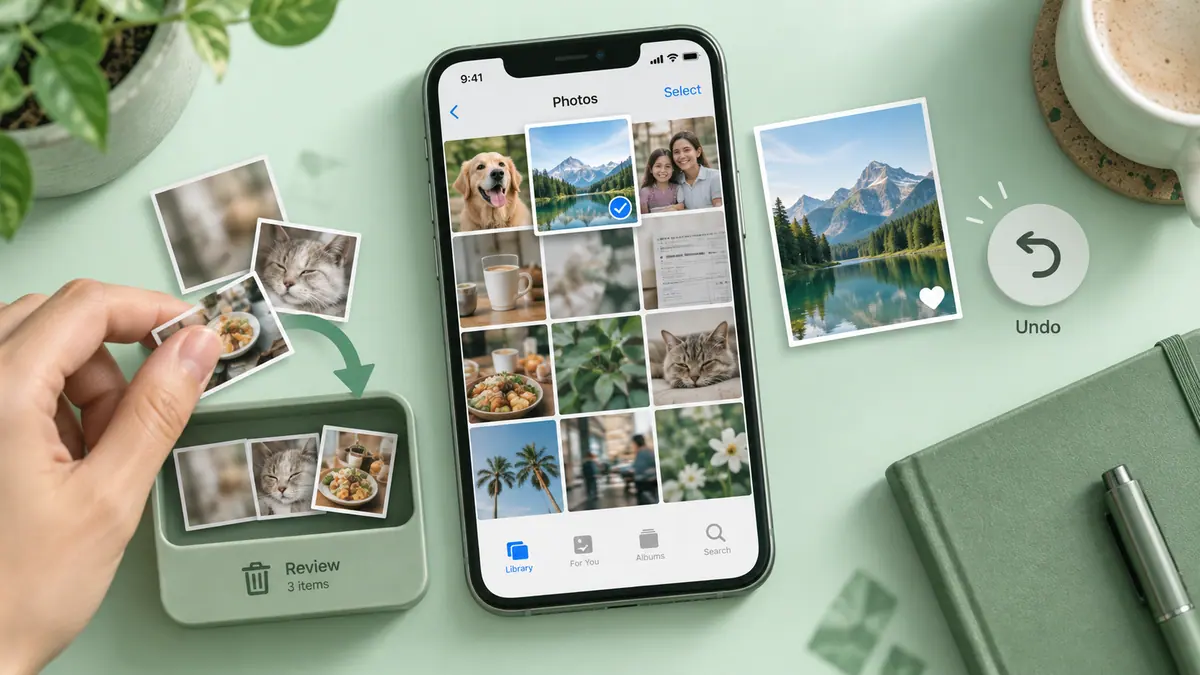
Review photos with an intuitive swipe gesture
or use Smart Cleanup to remove thousands in seconds.
Delete faster. Keep what matters.
Instant Storage Results
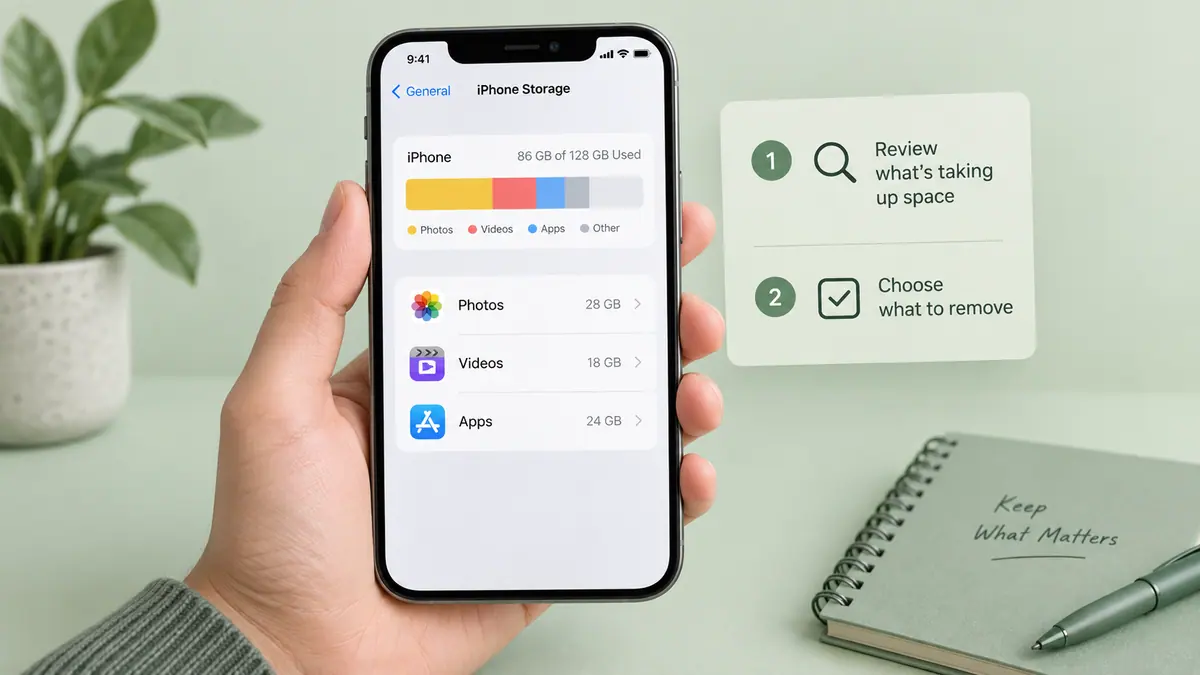
See how much space you’ll free up before deleting.
Watch your storage grow as clutter disappears.
No guessing. No surprises.
100% Private. 100% On-Device.
Your photos never leave your iPhone.
No cloud uploads.
No data collection.
No accounts required.
Everything runs securely on your device.
Perfect For:
• iPhones running out of storage
• Users tired of paying for extra iCloud space
• Cleaning up thousands of screenshots
• Removing duplicate bursts and similar shots
• Keeping your gallery organized effortlessly
Why Users Love PhotoClean
Fast
Simple
Secure
Powerful
Reclaim your storage.
Organize your photos.
Clean smarter.
Download PhotoClean today and free up space instantly.
Term of use: http://apple.com/legal/itunes/appstore/dev/stdeula/
Privacy Policy: https://www.emzirmetakibi.com/photoclean/privacy.html
Popular uses
- Review large or unwanted media before deciding what to remove.
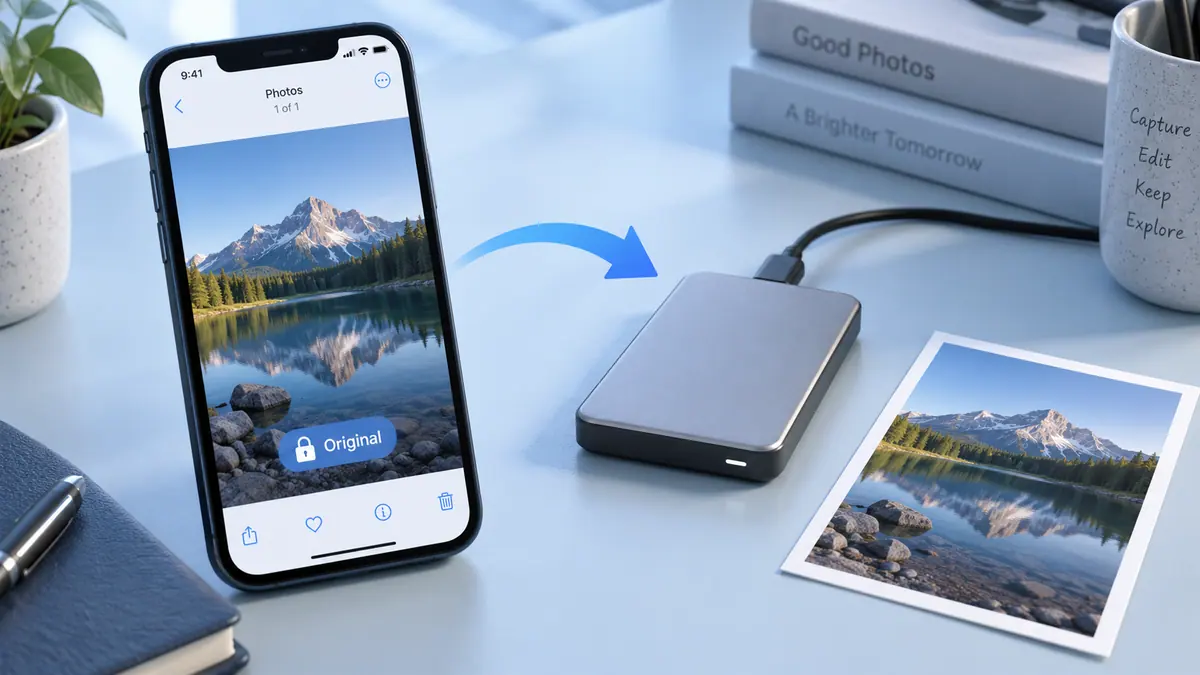
- Separate important originals from temporary screenshots and delivery copies.
How to get started
- Check device storage and confirm how your library synchronizes before removing media.
- Review the app’s suggested or selected items in a small batch; similar pictures may still have different value.
- Confirm important backups and inspect the result before starting another cleanup.
Common questions and problems
Storage did not change as expected
Check the same device-storage view before and after, and distinguish cloud capacity from local storage. Do not assume an app can promise a fixed recovery amount.
A suggested item should be kept
Review selections individually and exclude it using the app’s available controls. File similarity does not determine whether a memory or record is disposable.
App details
- Category
- Utilities
- Current version
- 1.6.7
- Store information checked
- Sep 30, 2026
Availability
Requires iOS 16.0. Availability and pricing may vary by region.