Photo Cleaner: AI Cleanup
Review and organize a large photo library before deleting.
View on the App StoreThis app is developed by SFByte.
Features and details from the App Store listing
PhotoClean helps you analyze years of photos in a smarter, more intentional way. Instead of deleting
files blindly, explore and understand your photo library by year and month with AI-powered timeline
analysis.
Most photo apps focus only on duplicates. PhotoClean goes further.
Analyze by Time
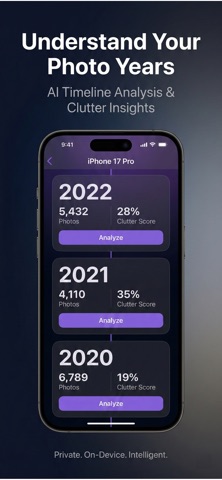
View your photo library by year and month. See how many photos each period contains and discover
patterns across your timeline.
Insights at a Glance
See your most duplicated categories, burst-heavy periods, largest videos, and screenshot density — all
from one dashboard.
Timeline Clutter Scores
Discover which years have the most redundancy and focus your review where it matters most.
Smart Pattern Detection
Advanced on-device AI identifies visually similar moments so you can review them consciously, not one
by one.
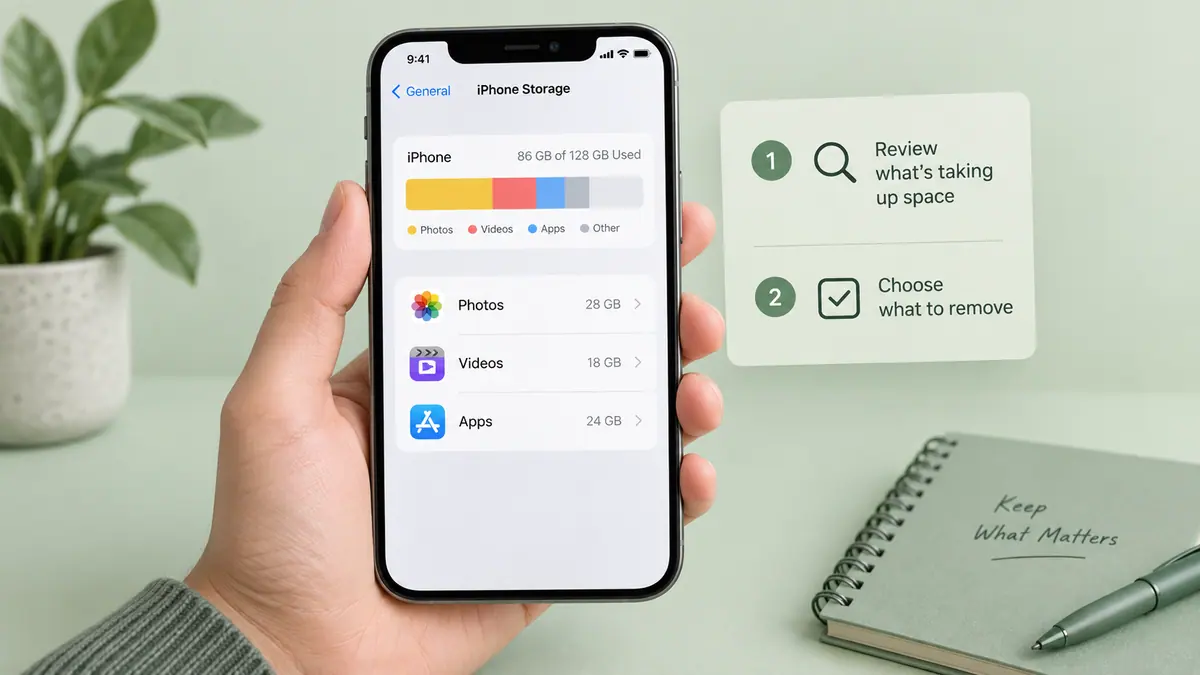
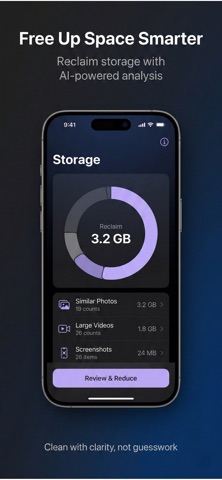
Large File Analysis
Identify oversized videos and space-heavy items instantly with smart storage analysis.
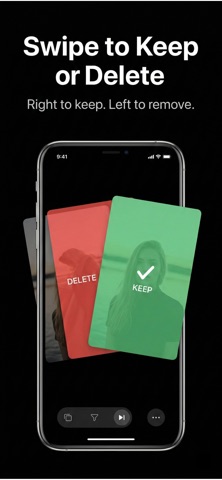
Conscious Reduction
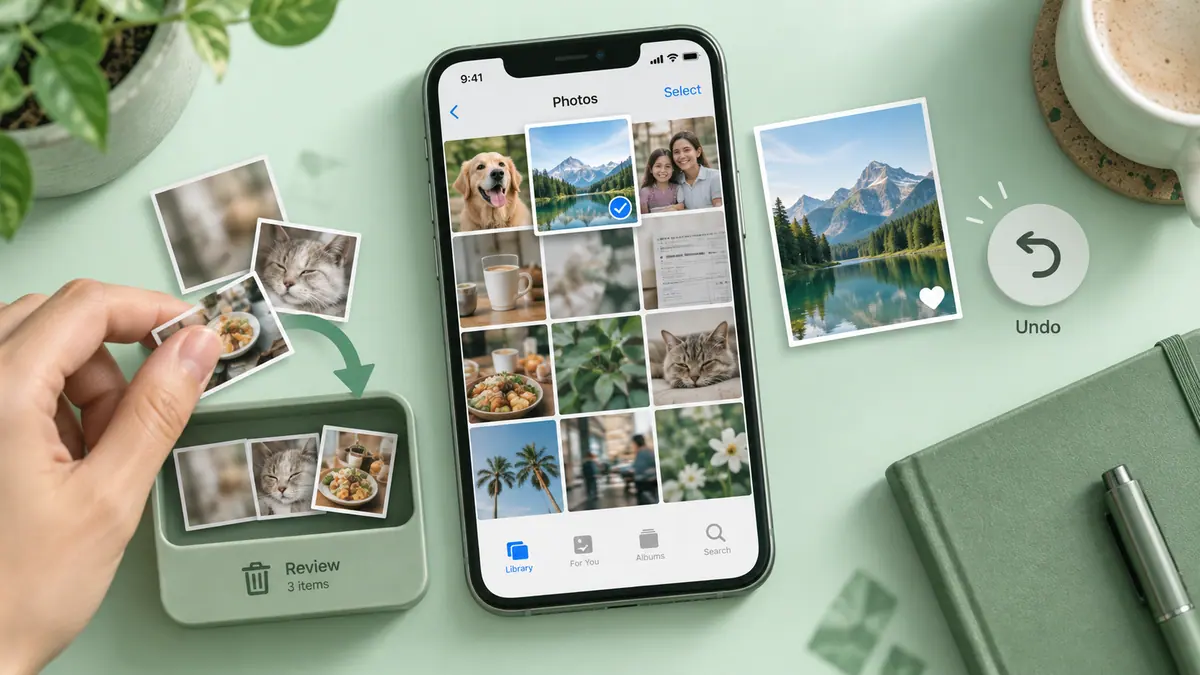
When you're ready, reduce to essentials — AI keeps the best shot from each group. Favorites and recent
photos are always protected.
Privacy First
All analysis happens on your device. Your photos never leave your phone.
Safe & Reversible
Removed photos go to "Recently Deleted" first, so you can recover anytime.
Why PhotoClean?
- Analyze entire years in minutes
- Understand patterns across your timeline
- Surface insights, not just duplicates
- Review and reduce consciously
- Keep control with optional manual review
- Designed with a premium, minimal interface
Stop managing files.
Start understanding your memories.
Download PhotoClean and explore your timeline today.
Privacy Policy: https://www.emzirmetakibi.com/cleantimeline/privacy.html
Terms of Use: https://www.apple.com/legal/itunes/appstore/dev/stdeula/
Popular uses
- Review large or unwanted media before deciding what to remove.
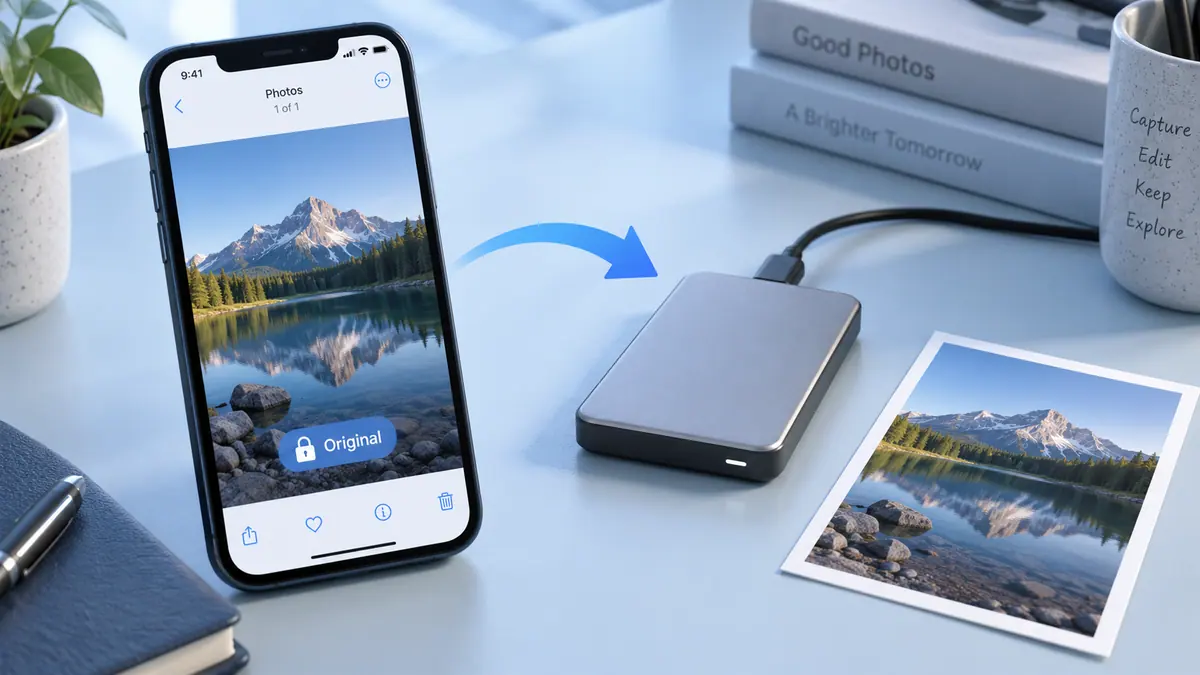
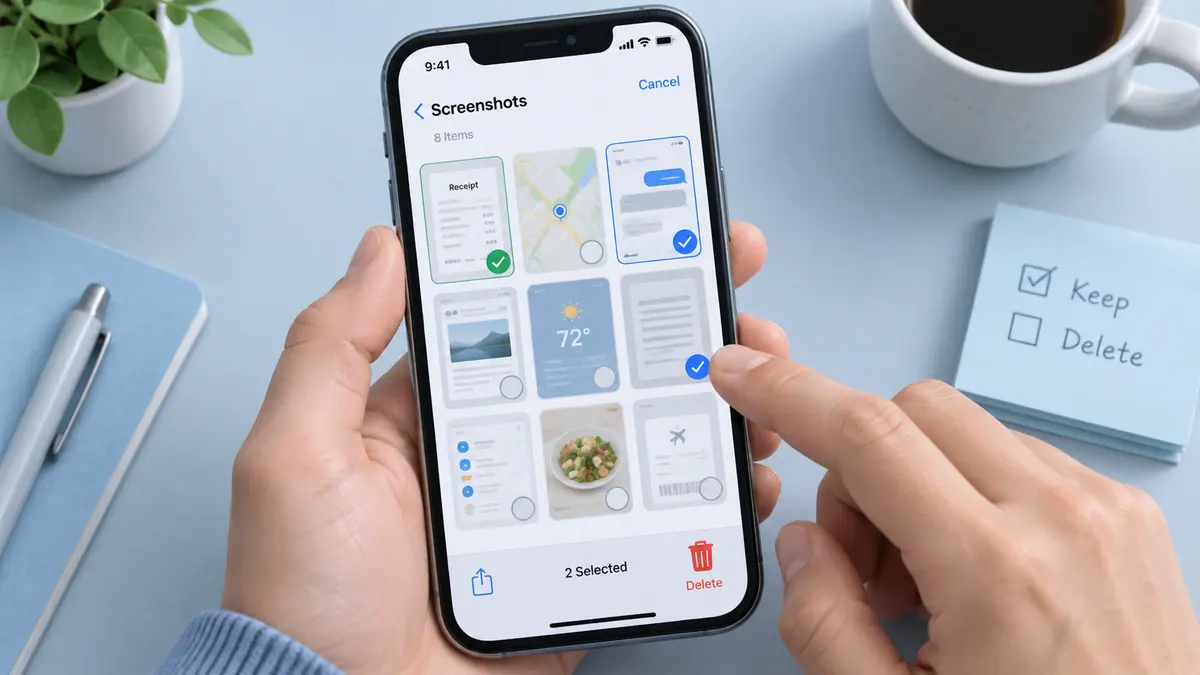
- Separate important originals from temporary screenshots and delivery copies.
How to get started
- Check device storage and confirm how your library synchronizes before removing media.
- Review the app’s suggested or selected items in a small batch; similar pictures may still have different value.
- Confirm important backups and inspect the result before starting another cleanup.
Common questions and problems
Storage did not change as expected
Check the same device-storage view before and after, and distinguish cloud capacity from local storage. Do not assume an app can promise a fixed recovery amount.
A suggested item should be kept
Review selections individually and exclude it using the app’s available controls. File similarity does not determine whether a memory or record is disposable.
App details
- Category
- Utilities
- Current version
- 1.0.1
- Store information checked
- Sep 30, 2026
Availability
Requires iOS 16.0. Availability and pricing may vary by region.