How to Plan iPhone Storage Before a Trip
Budget for new recordings, offline files, and the space needed to export.
Make a small inventory
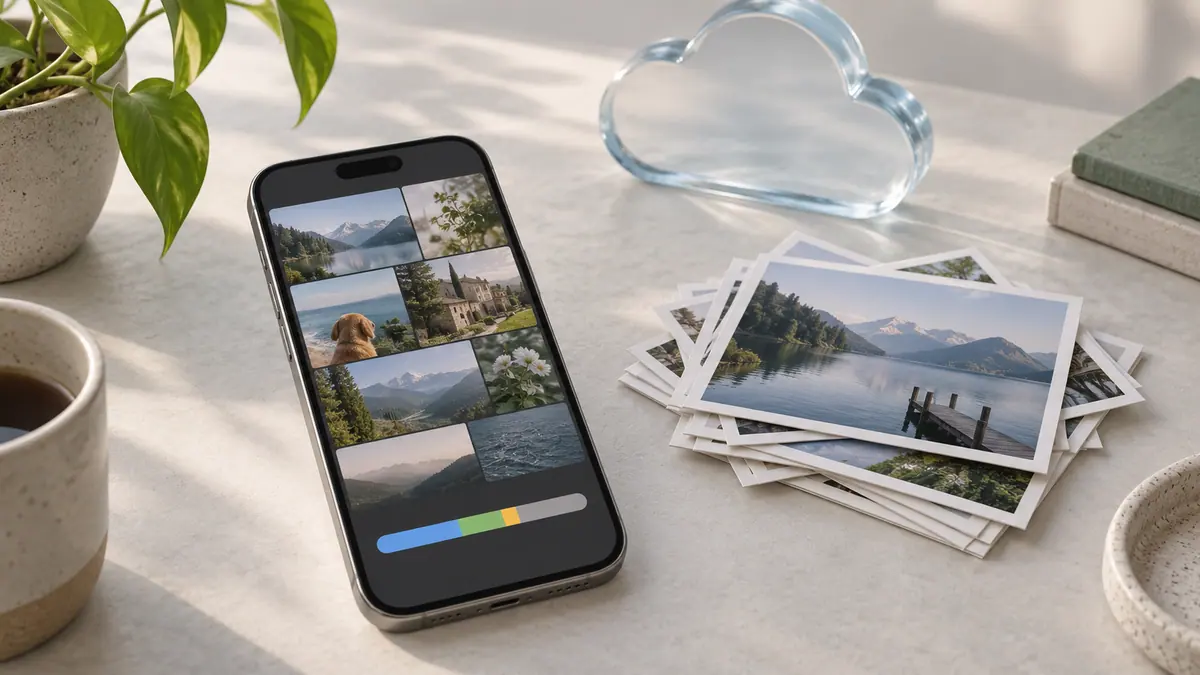
Check available device storage and list what must be available offline: tickets, maps, music, work documents, and existing photos you want to show. Confirm those files open with the network unavailable. A cloud placeholder is not the same as a downloaded copy.
Estimate new material
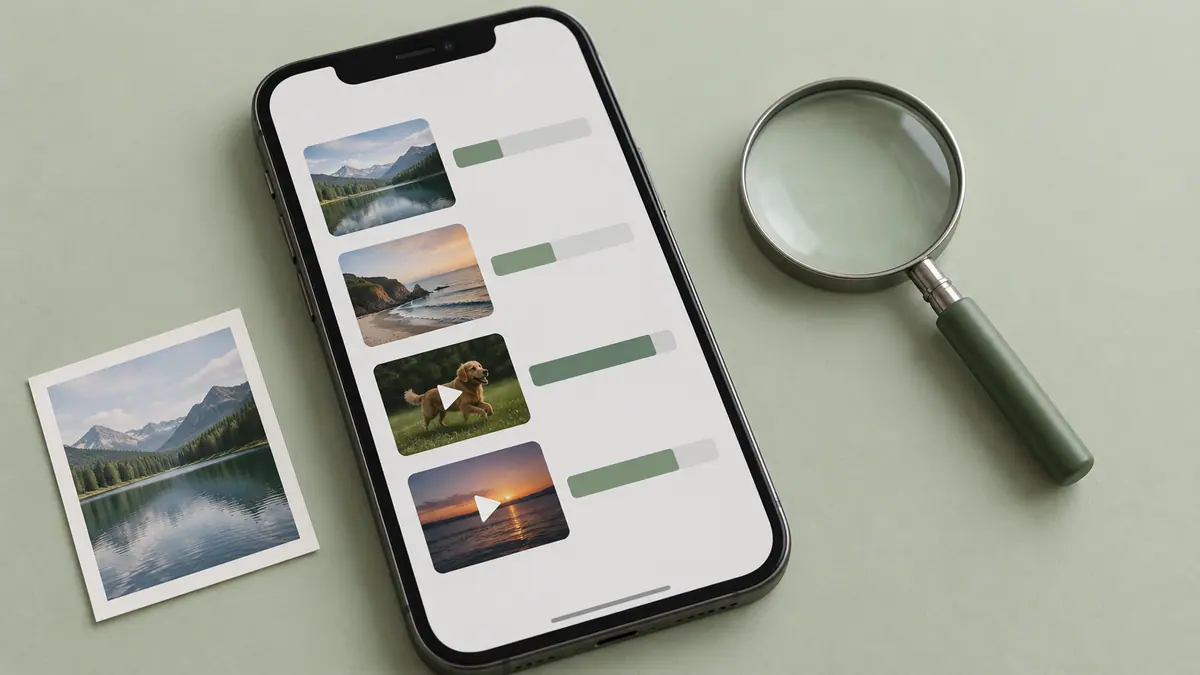
Measure a representative photo and a short video in the modes you use. Multiply by a realistic number of photos and recording minutes. Add room for an edited copy and temporary exports. The Video Size Calculator and Storage Calculator can compare scenarios, but their inputs should come from your real workflow.
For example, reserving 10 GB for existing offline files and another 10 GB as headroom leaves less for new recordings than a headline “40 GB free” suggests. Recalculate after downloading the material you need.
Prepare a safe offload route
Choose a computer, external drive, or appropriate cloud destination before you leave. Transfer a sample and open it at the destination. Keep originals until the copies are verified, and remember that cloud synchronization alone can propagate deletion. A clear copy-and-check routine is more valuable than a last-minute mass cleanup.
Sources & further reading
- Apple · Checked Oct 1, 2026