iPhone Storage vs iCloud Storage: What Is Full?
Check the right capacity before deleting files or paying for more space.
Identify the warning
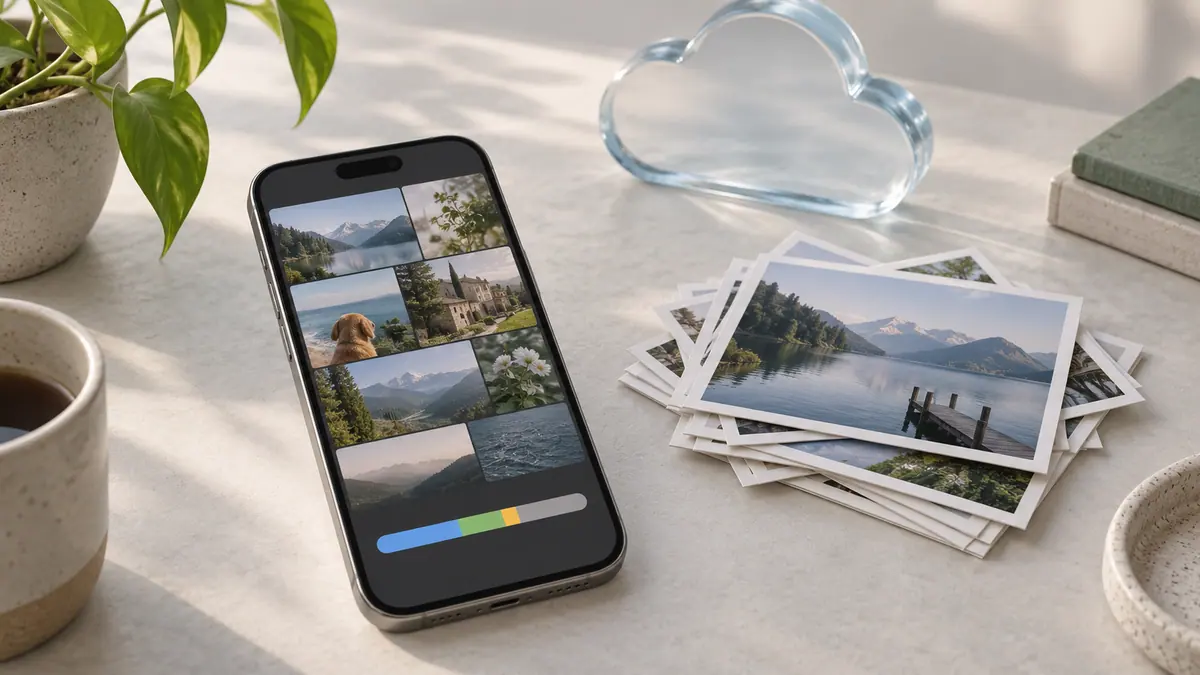
Device storage is the space inside your phone. iCloud storage is the allowance associated with your cloud account. Buying more cloud capacity does not physically increase the phone’s capacity. Write down which service or screen is reporting the problem before making changes.
Check both numbers
Settings → General → iPhone Storage shows device use. Your account’s iCloud settings show cloud use. Compare the largest categories and decide whether your immediate need is to record a video, complete a backup, or upload a document. Each points to a different bottleneck.
Choose a targeted action
For local space, consider a downloaded copy you can safely download again or a large export that is backed up elsewhere. For cloud space, inspect the account’s storage categories and retention needs. Do not delete a synchronized original assuming another synchronized device holds an independent backup.
The Storage Calculator can help plan how much headroom to keep after cleanup; it does not inspect your phone. Check the actual storage screen again after each small change. One measured improvement is more informative than deleting many unrelated items at once.
Sources & further reading
- Apple · Checked Oct 1, 2026