How it works
Enter the video duration, video bitrate in megabits per second (Mbps), and audio bitrate in kilobits per second (kbps). The calculator combines the two bitrates and multiplies by the duration.
Example: how big is a 10-minute video?
At 5 Mbps video plus 128 kbps audio, ten minutes is approximately 384.6 MB. Change video bitrate to the illustrative 4K preset of 20 Mbps and the same duration becomes about 1,509.6 MB. These are calculations from chosen bitrates, not a guarantee for all 1080p or 4K recordings.
The calculation
File size in bytes = duration in seconds × total bitrate in bits per second ÷ 8.
For example, two minutes of video at 5 Mbps with audio at 128 kbps is approximately 76.92 MB. Container information and other overhead can change the final size.
Why resolution is only a starting point
Two videos with the same resolution can have very different file sizes. The codec, frame rate, detail in the scene, and encoding settings affect the bitrate. The resolution presets here are illustrative bitrate choices, not measurements of your video.
MB and MiB
A decimal megabyte (MB) is 1,000,000 bytes. A mebibyte (MiB) is 1,048,576 bytes. Some devices and applications display these units differently.
Want to make the file smaller?
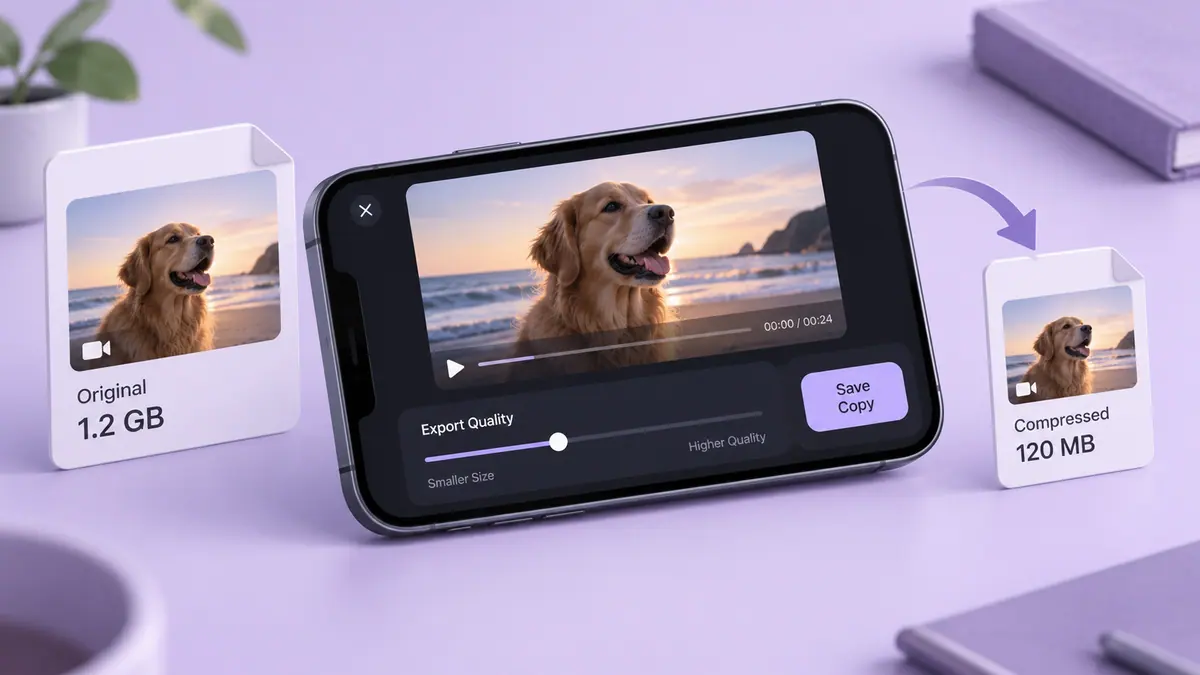
Reducing duration or bitrate lowers the estimated file size. Lower bitrate can also reduce quality. Preserve your original file and compare the result before deleting anything.
Common questions
Can resolution alone tell me the file size?
No. Use duration and average bitrate. Two 4K clips can use different codecs, frame rates, and compression settings.
Does this calculator compress my video?
No. It estimates size from numbers you enter and never opens a video file. Use the compression guide below when you need a smaller export.
Should I include audio bitrate?
Yes, when the clip has audio. Enter zero only for a silent video. Container metadata adds some overhead beyond this estimate.
Work backward from a 25 MB limit
The size-limit panel keeps duration and audio explicit. For a one-minute clip with a 25 MB limit, a chosen 10% reserve leaves 22.5 MB for media. That produces 3 Mbps total, or 2.872 Mbps for video after allocating 128 kbps to audio. For ten minutes, the same choices leave only 0.172 Mbps for video.
Neither figure is a quality recommendation. The longer clip may need a shorter selection or a private file link to remain useful. For email or WhatsApp, enter the limit that actually applies to your account and sending method rather than assuming the example is a service rule.
How many minutes of 4K fit in 10 GB?
At a chosen 20 Mbps video bitrate plus 128 kbps audio, allocating 90% of 10 decimal GB gives about 59 minutes 37 seconds before additional variation. The same assumptions with 64 GB available give about 6 hours 21 minutes 33 seconds. This is not a claim about a fixed iPhone camera preset. A higher-bitrate recording consumes that budget faster.
Use currently free capacity, not the number on the phone’s box. The operating system, existing files and working exports already occupy space. The reserve is your planning allowance, not a measurement of exact system overhead. The Storage Calculator helps plan other file categories alongside video.
What these comparisons can and cannot show
The examples above use selected bitrates so the calculation is reproducible. They do not show measured compression savings, export speed or visual quality. The 60-second 4K60, 1080p60 and 1080p30 rows are illustrative data budgets; they are not three recordings made by SFByte. A real comparison also needs matching content, device details, saved outputs and a stated quality-review method.
A variable-bitrate file needs its average bitrate for a useful estimate. When the file already exists, inspect its actual byte size for an upload limit. A codec name or resolution label alone does not supply that measurement.
Use the result to choose the next step
Follow video compression on iPhone when a smaller export is appropriate. If the size target makes important details unreadable, compare large-video delivery methods. 4K storage explained gives more context for recording plans.
Keep originals until the exported copy opens and plays at the destination. This tool never reads or uploads a video; all three calculations run locally from the numbers you enter.
Printable planning chart
Download the video-size planning chart (PDF). It lists the assumptions and calculated examples for offline reference. It contains no measured device benchmark or promised compression result.