Why are video files so large?
iPhone videos can be large because file size depends on the recording’s duration and average total bitrate, with additional container overhead. Resolution, frame rate, codec, scene detail, and recording mode influence that bitrate, but none of them alone fixes the number of bytes. A longer clip at a modest bitrate can be larger than a short high-resolution clip. Check the actual file information before deciding what to change. For future recordings, review capture settings; for existing videos, create a smaller delivery copy while retaining the original.
Two numbers explain most of it
A video stores a stream of information over time. Duration tells you how long that stream runs; bitrate tells you how much data it uses each second. Audio adds another stream.
Estimate the result
Multiply the combined bitrate by the duration, then divide by eight to convert bits to bytes. A 60-second video at a total bitrate of 8 Mbps is approximately 60 MB before additional overhead.
Use the Video Size Calculator to compare different durations and bitrate choices.
Resolution is not the whole story
Resolution describes image dimensions. It does not fix the bitrate. Videos with the same resolution may use different encoding settings and may contain very different amounts of motion and detail.
Make a smaller copy
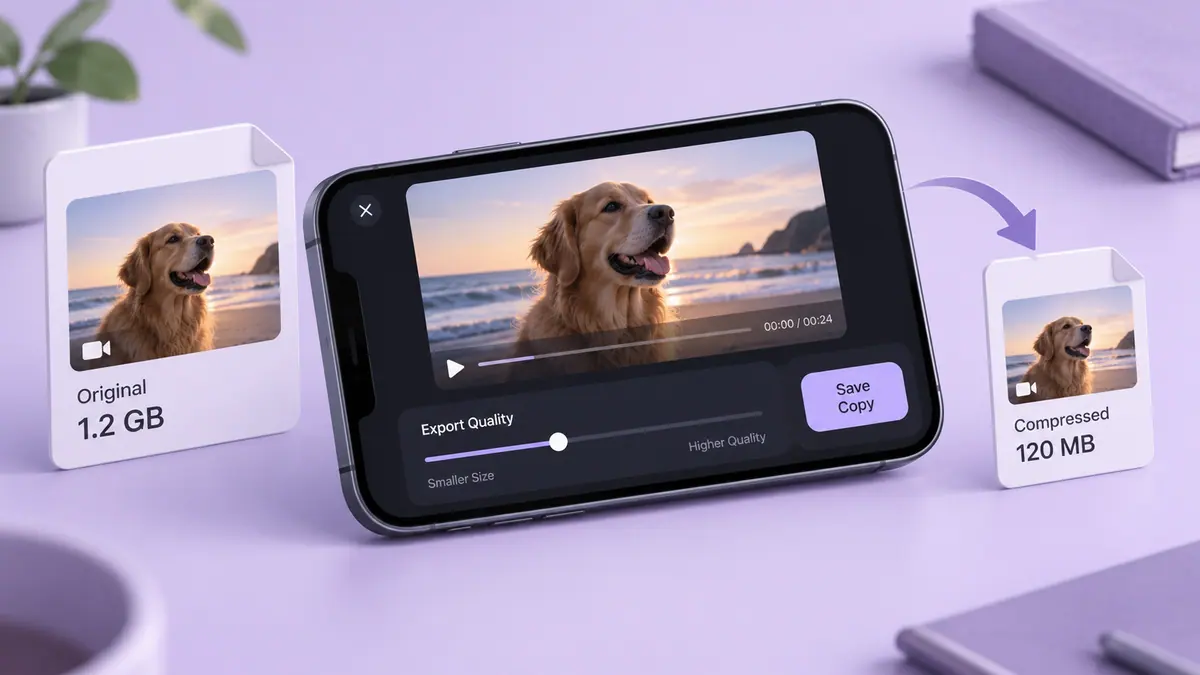
Shortening a clip or exporting it at a lower bitrate can reduce its size. Compare the result with the original and decide whether the quality is suitable for its purpose. Keep the original until you are satisfied.
Separate labels from measurements
“4K,” “60 FPS,” and “MOV” describe different properties. Resolution describes frame dimensions, frame rate describes timing, and a container organizes encoded media. None is a complete measurement of the saved file. Two clips with the same visible labels can still have different durations, codecs, and average bitrates.
When the file exists, inspect its actual size. When planning a future export, use duration and an intended average bitrate as an estimate. Keep megabits per second separate from megabytes: eight bits make a byte, before considering how an application labels decimal and binary units.
Calculate a concrete example
At 5 Mbps video plus 128 kbps audio, the total is 5.128 million bits per second. Five minutes contains 300 seconds, giving approximately 192.3 million bytes, or 192.3 decimal MB, before overhead. Doubling duration at the same rate doubles that estimate.
The Video Size Calculator performs the arithmetic. 4K video storage applies it to a common recording question without assigning every 4K clip one universal size.
Choose the part of the workflow to change
If you are about to record, decide what resolution and frame rate the task needs and test compatibility. Recording smaller videos covers those future settings. Changing Camera settings does not modify yesterday’s recording.
For a file already in your library, trim unnecessary footage or export a separate sharing copy. Video compression on iPhone covers that route. If the purpose is only to deliver a clip, a suitable link can avoid an unnecessary aggressive re-encode.
Why does a shared copy have a different size?
A sharing app may create a derivative with different encoding, dimensions, or metadata. Compare the actual source and received file rather than assuming they are identical because their thumbnails look alike.
Should I delete every large video?
Size does not measure personal or practical value. Identify important originals, verify any backup, and make deletion a separate choice after you understand the storage and synchronization behavior.
Sources & further reading
- MDN Web Docs · Checked Oct 1, 2026