30 FPS vs 60 FPS on iPhone: Quality, File Size & When to Use Each
30 FPS means 30 frames per second; 60 FPS means 60. On iPhone, 60 FPS can preserve more moments of fast movement and give an editor more frames for slow-motion playback. It does not guarantee sharper footage, double file size or a fixed battery penalty. Choose for the subject, light, delivery format and available storage. For ordinary talking or long recordings, compare a 30 FPS sample first; for action or later slowing, compare 60 FPS at the same resolution and framing.
Compare the decision, not just the bigger number
| Question | 30 FPS | 60 FPS |
|---|---|---|
| Captured moments in a 60-second constant-rate clip | 1,800 frames | 3,600 frames |
| Fast movement | Larger gaps between captured moments | More captured moments for playback or editing |
| Slow motion on a 30 FPS timeline | No extra captured frames for half-speed playback | Can supply half-speed playback without inventing intermediate frames |
| File size | Depends on total bitrate and duration | Also depends on total bitrate and duration |
| Low light | Compare actual motion blur and noise | More frames alone do not solve weak light |
| Battery and heat | Depend on device and complete capture settings | No universal percentage difference established here |
The frame counts are arithmetic, not device-test findings. Compare clips on the screen where they will be watched. A smoother preview does not necessarily make a small sign more readable in an individual frame.
When 30 FPS is a useful starting point
For a seated explanation, a relatively static demonstration or a long event, identify whether additional temporal detail would help the viewer. If the intended delivery is 30 FPS, starting with that rate can simplify the workflow. It still needs enough light and a suitable shutter/exposure choice; 30 FPS is not a cure for a shaky camera.
Record a short section that includes the hardest part to show: handwriting, a moving tool or a dim area. Inspect that section before choosing a mode for an hour-long recording. Do not infer a storage saving until you compare actual bytes from the settings you used.
When 60 FPS can help
For sport, a moving subject or material you plan to slow, the additional captured moments can be useful. Keep the source at its original capture rate so an editor can decide how to use it. A 60 FPS source played frame-for-frame at 30 FPS takes twice as long; that is intentional slow motion, not a same-duration conversion.
Uploading to a service is another step. YouTube’s guidance recommends retaining the recorded frame rate when preparing uploads. Check the requirements of your actual destination rather than assuming every service delivers the same file you send.
Does 60 FPS make a video twice as large?
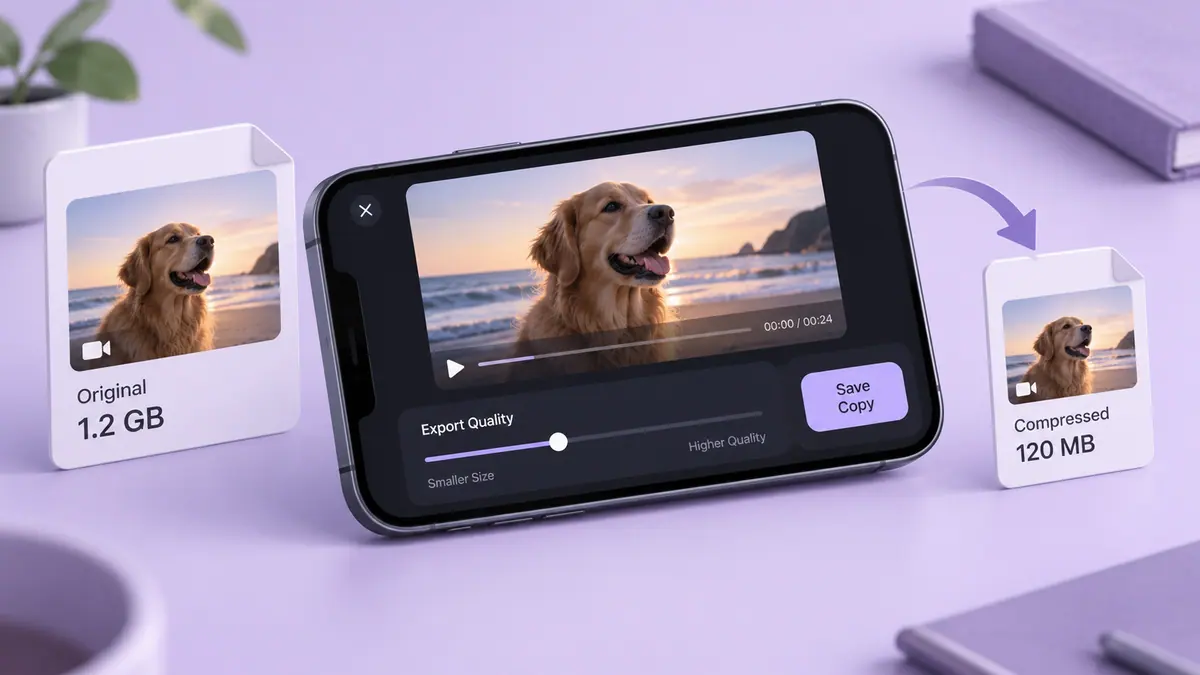
Only the actual rates and durations answer that question. A one-minute export at 20 Mbps total is approximately 150 MB whether it contains 30 or 60 frames each second. A one-minute export at 40 Mbps total is approximately 300 MB. These are calculations with chosen rates, not a claim that Camera uses those settings.
| Calculated scenario | Duration | Total average bitrate | Approximate size |
|---|---|---|---|
| 30 FPS export | 60 sec | 20 Mbps | 150 MB |
| 60 FPS export at the same rate | 60 sec | 20 Mbps | 150 MB |
| 60 FPS export with a different chosen rate | 60 sec | 40 Mbps | 300 MB |
Use 4K storage estimates and the Video Size Calculator with your actual rate. A larger frame budget spread across the same bits can change the visible compression tradeoff.
Low light, battery and long sessions
Apple documents Auto FPS, which can reduce frame rate in low light depending on the device and settings. Check it before calling two clips a controlled 30/60 comparison. Changing resolution, HDR, stabilization or the lens at the same time introduces more variables.
For battery planning, this guide does not claim a percentage saving. Record model, software, screen brightness, starting charge, ambient conditions and duration if you compare sessions. Heat or power observations from one setup should not be generalized to every iPhone. Have power and storage headroom appropriate to the event; the Storage Calculator addresses the capacity portion only.
Keep recording and playback speed separate
Raising an existing 30 FPS file’s export setting to 60 FPS does not create new captured moments. An editor might duplicate or synthesize frames, depending on its method. Conversely, deliberately slowing 60 FPS footage changes its duration and audio treatment.
For the actual steps, use speeding up regular and Slo-mo video. For resolution, see 1080p versus 4K. These questions belong together in a workflow but are not interchangeable settings.
Which is best for small text?
Inspect a matched sample. Focus, exposure, movement, resolution, scaling and compression all influence readability. Choosing 60 FPS alone cannot establish that the writing survives the final export.
Why did my “60 FPS” result change?
Check the original capture, automatic settings, project rate and saved export separately. Compare the local original with a downloaded service copy before attributing the change to the camera.
Sources & further reading
- Apple Support · Checked Oct 5, 2026
- YouTube Help · Checked Oct 5, 2026
- Apple Support · Checked Oct 5, 2026