How to Choose a Video Bitrate for Sharing
Use duration and a target size to set a starting point, then judge the actual result.
Calculate a starting point
Total bitrate in Mbps is approximately target size in MB × 8 ÷ duration in seconds. A 30 MB budget for a two-minute clip gives 2 Mbps for video and audio combined. With audio at 128 kbps, about 1.872 Mbps remains for video before leaving room for overhead.
Enter those values in the Video Size Calculator. If the number looks too low for the content, consider shortening the clip before sacrificing more detail.
Match the picture, not just the preset name
A stationary slide and a fast-moving crowd stress an encoder differently. Small text, water, foliage, and confetti are useful places to inspect compression. A “high quality” label is relative to the application; it is not a standard bitrate shared by every tool.
Test and keep a margin
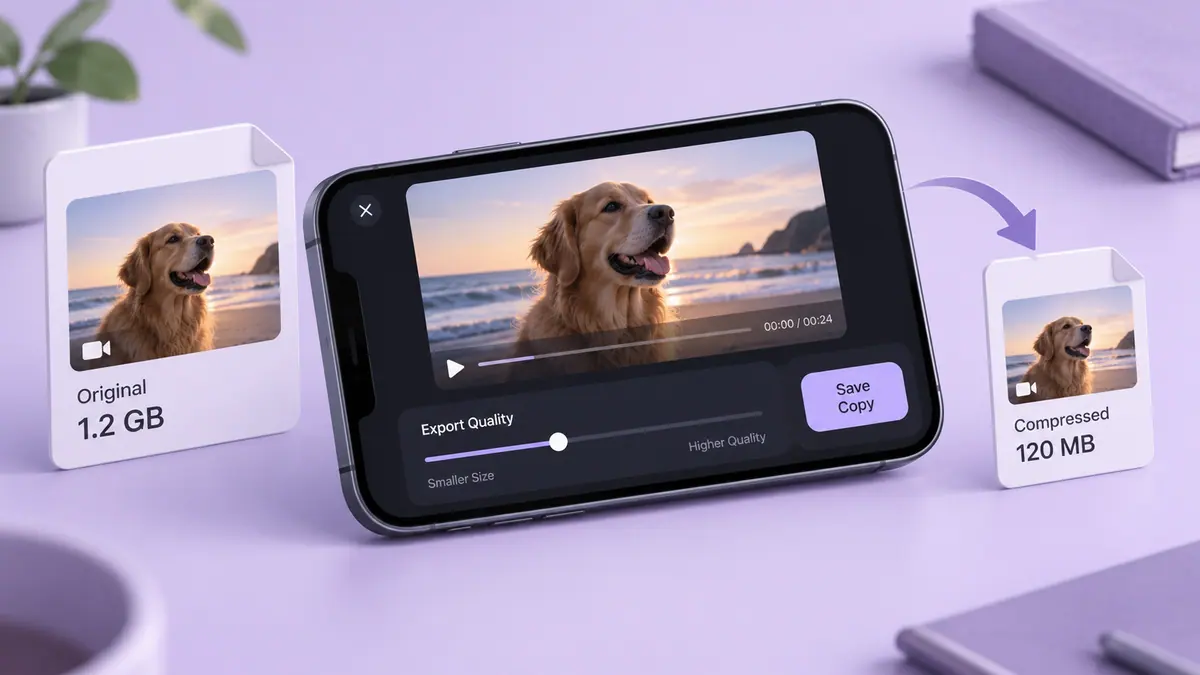
Export a copy and inspect the real file size. With variable bitrate, your target is approximate. Leave some space below a hard upload limit and try the file in the actual destination. If it fails, record the size and setting you used before adjusting one parameter. That gives you a repeatable decision instead of another blind guess.
Sources & further reading
- MDN Web Docs · Checked Oct 1, 2026