How to Make a Video Small Enough for Email
Work backward from the attachment allowance instead of guessing an export preset.
Set a budget for this clip
Check your email provider’s limit and subtract any other attachments. Allow extra room because email encoding can increase the size of a binary attachment in transit. If a file is just below a displayed limit, it may still fail when sent.
Work backward from duration
For a decimal target in MB, approximate total Mbps = target MB × 8 ÷ duration in seconds. A 12 MB target for a 90-second clip gives roughly 1.07 Mbps including audio. The video stream needs to fit within what remains after audio. This is a planning figure, not a promise about a variable-bitrate encoder.
Use the Video Size Calculator to compare a shorter clip against a lower bitrate. Removing a long pause can preserve more visible detail than compressing the entire recording very heavily.
Confirm delivery
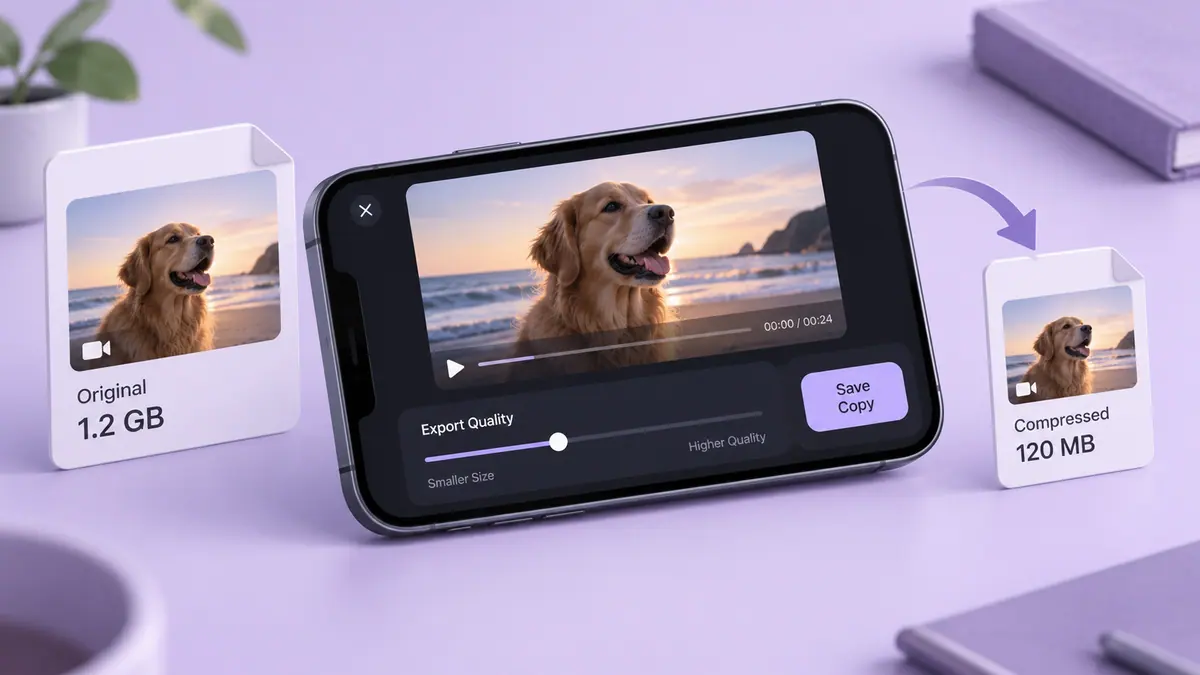
Save a separate copy and play it before attaching. If legibility or motion becomes unacceptable, ask the recipient whether a controlled sharing link works instead. Confirm who can open the link and for how long. Keep the original locally; an emailed delivery copy should not be your only archive.
Sources & further reading
- MDN Web Docs · Checked Oct 1, 2026