How Much Storage Does 1 Minute of 4K Video Use on iPhone?
One minute of 4K video at a total average bitrate of 40 Mbps uses about 0.30 GB, or 300 MB, before file overhead. That is a calculation, not a fixed iPhone recording size: 4K describes resolution, while codec, frame rate, capture mode and scene detail influence the bitrate. At 20 Mbps the same minute is about 0.15 GB; at 60 Mbps it is 0.45 GB. Use the examples below to plan, then check an original clip recorded with your own settings.
4K at 24, 30 and 60 fps: what can we estimate?
There is no reliable universal “GB per minute” figure determined by the FPS label. To give these rows a stated basis, the table below converts YouTube’s recommended SDR upload bitrates into file sizes. These are delivery-export examples, not iPhone Camera preset measurements. Audio and container overhead are excluded.
| 4K export frame rate | Documented video bitrate range | Calculated MB per minute | Calculated GB per minute |
|---|---|---|---|
| 24 fps | 35–45 Mbps | 262.5–337.5 | 0.2625–0.3375 |
| 30 fps | 35–45 Mbps | 262.5–337.5 | 0.2625–0.3375 |
| 60 fps | 53–68 Mbps | 397.5–510 | 0.3975–0.510 |
The equal 24/30 fps rows reflect the source’s upload recommendation groups. They do not establish equal sizes for every recording. A Camera original, an editing master, an HDR export and a messenger’s copy can have different requirements. Use your measured total bitrate in the calculator for your own file.
Calculate your video storage
Enter duration and total average bitrate, including audio. This is a calculation, not a Camera preset prediction.
Open the full Video Size Calculator for audio, target size and capacity options
How much space do 5, 10, 30 and 60 minutes need?
These independent planning scenarios use total average bitrate, including audio. They deliberately do not assign a universal rate to each FPS setting. Decimal units are used: 1 GB = 1,000 MB.
| Duration | 20 Mbps total | 40 Mbps total | 60 Mbps total |
|---|---|---|---|
| 1 min | 0.15 GB | 0.30 GB | 0.45 GB |
| 5 min | 0.75 GB | 1.50 GB | 2.25 GB |
| 10 min | 1.50 GB | 3.00 GB | 4.50 GB |
| 30 min | 4.50 GB | 9.00 GB | 13.50 GB |
| 60 min | 9.00 GB | 18.00 GB | 27.00 GB |
For example, a half-hour recording averaging 40 Mbps is approximately 9 GB before overhead. If you need both the source and a delivery export, the recording alone is not the whole storage budget. Leave deliberate free space for the rest of the workflow.
Calculate from bitrate or a real sample
GB = average total Mbps × seconds ÷ 8,000. For video and audio rates supplied separately, convert audio kbps to Mbps and add them first. Do not add audio twice when the reported rate already covers the whole file.
For a sample you own, use bytes ÷ duration in seconds × 8 ÷ 1,000,000 to estimate its average total Mbps. As a hypothetical arithmetic example, a 30-second file containing 150,000,000 bytes averages 40 Mbps. Extrapolating that scene to ten minutes gives about 3 GB. A static sample can underrepresent a later fast-moving scene, so treat the projection as a planning estimate.
- Choose the actual Camera resolution, FPS and format you intend to use.
- Record a representative short sample and preserve the original.
- Inspect its duration and file size; avoid measuring a compressed chat download instead.
- Calculate the rate and enter it above, with the intended recording duration.
- Compare that budget with local free space and a chosen reserve.
Why two iPhones can produce different numbers
Bitrate allocation depends on the encoder and recording choices as well as movement and detail. HDR and special editing formats should not be silently grouped with an ordinary SDR delivery copy. FPS is one variable; resolution is another. The 30 versus 60 FPS guide explains the motion tradeoff, and 1080p versus 4K covers dimensions.
Apple’s recording-settings guide describes model-dependent Auto FPS behavior in low light. Document your actual settings when comparing clips; a menu choice alone is not a full description of the encoded result. This page has no measured iPhone size or battery benchmark.
Plan for the device, not just the cloud account
A phone needs local capacity to record. A larger cloud allowance does not directly enlarge its physical storage. Check iPhone versus iCloud storage when the warning is ambiguous, then use the Storage Calculator to reserve working space.
How many minutes of 4K fit in 10 GB?
At an assumed total 40 Mbps, 10 GB represents about 33 minutes 20 seconds before overhead and reserve. At 20 Mbps it represents about 66 minutes 40 seconds. The full Video Size Calculator lets you change the capacity, reserve and separate audio rate.
Does 60 fps always use twice as much space as 30 fps?
No. Equal-duration files at equal total average bitrate have approximately equal byte counts. A different encoder preset may allocate more data to 60 fps, but the ratio must be measured for that workflow.
What if the existing 4K video is already too large?
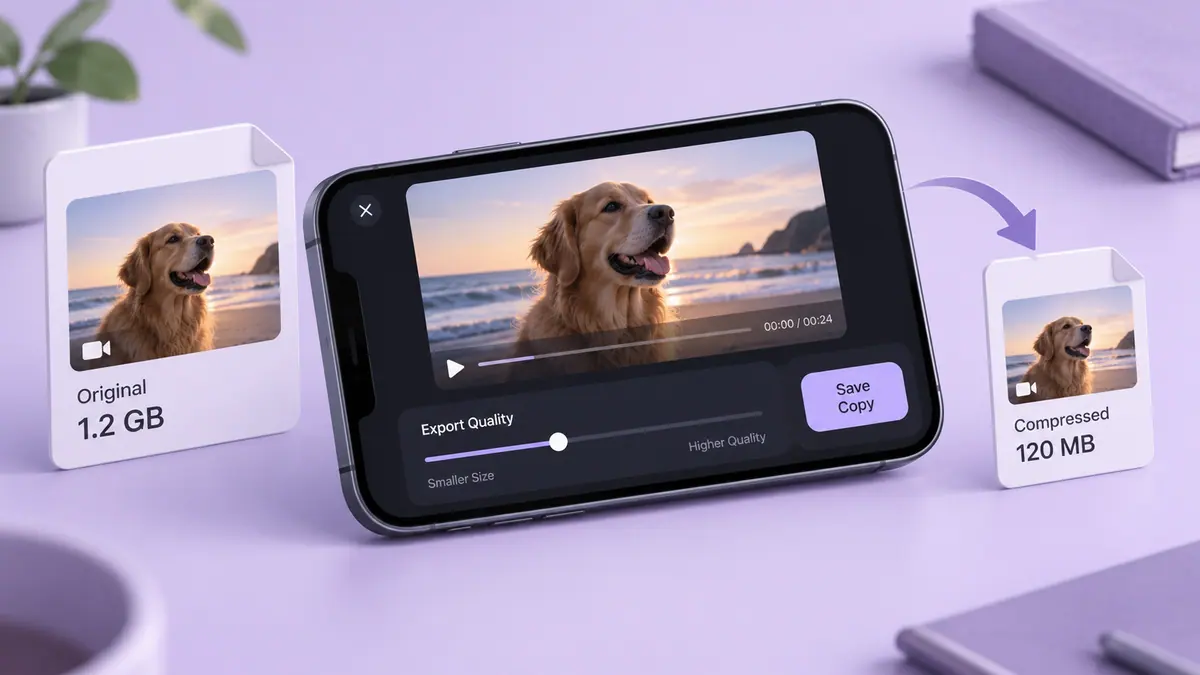
Keep the original and choose whether the recipient needs an editing master or a smaller viewing copy. Follow how to compress a video for the latter, or send a large video when a controlled transfer makes more sense than a tiny attachment.
Sources & further reading
- Apple Support · Checked Oct 5, 2026
- YouTube Help · Checked Oct 5, 2026