Video Compress & Shrink Video
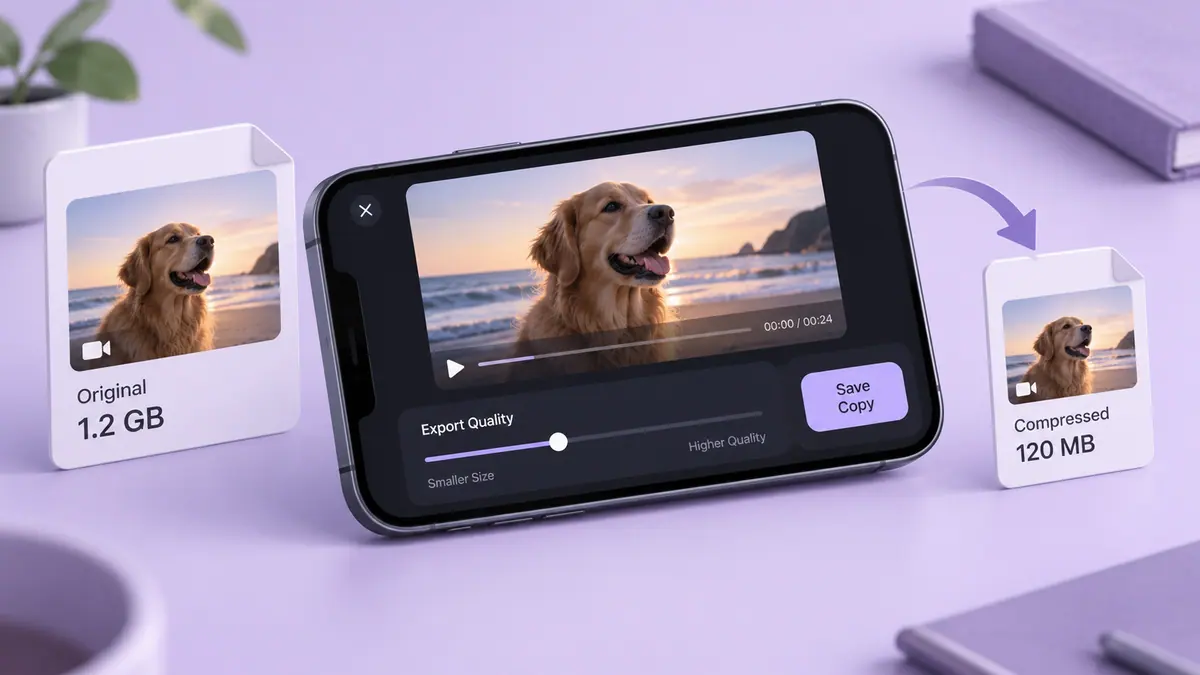
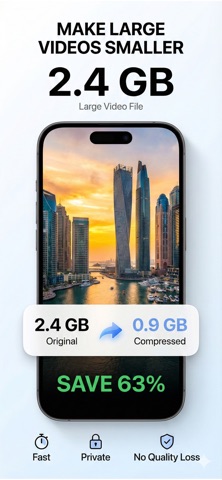
Make a smaller copy of a video for sharing or storage. Choose an export that balances size and image quality.
View on the App StoreThis app is developed by SFByte.
What you can do
- Compress a video on your iPhone
- Export a smaller copy for sharing
- Access additional export options with the available premium plan
Features and details from the App Store listing
Running out of iPhone storage?
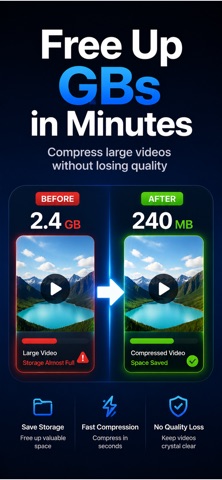
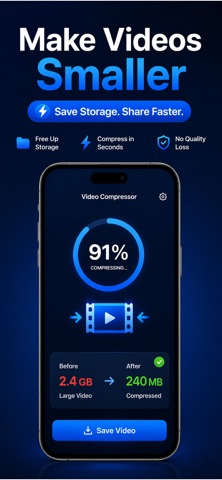
Video Compressor helps you make large videos smaller in seconds without noticeable quality loss. Free up space fast, send videos easier, and keep your storage clean with simple one-tap compression.
Whether your video is too large to share, upload, or save, Video Compressor makes it effortless.
No complicated settings.
No technical knowledge required.
No waiting for cloud uploads.
Everything works directly on your device for maximum speed and privacy.
WHY PEOPLE LOVE VIDEO COMPRESSOR
• Reduce video size in seconds
• Save valuable iPhone storage
• Share large videos faster
• Keep videos clear and sharp
• Compress videos with one tap
• Fully offline processing
• No uploads or tracking
• Clean and easy-to-use interface
SMART VIDEO COMPRESSION
Our intelligent compression engine automatically finds the best balance between file size and video quality.
Get dramatically smaller videos while keeping your footage smooth, clear, and ready to share.
PERFECT FOR
• Freeing up storage space
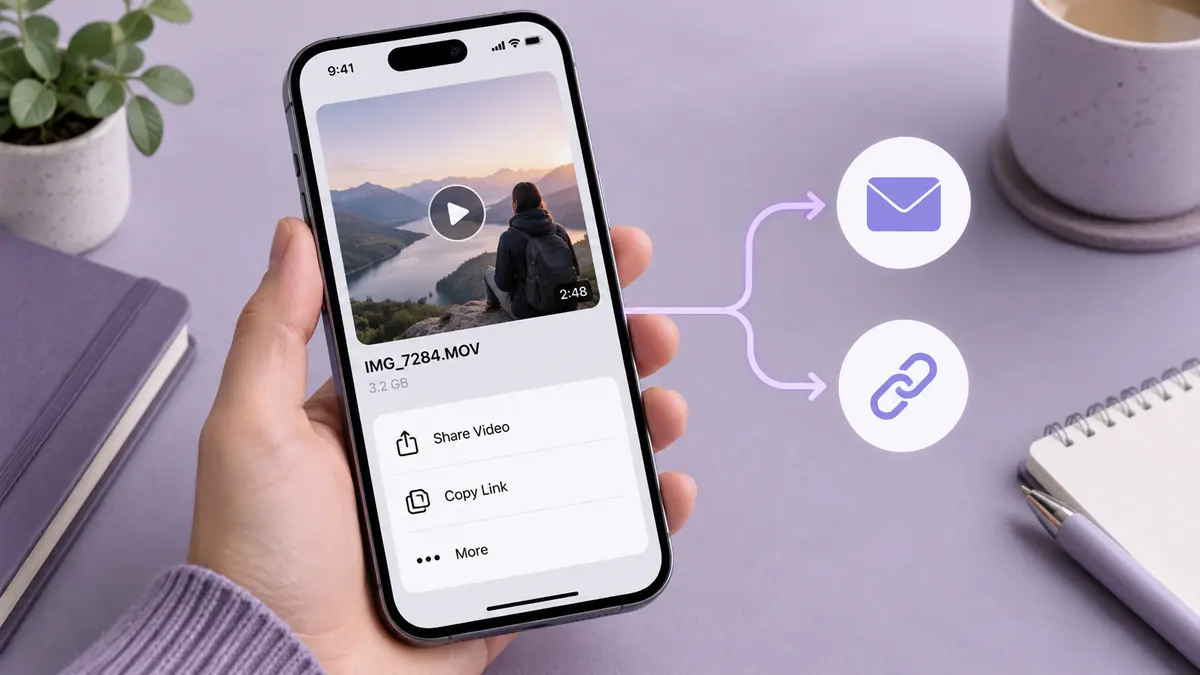
• Sending videos in Messages or Mail
• Uploading to Instagram, TikTok, and YouTube
• Sharing videos faster
• Reducing large 4K video sizes
• Keeping your photo library organized
FAST • PRIVATE • SIMPLE
Everything happens locally on your iPhone.
Your videos never leave your device.
FREE FEATURES
• Compress videos up to 2 minutes
• Up to 1080p export
• Single video compression
PREMIUM FEATURES
• Unlimited video length
• 4K export support
• Batch compression
• Faster export engine
• Advanced compression settings
• Compression history
Download Video Compressor today and free up space instantly.
Terms of Use:
https://www.apple.com/legal/itunes/appstore/dev/stdeula/
Privacy Policy:
https://www.emzirmetakibi.com/compressvideo/privacy.html
Popular uses
- Create a delivery copy for a message, project, or social post.
- Keep the source recording available for another edit or a higher-quality export.
How to get started
- Import a short representative clip into the task described by this app’s listing.
- Preview the change, checking motion, framing, duration, and sound.
- Export a separate copy and replay the saved file before sharing or deleting any source.
Common questions and problems
The export is too large
Check duration and actual byte size, then decide whether a shorter selection, smaller delivery copy, or transfer link suits the recipient.
The saved file differs from the preview
Compare the original, project, and saved export. Check audio, orientation, and format compatibility one change at a time.
App details
- Category
- Photo & Video
- Current version
- 1.0.1
- Store information checked
- Sep 30, 2026
Availability
Requires iOS 14.0. Availability and pricing may vary by region.