MOV vs MP4: Compatibility and File Size Explained
The container name is only part of the answer when a video will not open.
Look inside the container
MOV and MP4 describe containers that can hold video, audio, and other information. The encoded streams inside them matter for playback. A receiver may accept an MP4 container yet fail to decode the particular video codec or profile it contains.
Renaming is not conversion
Changing movie.mov to movie.mp4 changes the name, not the internal encoding. Use an export or conversion function if you need a different container or codec. A tool may be able to repackage compatible streams without re-encoding, but that depends on the source and destination formats.
Choose for the recipient
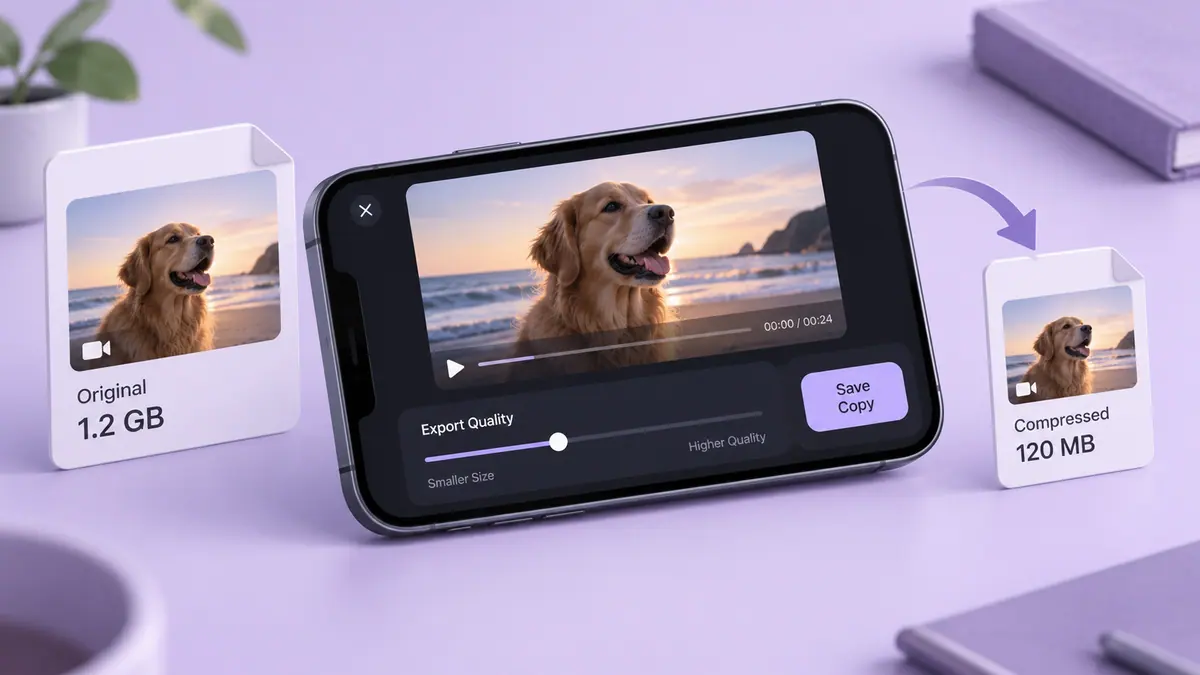
Ask what the receiving app supports, including codec, dimensions, and frame rate when possible. Export a short sample first. If two files use the same streams, changing the container alone should not be treated as a reliable way to achieve a dramatic size reduction. Lowering bitrate or shortening the clip addresses a different problem.
Keep the original, open the exported result, and check sound as well as picture. Why are video files so large? explains the size calculation behind those choices.
Sources & further reading
- MDN Web Docs · Checked Oct 1, 2026