How to Prepare a Smaller Video for WhatsApp
Make a delivery copy that keeps the important detail and check what the recipient receives.
Choose what needs to survive
A clip of a moving person, a screen recording with small text, and a landscape can tolerate different compression. Decide whether motion, readability, or visual detail is the priority before reducing the file. Keep the original in your library.
Prepare a separate export
- Trim dead time before and after the useful moment.
- Choose a frame size suited to viewing on a phone.
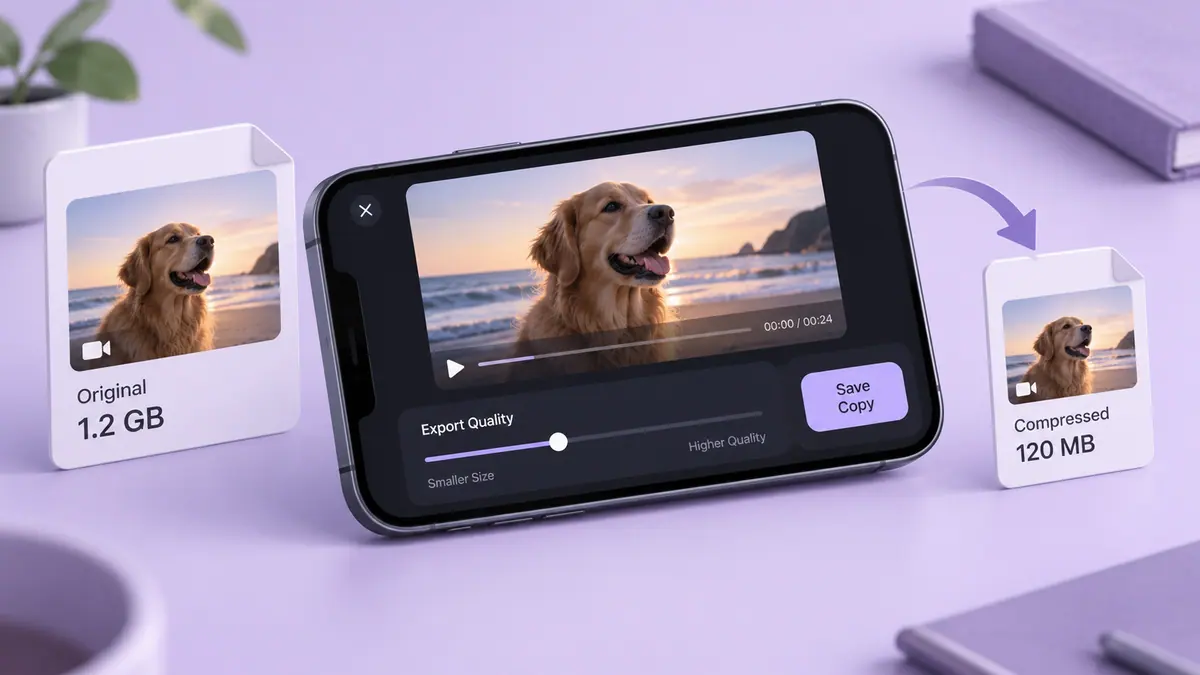
- Reduce bitrate in small steps and play each saved result.
- Check the file size against the current allowance shown by WhatsApp for the sending method you use.
Do not assume that attaching a video as media and attaching a file follow identical processing or limits. These can change with the service, so this guide does not hard-code an allowance.
Check a recipient-side copy
Send a test to a trusted recipient or an appropriate private conversation, then review the received version. The messaging service may perform another conversion after your export. If small labels become unreadable, shorten the clip or enlarge the important area instead of repeatedly shrinking the same file. Video Compress & Shrink Video is an SFByte option for preparing a delivery copy.
Sources & further reading
- MDN Web Docs · Checked Oct 1, 2026