Auto Photo: Clap Camera Timer
Trigger a photo using a clap or finger snap.
View on the App StoreThis app is developed by SFByte.
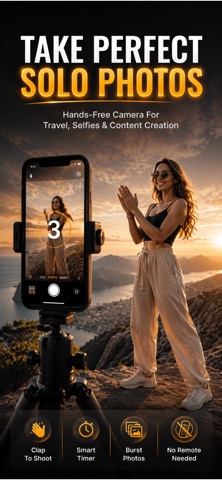
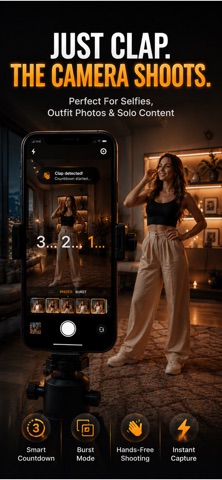
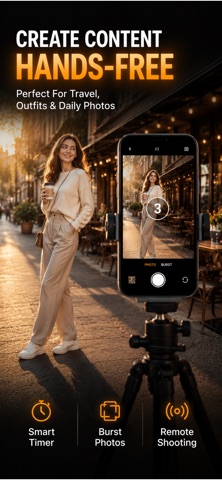
Features and details from the App Store listing
Take photos hands-free using a simple clap or finger snap.
Clap Camera lets you place your phone anywhere, step into the frame, and capture the perfect photo without touching your device. Just clap your hands or snap your fingers to start the timer and the app will take the picture for you.
Perfect for tripod photos, group selfies, solo travel shots, fitness videos, and content creation.
No more running back to the phone before the timer ends.
Just set your phone, get into position, clap or snap, and let the camera do the rest.
How It Works
Place your phone on a tripod or surface
Step into the frame
Clap your hands or snap your fingers
The timer starts and your photo is captured automatically
Key Features
• Clap or snap to trigger the camera
• Hands-free photo capture
• Adjustable countdown timer
• Burst mode to capture multiple photos
• Capture perfect poses every time
• Simple and minimal camera interface
• Front and back camera support
• Works great with tripods
Perfect For
• Solo travelers
• Couples taking photos together
• Group pictures
• Fitness and yoga recording
• TikTok and Instagram creators
• Tripod photography
Premium Features
Upgrade to Premium to unlock:
• Unlimited capture sessions
• Burst mode (5, 10, 15, or 20 photos)
• Extended timers up to 30 seconds
• Orientation lock
• Advanced clap detection sensitivity
Why You'll Love It
Clap Camera makes taking photos easier than ever. No remote controls, no complicated setup. Just clap or snap and capture the moment.
Whether you're taking selfies, recording workouts, or shooting social media content, Clap Camera helps you get the perfect shot every time.
Privacy First
Your photos and audio never leave your device. All processing happens locally on your phone.
Privacy Policy: https://www.emzirmetakibi.com/slapcamera/privacy.html
Term Of Use:https://www.apple.com/legal/itunes/appstore/dev/stdeula/
Popular uses
- Keep a reviewable group of photos organized around an event or task.
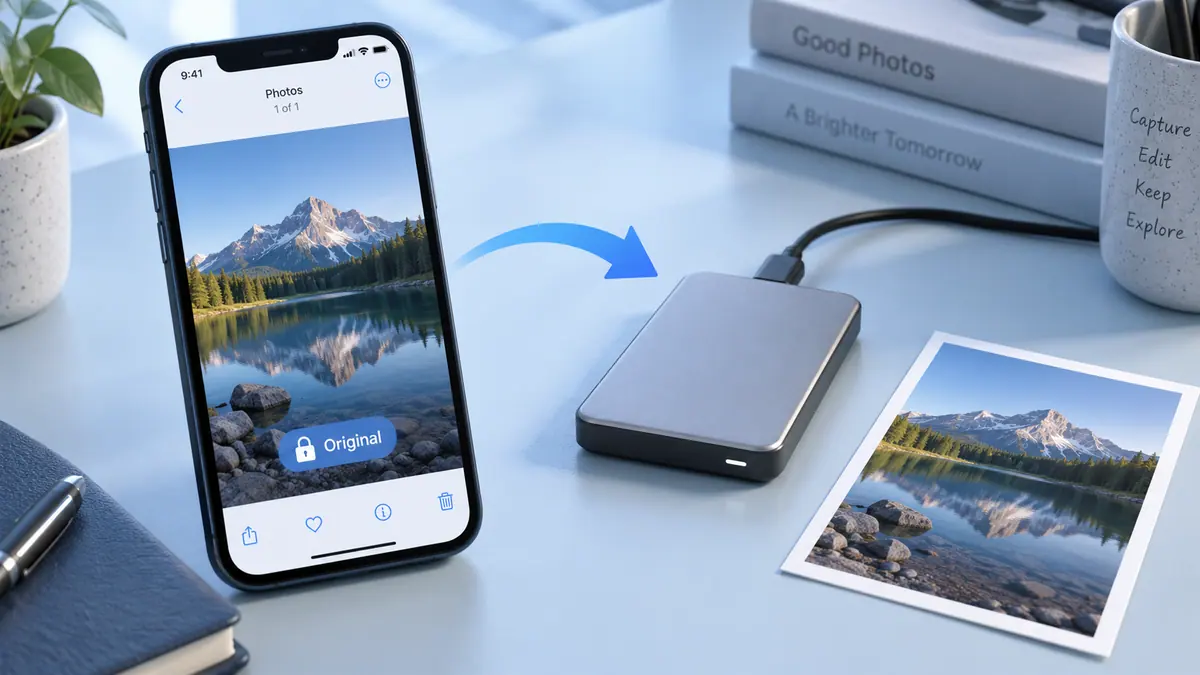
- Prepare a separate delivery image while retaining an original you may need again.
How to get started
- Choose a small group of photos and review the access the app requests.
- Use the organization or editing functions described in the listing, checking selection and preview carefully.
- Review the saved result or library change before applying the same operation to a larger batch.
Common questions and problems
Some photos do not appear
Review the app’s photo-access selection and whether the originals are available locally. Start with a known accessible item.
A cleanup or edit affects the wrong item
Stop the batch, compare the selected items with the intended ones, and check the app’s supported recovery or undo behavior before continuing.
App details
- Category
- Photo & Video
- Current version
- 1.0.1
- Store information checked
- Sep 30, 2026
Availability
Requires iOS 16.0. Availability and pricing may vary by region.