Face Blur: Photo & Video
Apply blur to selected faces or areas in photos and videos.
View on the App StoreThis app is developed by SFByte.
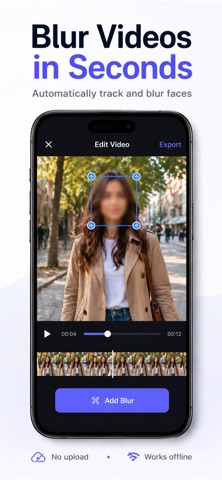
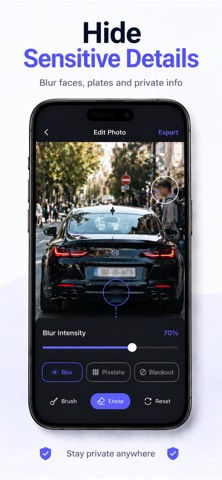
Features and details from the App Store listing
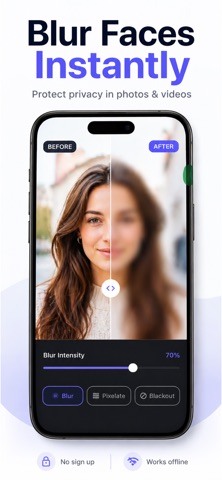
Blur faces in photos and videos in seconds — and protect your privacy right away.
Face Blur Photo & Video is a simple and powerful privacy tool that lets you quickly hide faces and sensitive areas before you share content online. Whether you're posting on social media, sending a video to friends, or saving personal memories, this app makes blurring faces fast, clear, and stress-free.
No complicated editors.
No accounts.
No uploads.
Everything works directly on your device.
How It Works
Choose a photo or video
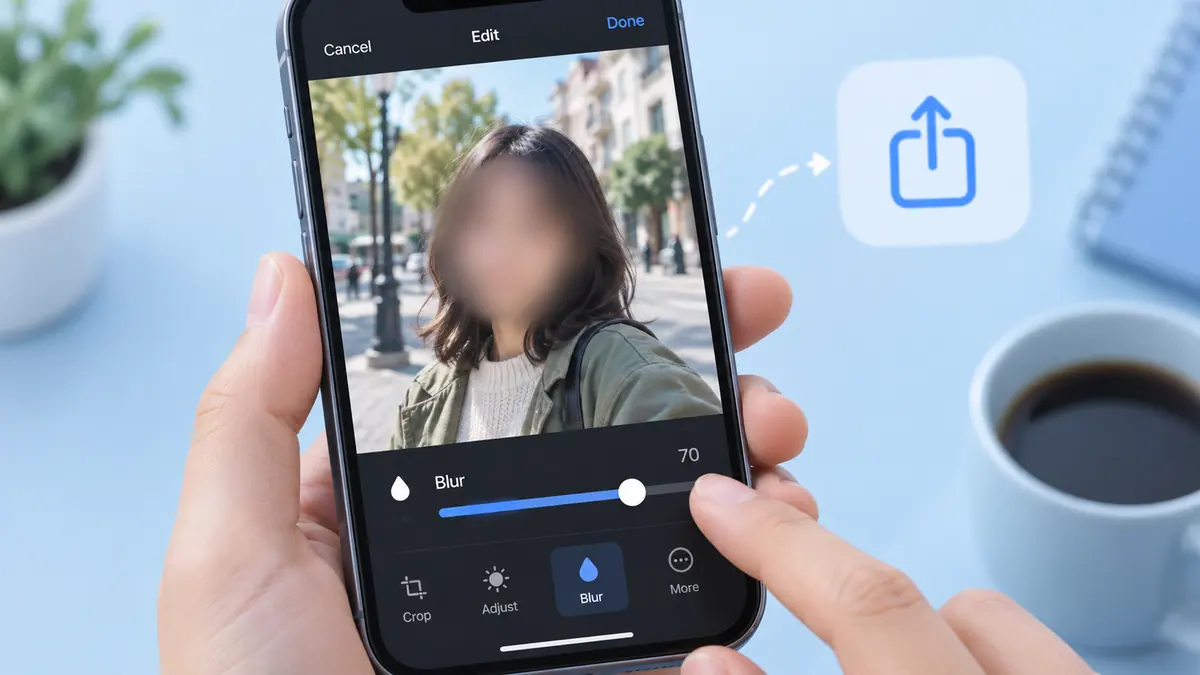
Press and hold on a face to add instant blur
Adjust the intensity, then save or share
Key Features
• Blur faces in photos
• Blur faces in videos
• Press and hold for instant blur
• Smooth, natural-looking blur
• Easily adjust blur intensity
• Works fully offline
• Clean and simple interface
Privacy First
All processing happens directly on your device.
• No photos or videos are uploaded
• No accounts required
• No data collection
Perfect For
• Social media creators
• Parents and families
• Journalists and bloggers
• Anyone who wants to protect their privacy
Premium Features
• Remove the watermark
• Unlimited exports
• Export in full photo and video quality
Subscription Information
Payment will be charged to your Apple ID account at confirmation of purchase.
Your subscription automatically renews unless auto-renew is turned off at least 24 hours before the end of the current period.
You can manage or cancel your subscription anytime in your App Store account settings.
Protect your privacy with confidence. Blur faces before you share.
Terms of Use:
https://www.apple.com/legal/itunes/appstore/dev/stdeula/
Privacy Policy:
https://www.emzirmetakibi.com/videoblur/privacy.html
Popular uses
- Keep a reviewable group of photos organized around an event or task.
- Prepare a separate delivery image while retaining an original you may need again.
How to get started
- Choose a small group of photos and review the access the app requests.
- Use the organization or editing functions described in the listing, checking selection and preview carefully.
- Review the saved result or library change before applying the same operation to a larger batch.
Common questions and problems
Some photos do not appear
Review the app’s photo-access selection and whether the originals are available locally. Start with a known accessible item.
A cleanup or edit affects the wrong item
Stop the batch, compare the selected items with the intended ones, and check the app’s supported recovery or undo behavior before continuing.
App details
- Category
- Photo & Video
- Current version
- 1.0.7
- Store information checked
- Sep 30, 2026
Availability
Requires iOS 15.0. Availability and pricing may vary by region.