JPG vs PDF: Which Should You Send?
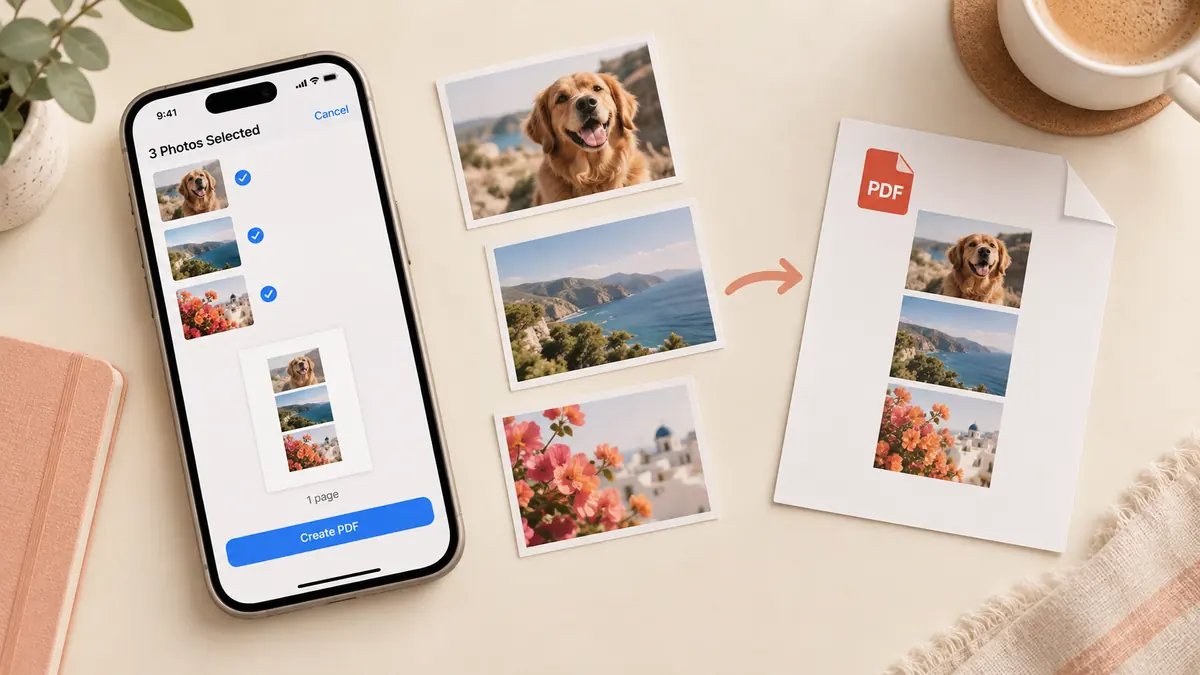
Choose between one image and a document with an intentional page order.
Choose for the recipient’s next action
Send a JPEG when the recipient needs a normal photo to place in a design, edit, or upload to an image-only form. Send a PDF when page boundaries and order matter, such as a multipage receipt packet. Putting a JPEG inside a PDF does not turn it into editable document text.
A quick decision table
| Task | Practical starting point |
|---|---|
| One photo for editing | JPEG, unless another format is requested |
| Several scanned pages in reading order | |
| Image-only upload field | The exact image type the form accepts |
| A fillable document | Preserve the original PDF form fields |
Check quality and privacy
Open the exported file before sending it. A PDF can still contain low-resolution pictures, and a JPEG can still be too large for a form. Follow the recipient’s dimensions and file-size requirements rather than assuming one extension solves both.
Use Image to PDF when you need one ordered document, or Image Compressor for a smaller JPEG copy. Keep the original separately so a later request for higher quality does not require recapturing the material.
Sources & further reading
- MDN Web Docs · Checked Oct 1, 2026
- Apple · Checked Oct 1, 2026