Why Is My PDF Too Large to Email?
Find the source of a large attachment and make a useful smaller copy.
Find what makes the document large
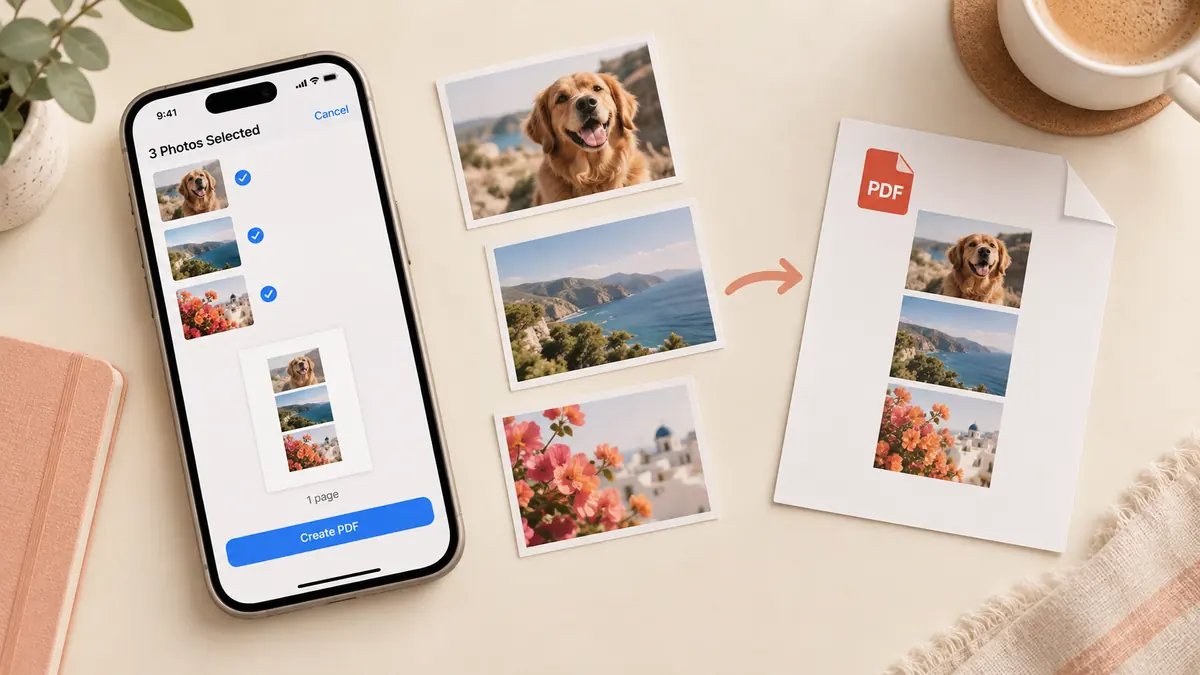
A PDF containing full-resolution photographs can be much larger than a document composed mostly of text. Count the image pages and consider their source: a phone camera may capture far more detail than a small on-screen receipt needs. The PDF container does not guarantee a small attachment.
Make a smaller source set
If you control the images, create reduced copies with Image Compressor and then rebuild the PDF. Start with one representative page. Compare the smallest text in the new export before applying the same settings to all pages. Cropping empty borders helps concentrate the useful detail in the page.
For example, a ten-page set whose pictures average 4 MB starts with about 40 MB of image data. Reducing each to 1 MB suggests roughly 10 MB before the PDF’s own encoding and overhead; measure the result rather than treating that as a guarantee.
Leave room for the message
Check the actual sending service’s current attachment limit. Message encoding and other attachments also take space. If the document cannot remain legible within the limit, use an approved sharing link or a recipient-approved split. Do not delete pages just to force a smaller number.
Sources & further reading
- MDN Web Docs · Checked Oct 1, 2026