Audio Editor & Music,Mp3
Edit recordings and prepare audio files for your next project.
View on the App StoreThis app is developed by SFByte.
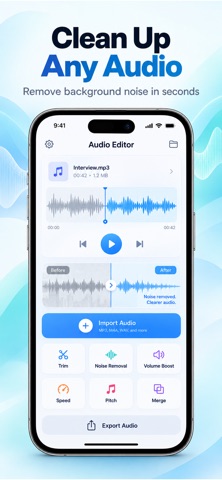
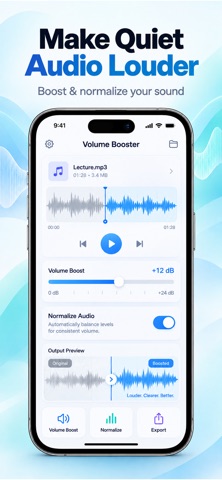
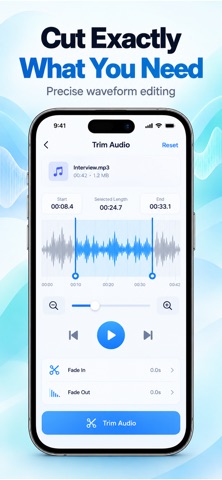
Features and details from the App Store listing
Fix Your Audio in Seconds Clean Enhance and Edit Like a Pro
Your recordings deserve better sound.
This powerful and easy to use audio editor helps you clean noise boost volume and transform your audio instantly all directly on your device.
No complicated tools. No learning curve. Just fast professional results.
What You Can Do
Remove Background Noise
Clean voice recordings and eliminate unwanted sounds instantly
Boost Volume and Normalize Audio
Make your audio louder and clearer without distortion
Trim and Cut with Precision
Easily select and edit the exact part you need
Adjust Speed and Pitch
Slow down speed up or modify audio tone effortlessly
One Tap Audio Fix
Apply smart enhancements in seconds with a single tap
Merge and Combine Audio Files
Create seamless audio tracks from multiple recordings
High Quality Export
Save your audio in high quality formats ready to share
Designed for Everyone
Whether you are editing voice notes podcasts music clips or recordings this app gives you everything you need in one simple interface
No experience required
Privacy First
Your audio never leaves your device
No uploads
No accounts
No tracking
Works fully offline
Everything is processed locally to keep your data safe and private
Premium Features
Upgrade to unlock the full experience
Advanced noise removal
Unlimited exports
High quality audio output
Full access to all tools and presets
Terms and Privacy
Privacy Policy
https://www.zenbyte.app/musiceditor/privacy.html
Terms of Use
https://www.apple.com/legal/itunes/appstore/dev/stdeula/
Download now and make your audio sound clean clear and professional in seconds
Popular uses
- Organize a local recording or audio file you have permission to use.
- Check a listening or editing result before relying on it away from your device.
How to get started
- Start with a supported local file or the input described in the listing.
- Preview the relevant listening or editing controls at a comfortable level.
- Confirm the saved or prepared result using the destination where you intend to play it.
Common questions and problems
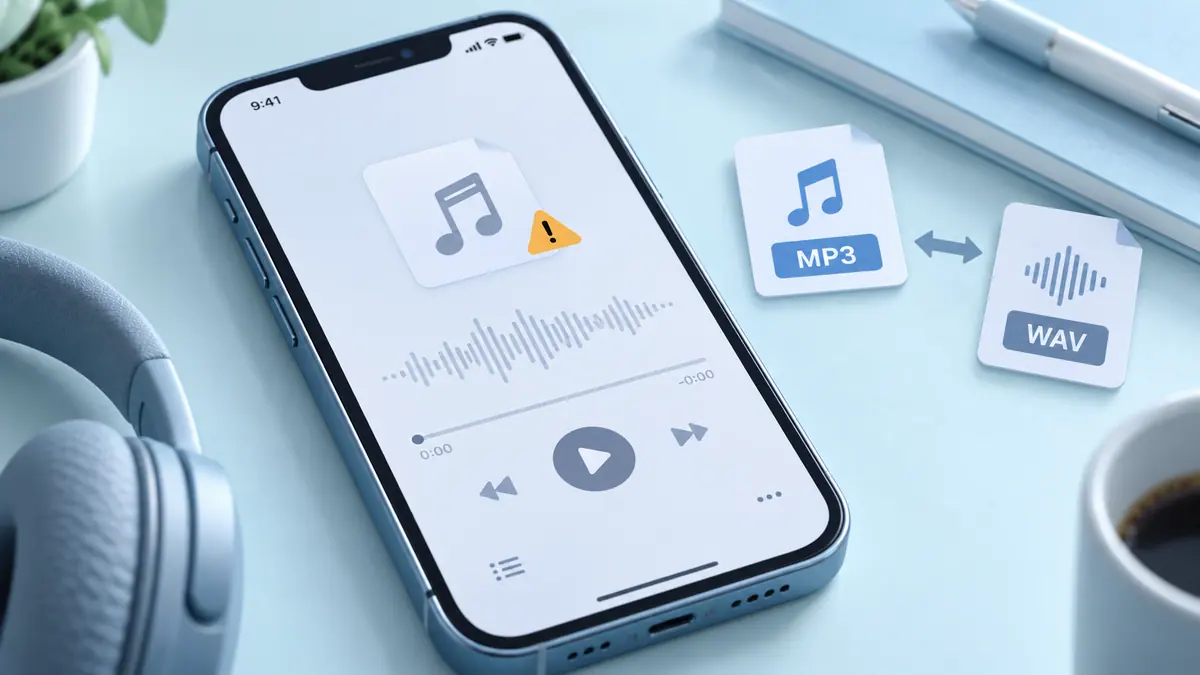
A file does not play
Check that the full file is available and supported. A streaming-service cache is not necessarily an ordinary transferable audio file.
The result has unexpected timing or sound
Compare with the original and inspect the actual saved result, rather than relying only on the project preview.
App details
- Category
- Music
- Current version
- 1.6.3
- Store information checked
- Sep 30, 2026
Availability
Requires iOS 15.0. Availability and pricing may vary by region.