How it works
Enter a decimal file size in MB and a bitrate in kilobits per second. Duration in seconds = MB × 1,000,000 × 8 ÷ (kbps × 1,000). For example, 9.6 MB at 128 kbps corresponds to approximately 600 seconds, or ten minutes.
Example: a ten-minute recording
Enter 9.6 MB and 128 kbps. Ignoring metadata and container overhead, the result is 600 seconds, or ten minutes. Doubling the bitrate with the same file size halves the estimated duration.
Understand the limits
This calculation assumes a constant bitrate. Album artwork, tags, headers, and other overhead occupy some of the file, so actual playing time can be shorter. Variable bitrate audio needs its average bitrate for a useful estimate. Uncompressed audio requires a bitrate based on sample rate, channel count, and sample depth. For an exact duration, open the actual file in a player; this tool does not inspect it.
Common questions
Can I calculate the exact duration of an MP3?
This calculator cannot inspect a file. Read the duration in a player for an exact result; file overhead and variable bitrate can make the estimate differ.
What bitrate should I enter for variable bitrate audio?
Use its measured average bitrate if available. A maximum or nominal setting alone is not enough for a precise estimate.
Can I use the same formula for WAV?
For uncompressed audio, calculate bitrate from sample rate × bits per sample × channels. File headers still add overhead.
Compare common file budgets
At a constant 128 kbps, 9.6 MB represents about ten minutes before overhead. At 256 kbps, the same 9.6 MB represents about five minutes. At 64 kbps, it represents about twenty minutes. The inverse relationship matters: a larger bitrate consumes a fixed file budget faster.
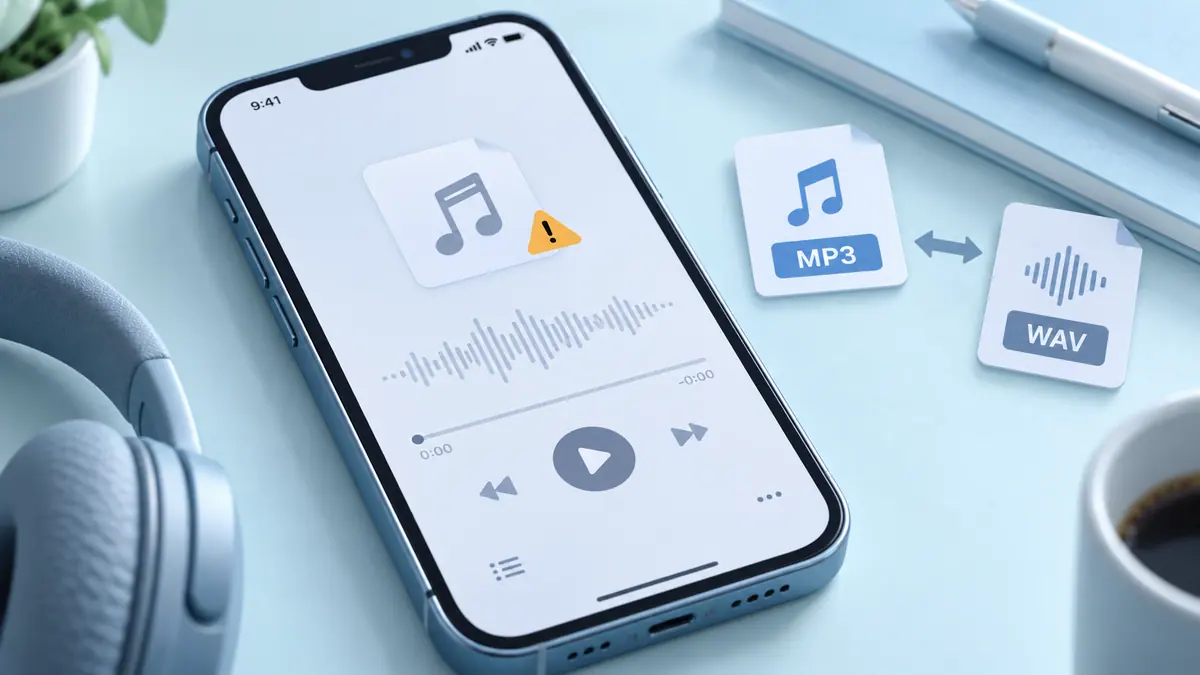
These examples do not recommend one bitrate for every recording. Speech, music, channel count, codec, and the intended listener all affect a sensible encoding choice. The MP3 bitrate and size guide explains why a number alone is not a complete quality judgment.
Know which bitrate you have
A player or file-information tool may report a nominal bitrate, a stream average, or other metadata. For variable-bitrate audio, use an average that describes the entire track when available. A brief complex section can use more data than a quiet section, so an advertised maximum should not be treated as the file’s constant rate.
For uncompressed stereo audio at 44,100 samples per second and 16 bits per sample, the arithmetic bitrate is 1,411,200 bits per second, or 1,411.2 kbps. That calculation describes the samples, not every byte in a WAV container. Entering 128 kbps for such a file would give a misleading duration estimate.
Use the result for planning, not file verification
This calculator accepts numbers and does not load or listen to your recording. It cannot detect silence, corruption, a truncated ending, or a misleading extension. Open the actual file in a compatible player when those questions matter. The audio playback troubleshooting guide gives a practical comparison workflow.
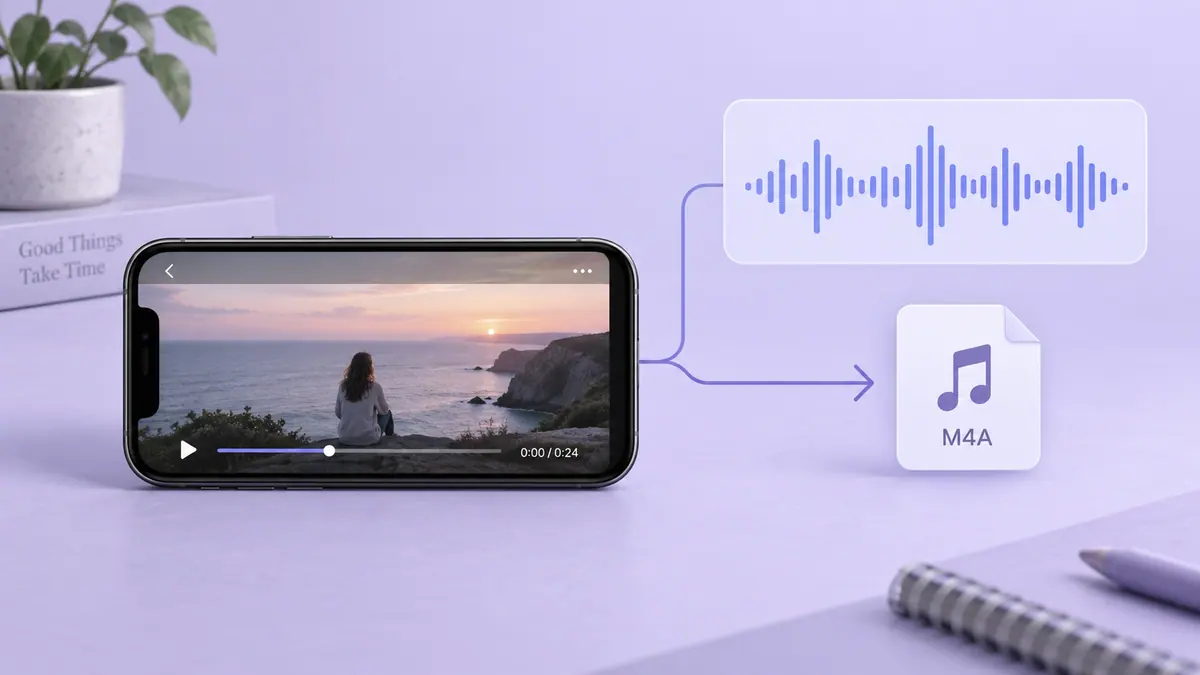
If you need a separate soundtrack from your own video, see extracting audio on iPhone. Check the saved export’s real duration and beginning/end before sharing it. A streaming service’s protected download is a separate system; its cache size is not a reliable input for estimating an ordinary MP3’s length.