AirPods 5 Announcement: Offline Music Still Starts with Your Files
Apple’s AirPods 5 announcement is a useful prompt to check your offline listening setup, but headphones and downloaded audio are separate parts of the workflow. Before traveling, confirm that the player you intend to use can open the actual recordings without a network connection. A library listing may represent a cloud item or a service-managed download rather than a portable MP3. This article connects Apple’s hardware announcement to a practical preparation check; it does not report an SFByte headphone test or claim that a new model is needed for offline playback.
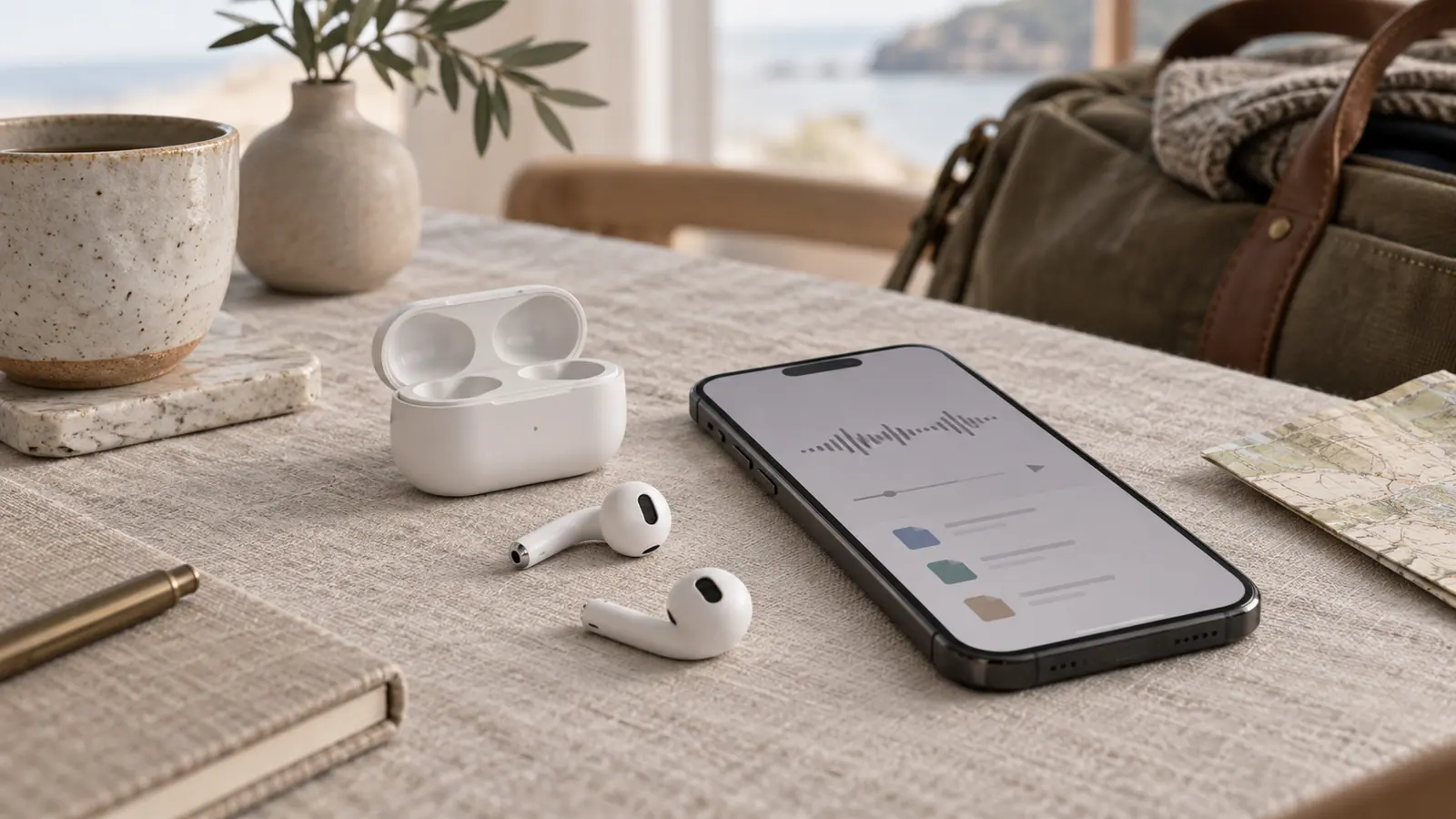
Source announcement:
The announcement in context
Apple announced AirPods 5 on September 9 with changes to its open-ear listening features, including active noise cancellation. The source announcement contains the hardware, pricing, and availability details; those can differ by region and configuration.
Separate the headphones from the library
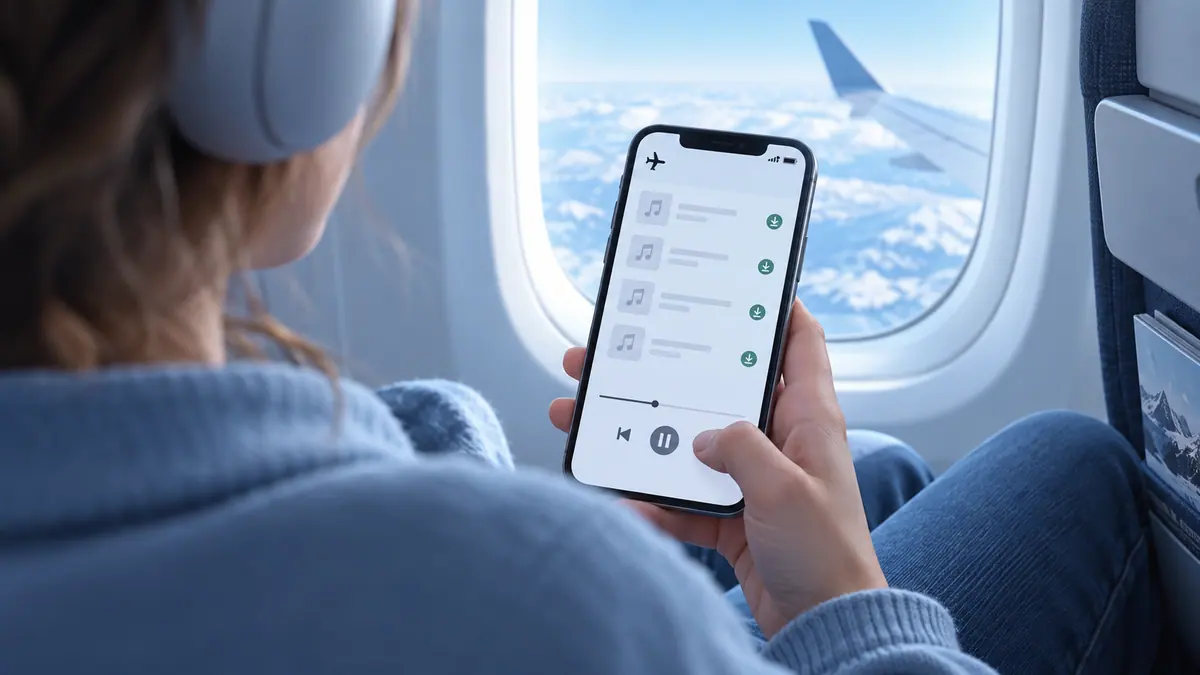
For a flight or a commute without reliable service, the important software question is whether the actual audio is downloaded. Headphones do not turn cloud placeholders into local music files. A track listed in an app’s library may still depend on a connection or the service’s download rules.
Check before leaving
Open the player you intend to use, finish downloading a small selection, and try it without network access. Play more than the first few seconds and check the behavior with the screen locked. Keep the original files backed up when importing a personal MP3 collection.
Our offline MP3 guide separates local files from a subscription service’s downloads. This is a workflow check prompted by the hardware announcement, not an SFByte listening test or a claim that one headphone model is required for offline playback.
Prepare one reliable listening set
Choose a small group of recordings you know you will want, finish the supported downloads, and verify them in the intended player. Test seeking to a later point in a track instead of listening only to the beginning, which might already be cached. Confirm that your output device is the one you expect before assuming a track is silent.
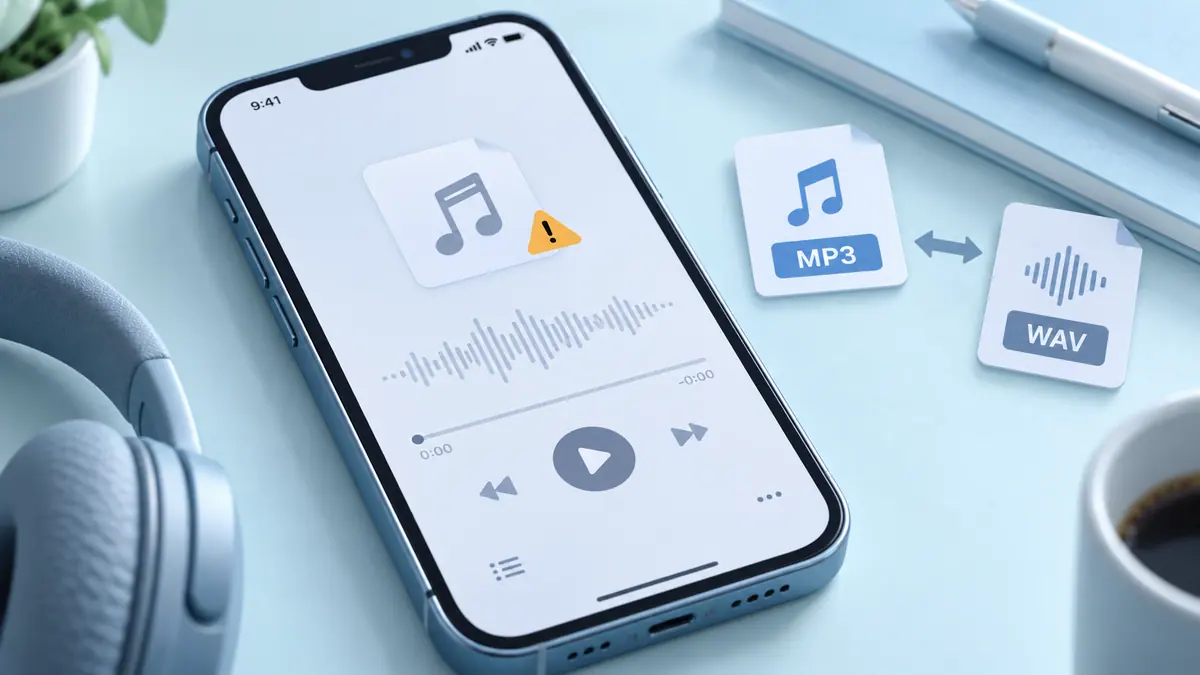
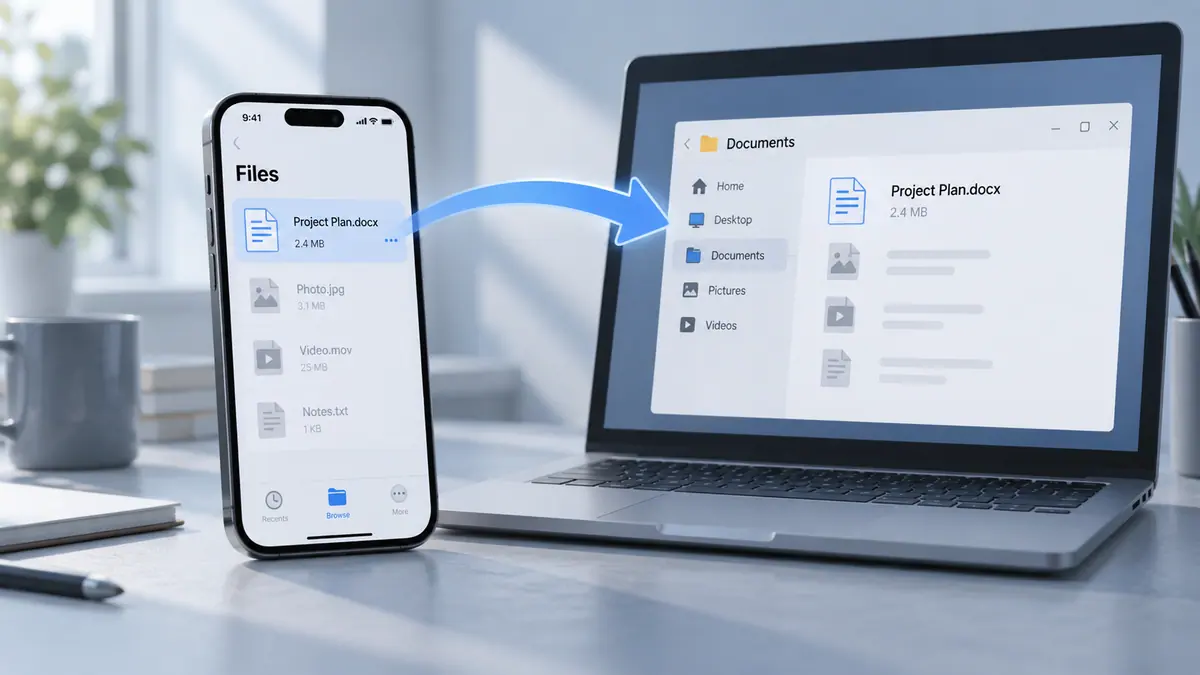
For your own file collection, keep a backup of the originals and a consistent folder structure. Use checking transferred files after moving a library from another device. If a local file fails, the audio playback guide separates an incomplete file from a compatibility issue.
What to recheck before leaving
Review the service or player’s current offline rules and confirm the files still open near your departure. A successful check weeks earlier is not proof that account access, downloads, or device storage remain unchanged. Keep the practical test small enough that you can repeat it without rebuilding your whole library.
The announcement date remains September 9. This follow-up workflow should not be labeled a new hardware release simply because the article is reviewed later.
Sources & further reading
- Apple · Checked Oct 1, 2026