Guide · Music & Audio
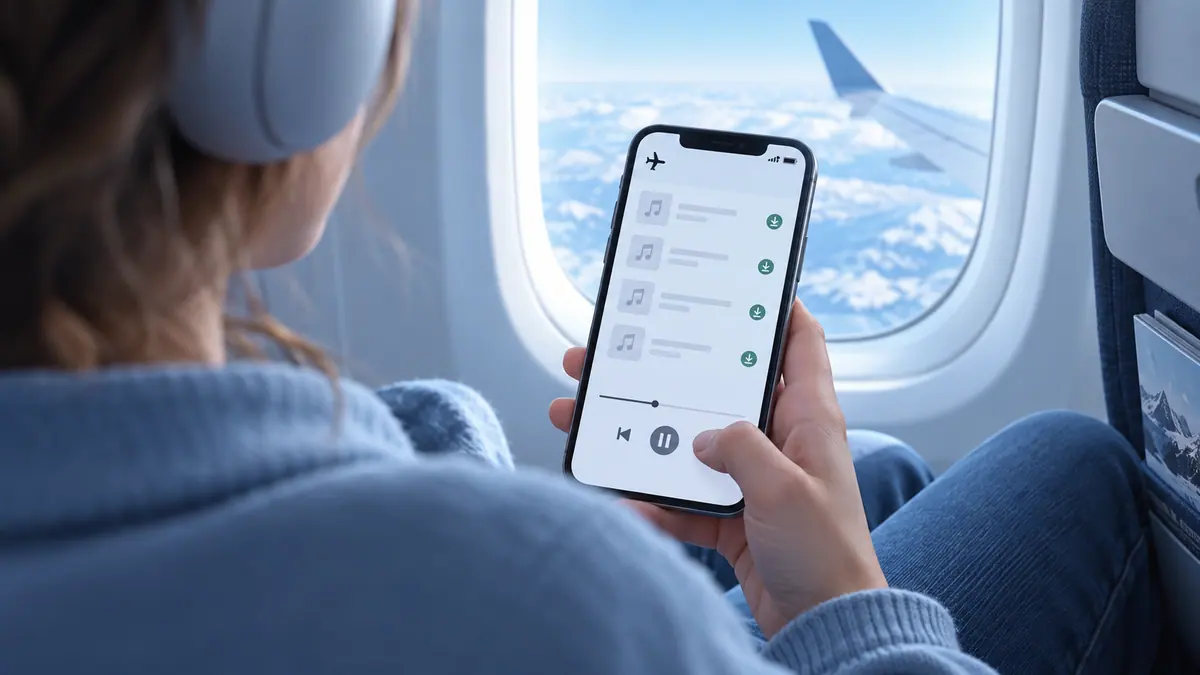
How to Play MP3 Files Offline on iPhone
Prepare real local MP3 files, import a small playlist, and check playback without Wi-Fi or cellular access before relying on offline listening.
4 min readManage local music, edit recordings, and understand audio files.
An audio file’s format, quality, and storage location affect what you can do with it. A track saved inside a streaming service is not necessarily an ordinary MP3 you can import into another player. For local playback, start with files you own or have permission to use, then confirm that they are downloaded to the device before going offline.
For editing, preserve the original recording and export a separate copy. Speech and music have different priorities: intelligible words may need modest bitrates, while dense music can reveal compression artifacts sooner. Listen with the equipment your audience will use. Turning up a waveform is not a substitute for a cleaner recording, and clipping cannot be fixed simply by lowering the playback volume.
Use the guides below for a specific task, then follow the related tools and apps when they fit your workflow. Each article links to its sources and separates a general explanation from instructions that depend on a particular app or device.
Prepare real local MP3 files, import a small playlist, and check playback without Wi-Fi or cellular access before relying on offline listening.
4 min readCompare 128, 192, 256 and 320 kbps MP3 sizes per minute and per hour. Understand CBR, VBR, quality tradeoffs and why up-converting cannot restore detail.
5 min read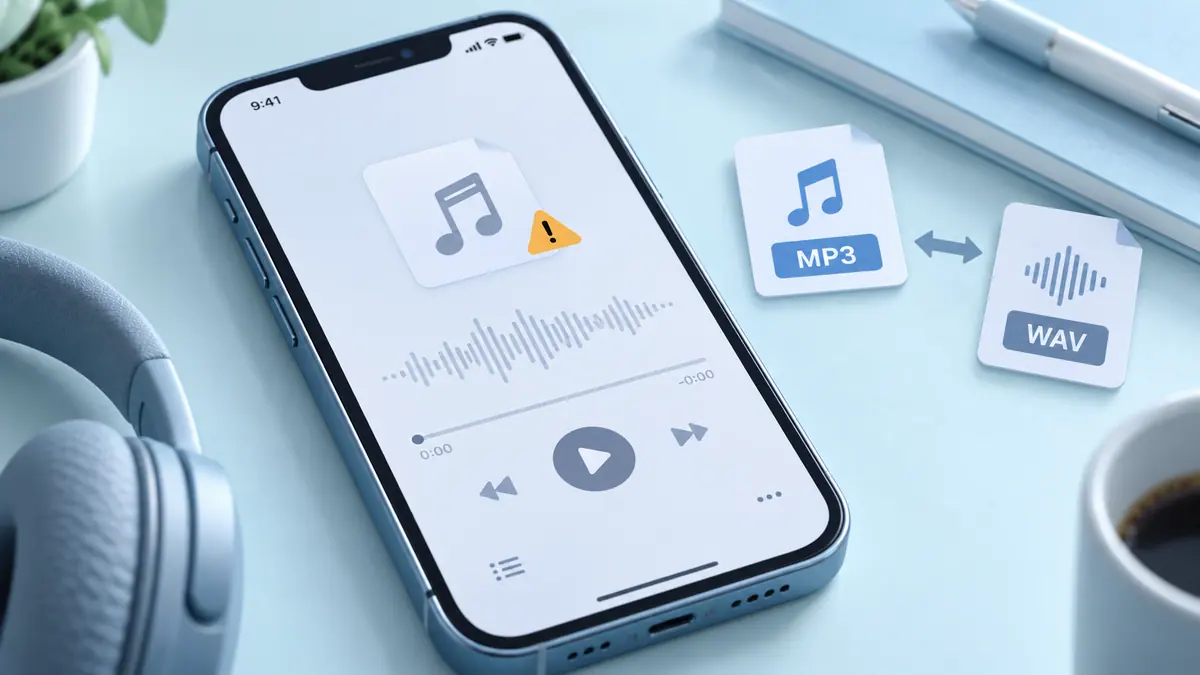
Check download completion, the actual format, and the receiving app before converting.
1 min readCheck that the full file is available and supported. A streaming-service cache is not necessarily an ordinary transferable audio file.
Compare with the original and inspect the actual saved result, rather than relying only on the project preview.
 Music & Audio
Edit recordings and prepare audio files for your next project.
View app Music & Audio
Combine tracks with a two-deck mixer and automatic mixing options.
View app Music & Audio
Import your music files and listen without an internet connection.
View app Music & Audio
Record a sound and play a reversed version.
View app Music & Audio
Adjust audio levels and equalizer settings for your media.
View app
Who can use Spotify Taste Profile, where to find it, and how to give useful feedback about your Home recommendations.
2 min read
New listening hardware does not automatically make a music library available without a connection.
3 min read