Why Will an Audio File Not Play on iPhone?
Check download completion, the actual format, and the receiving app before converting.
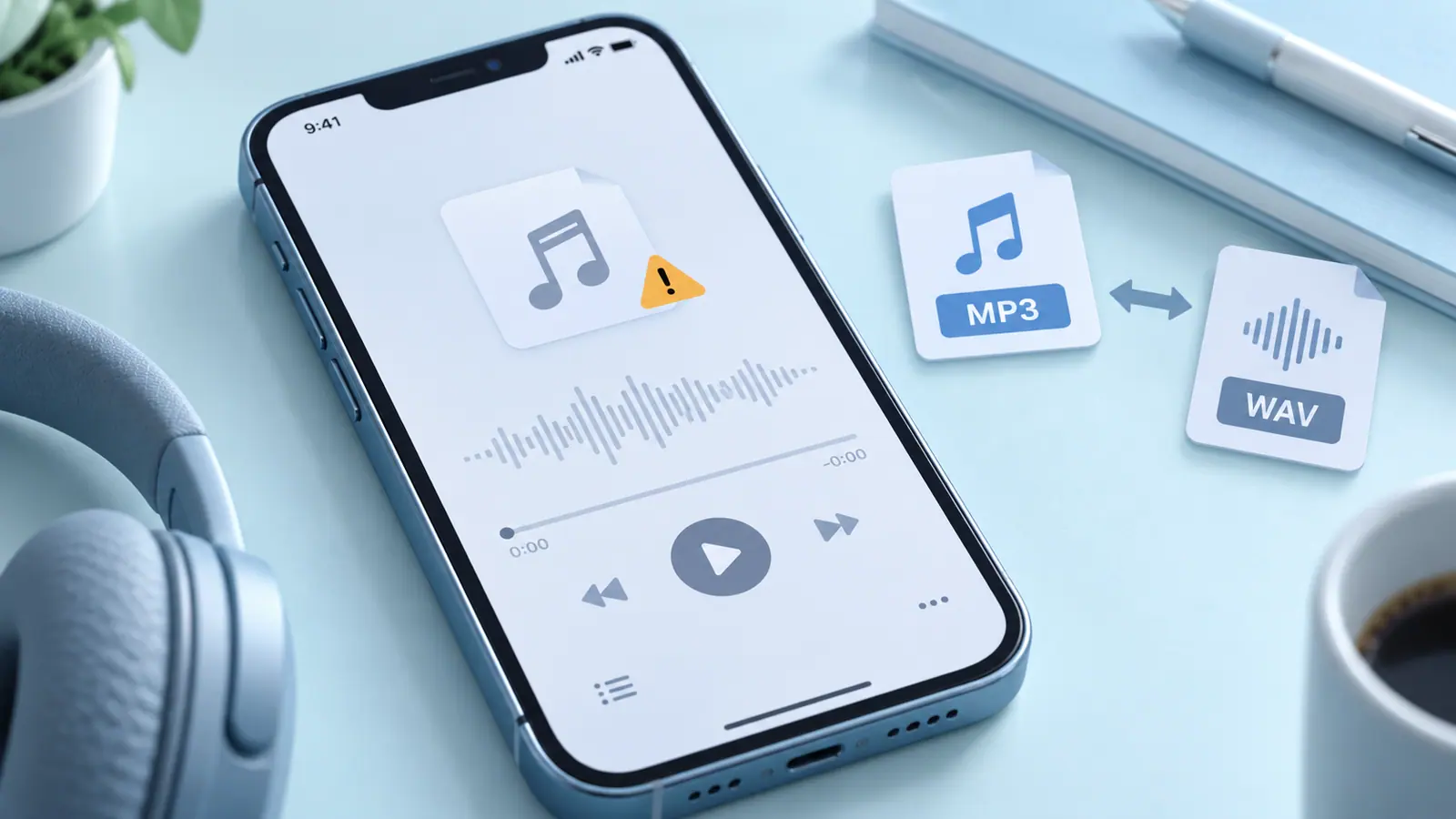
Separate access from decoding
First confirm that the file is fully downloaded and accessible to the player. A cloud placeholder, interrupted transfer, or revoked folder permission can look like a format problem. Try opening a known-good file in the same app to narrow the cause.
Check the actual file
The extension is only a clue. Renaming a file does not change its codec or repair damaged data. Ask the sender what created the recording and whether they can open the complete source. If a different supported player opens it, your original player may not support that format or variant.
Convert from a working original
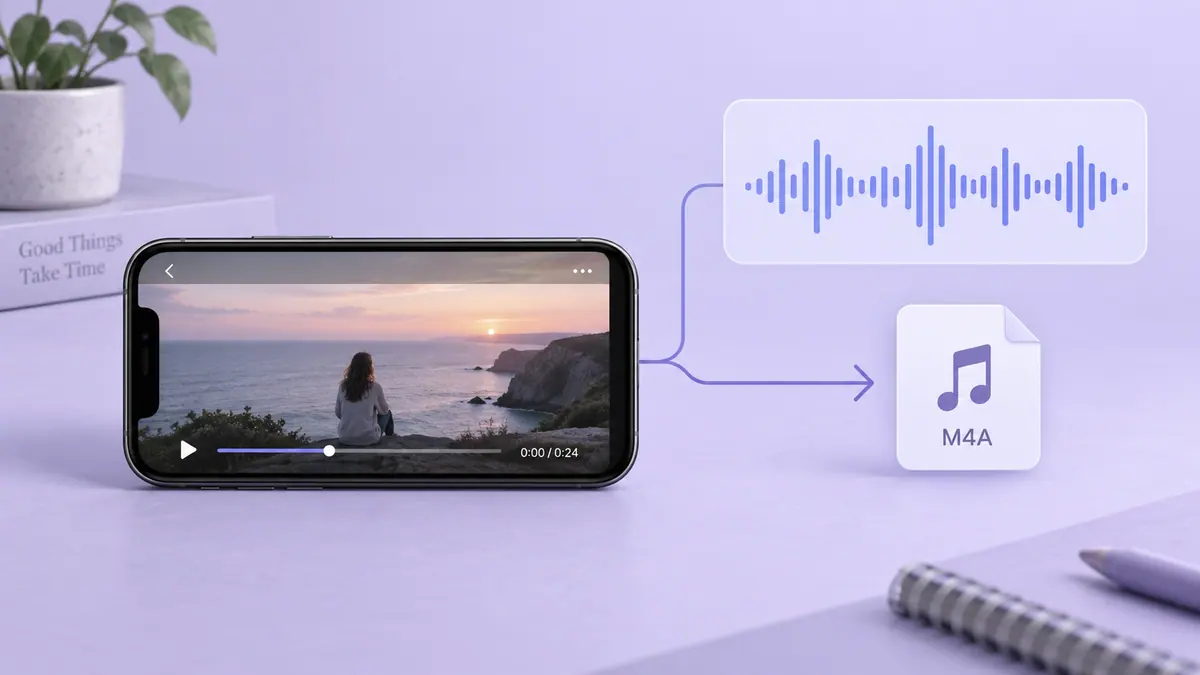
When conversion is necessary, use a tool that can read the source and export a format accepted by the destination. Save a new copy. Play the beginning, middle, and end; a successful export message alone does not prove there is useful audio throughout.
Record the error message and file size if it still fails. Those details are more useful than trying a sequence of filename changes. Keep the source until you have a verified replacement, and avoid uploading a private recording to an unfamiliar converter simply because it promises support for every format.
Sources & further reading
- MDN Web Docs · Checked Oct 1, 2026