Offline Music Player: MP3Zen
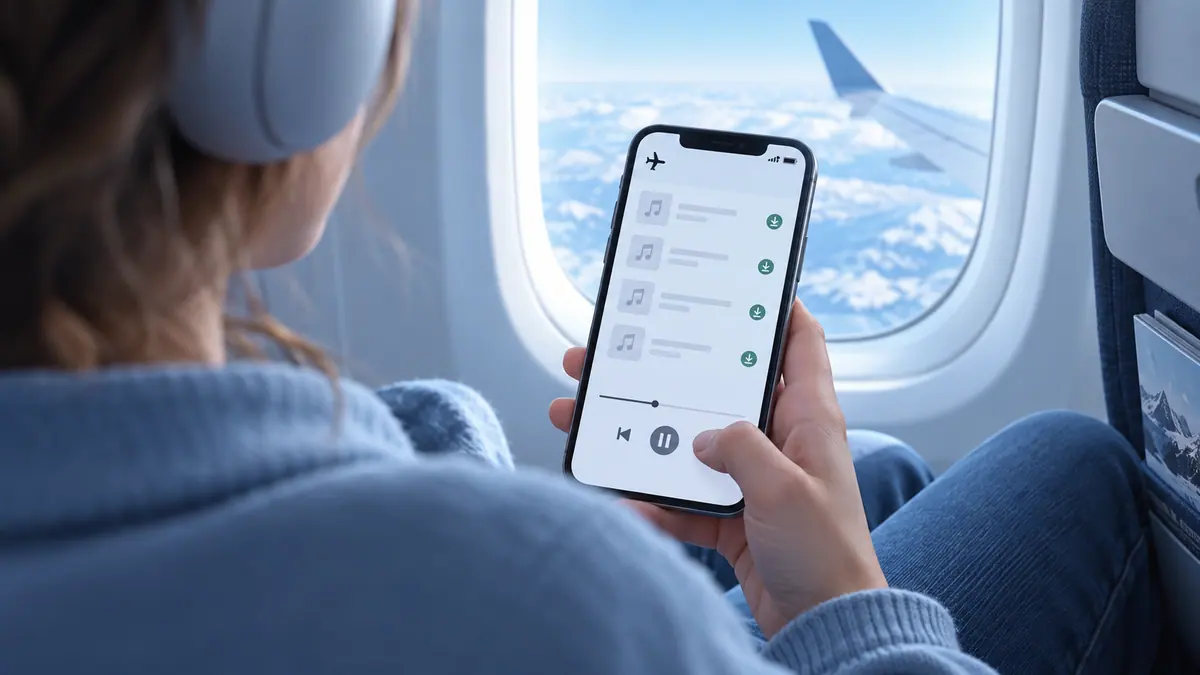
Import your music files and listen without an internet connection.
View on the App StoreThis app is developed by SFByte.
Features and details from the App Store listing
# Offline Music Player: MP3Zen
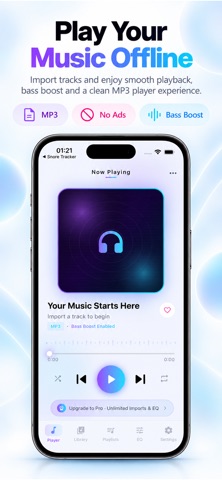
Play your music anytime without internet.
MP3Zen is a powerful offline music player designed for people who want a clean fast and private way to listen to music stored on their iPhone.
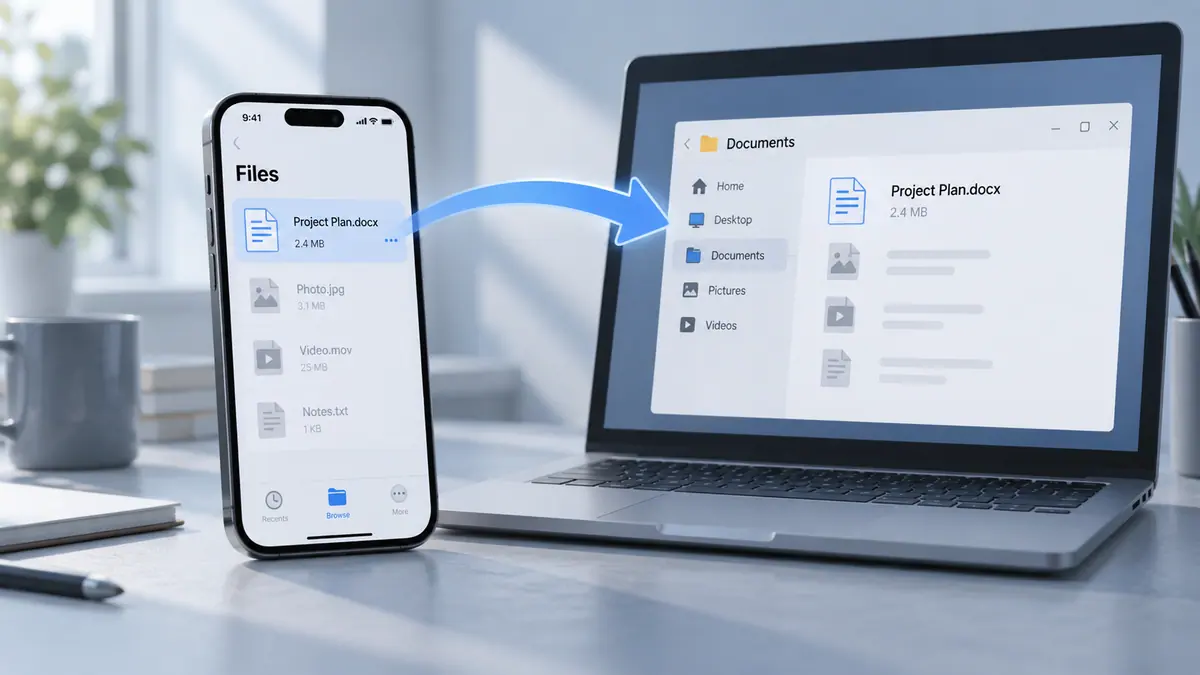
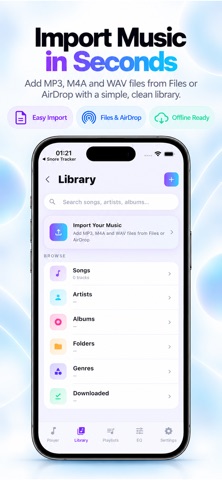
Import MP3 songs from Files AirDrop iCloud Drive Telegram WhatsApp and other apps in seconds and enjoy smooth background playback with powerful bass boost and equalizer controls.
No ads. No login. No internet required.
Whether you are traveling working studying driving or relaxing MP3Zen gives you a premium offline music experience built for iPhone.
## KEY FEATURES
• Play music fully offline
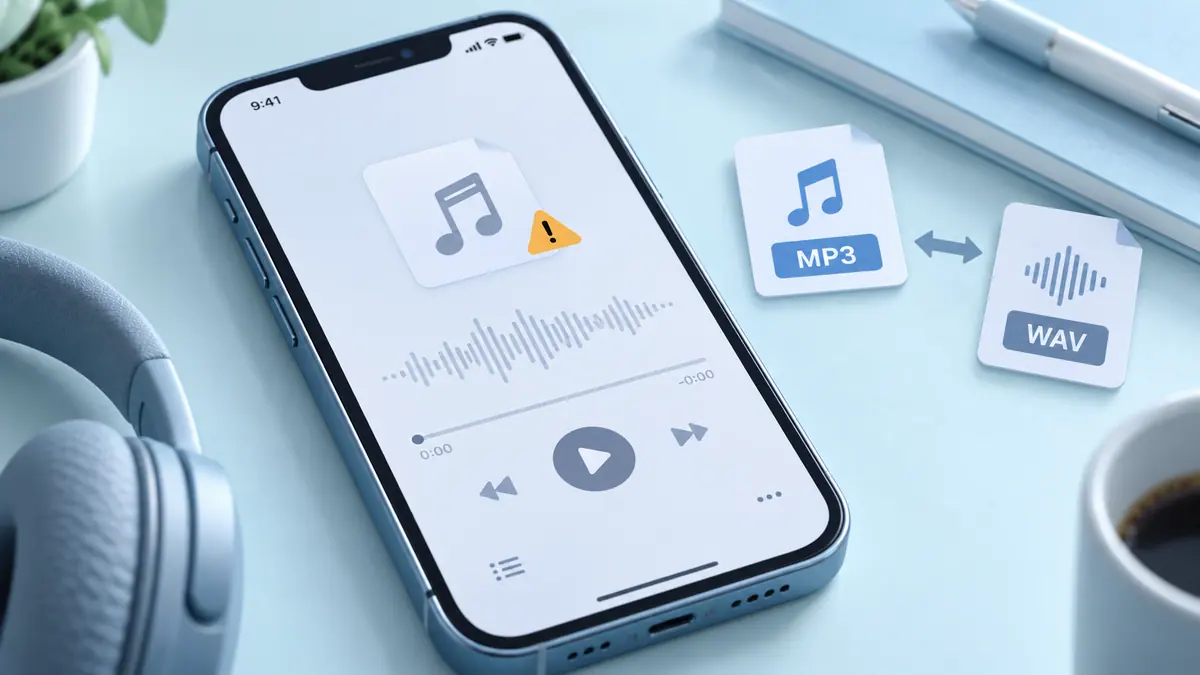
• Import MP3 M4A WAV and audio files easily
• Background playback support
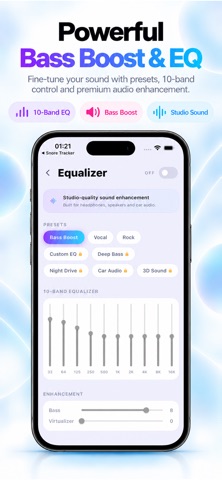
• Powerful bass boost and equalizer
• Beautiful dark mode player
• Create playlists and favorites
• Lock screen music controls
• AirPods and Bluetooth support
• Smooth and fast music player experience
• Sleep timer support
• Organize songs by artist album or folder
• Modern minimal design made for iOS
## IMPORT MUSIC FROM ANYWHERE
Quickly import songs from:
• Apple Files
• iCloud Drive
• AirDrop
• Telegram
• WhatsApp
• Safari Downloads
• Other apps using Share Sheet
Your music stays private on your device.
## POWERFUL SOUND EXPERIENCE
Enhance your music with built in audio presets:
• Bass Boost
• Vocal Boost
• Rock
• Chill
• Night Drive
• Deep Bass
Enjoy richer sound with headphones speakers or car audio.
## SIMPLE PRIVATE OFFLINE
MP3Zen does not require an account or internet connection.
• No subscriptions required to play music
• No tracking
• No cloud upload
• No complicated setup
Just import your songs and press play.
Download MP3Zen today and enjoy your offline music the way it should be.
Privacy Policy: https://zenbyte.app/musicplayer/privacy.html
Term of Use : http://apple.com/legal/itunes/appstore/dev/stdeula/
Popular uses
- Organize a local recording or audio file you have permission to use.
- Check a listening or editing result before relying on it away from your device.
How to get started
- Start with a supported local file or the input described in the listing.
- Preview the relevant listening or editing controls at a comfortable level.
- Confirm the saved or prepared result using the destination where you intend to play it.
Common questions and problems
A file does not play
Check that the full file is available and supported. A streaming-service cache is not necessarily an ordinary transferable audio file.
The result has unexpected timing or sound
Compare with the original and inspect the actual saved result, rather than relying only on the project preview.
App details
- Category
- Music
- Current version
- 1.1.2
- Store information checked
- Sep 30, 2026
Availability
Requires iOS 13.0. Availability and pricing may vary by region.