Files:Myfile Organizer,Inbox
Collect incoming attachments before sorting them into folders.
View on the App StoreThis app is developed by SFByte.
Features and details from the App Store listing
File Inbox is a simple place to save files before you decide what to do with them
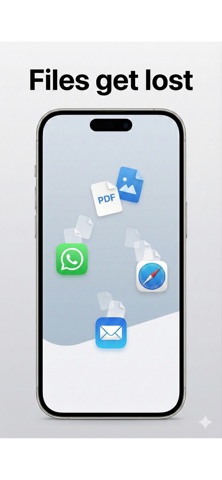
Attachments from apps like WhatsApp Mail or Safari often get lost
File Inbox gives you one calm inbox where everything goes first
No folders
No decisions
HOW IT WORKS
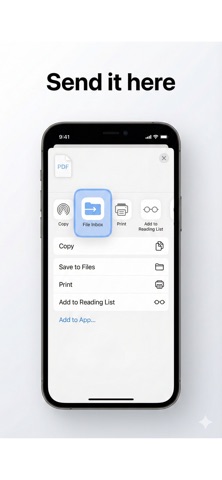
Share any file to File Inbox
It is saved instantly and works offline
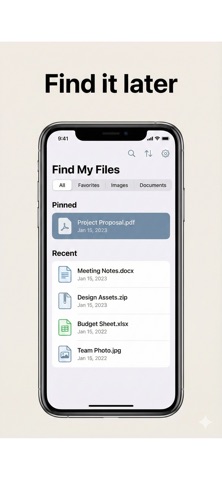
Find it later when you are ready
WHY FILE INBOX
Most file apps ask you to organize first
File Inbox lets you save first and decide later
Use it when you
Do not want to lose an attachment
Do not know where to save a file yet
Just want one place for incoming files
KEY FEATURES
Save files from any app using Share
One simple inbox view
Offline first your files stay on your device
Rename or delete files anytime
Optional Face ID protection
No account required
FREE AND PRO
You can use File Inbox for free with a limited number of files
Upgrade to Pro to unlock
Unlimited files
Search
Tags and pinning
Face ID protection
Optional auto cleanup
PRIVACY
File Inbox is private by design
No accounts
No tracking
No cloud sync
Your files stay on your device
SAVE NOW DECIDE LATER
Term Of use: https://www.apple.com/legal/internet-services/itunes/dev/stdeula/
Privacy Policy https://www.emzirmetakibi.com/fileinbox/privacy.html
If you have questions or need support, contact us at:
muzeyyenseyar@gmail.com
Popular uses
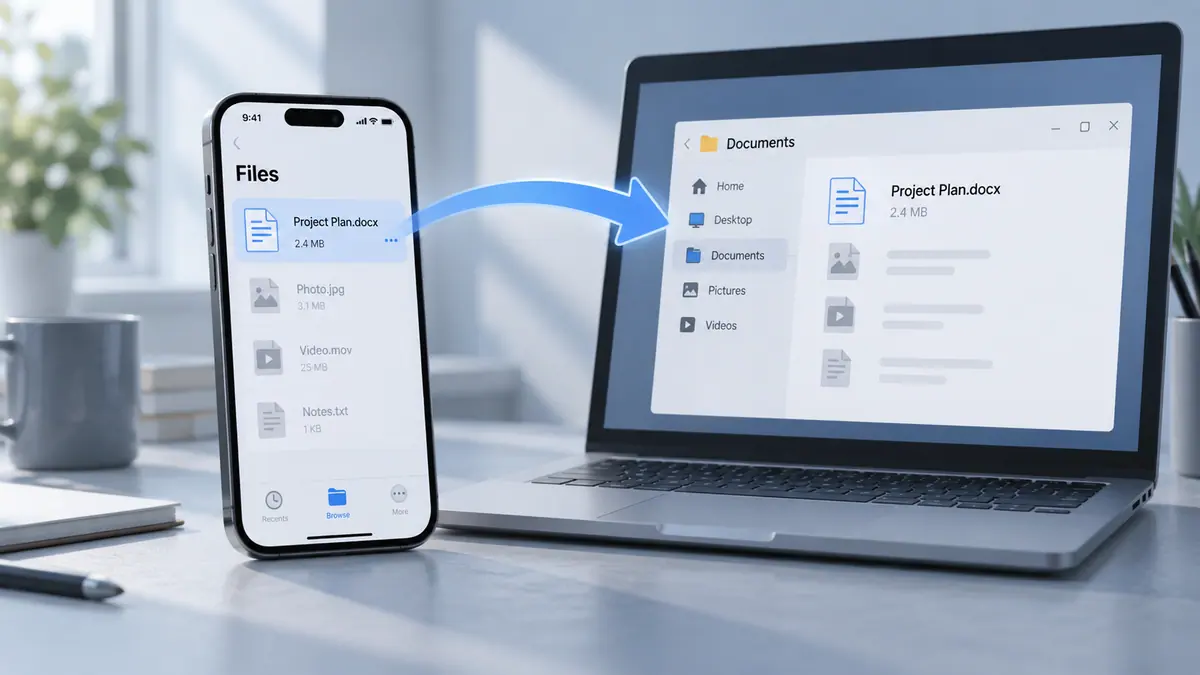
- Move a clearly named set of files to the device that needs them.
- Keep a verifiable project folder instead of several ambiguous copies.
How to get started
- Choose a small test file and the app’s supported source and destination.
- Complete the transfer or organization task and check the destination’s contents.
- Open representative files and compare counts before removing any source copy.
Common questions and problems
A transfer appears incomplete
Check the destination, file count, and accessible size. A progress indicator alone is not proof that every file is usable.
Several copies have similar names
Compare dates and contents, then use a consistent naming scheme. Keep uncertain originals until you know which result is complete.
App details
- Category
- Productivity
- Current version
- 1.0.1
- Store information checked
- Sep 30, 2026
Availability
Requires iOS 13.0. Availability and pricing may vary by region.