Fast File Sharing App
Share photos, videos, and documents between devices.
View on the App StoreThis app is developed by SFByte.
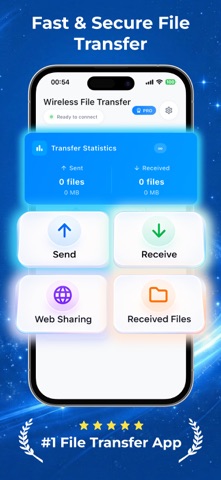
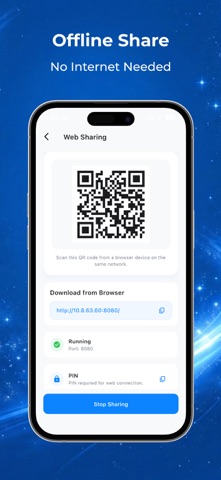
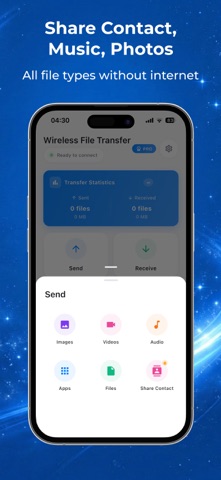
Features and details from the App Store listing
Share Files Instantly Between Devices
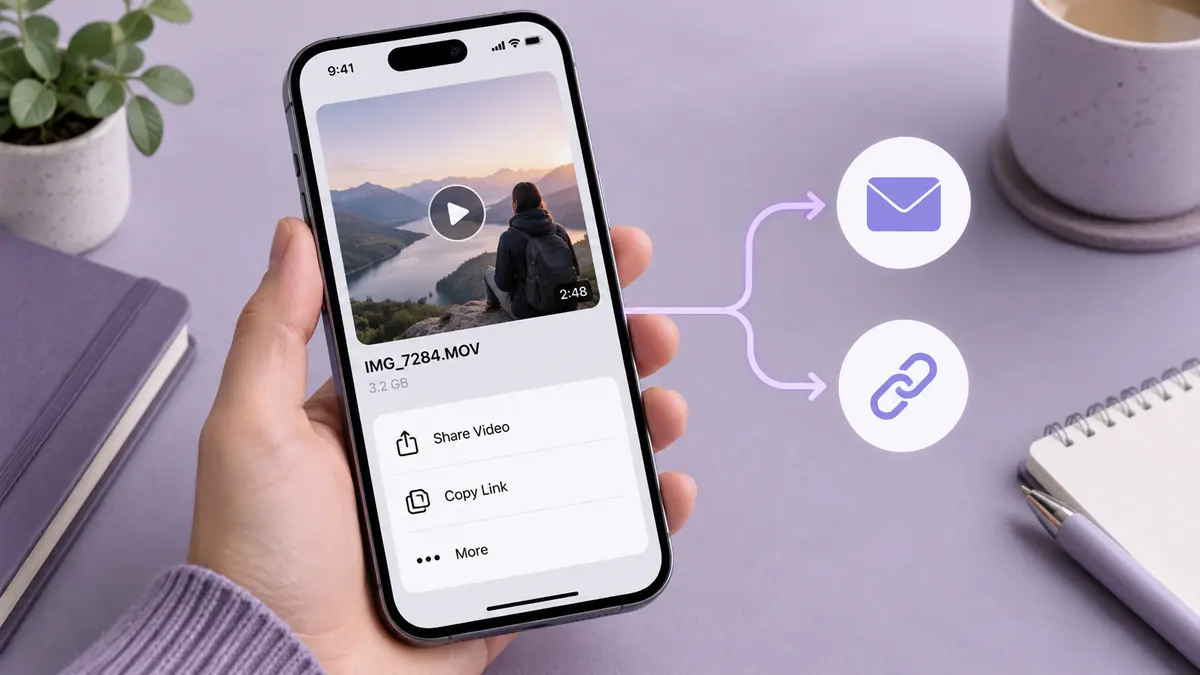
Send photos, videos, music, documents and more in seconds.
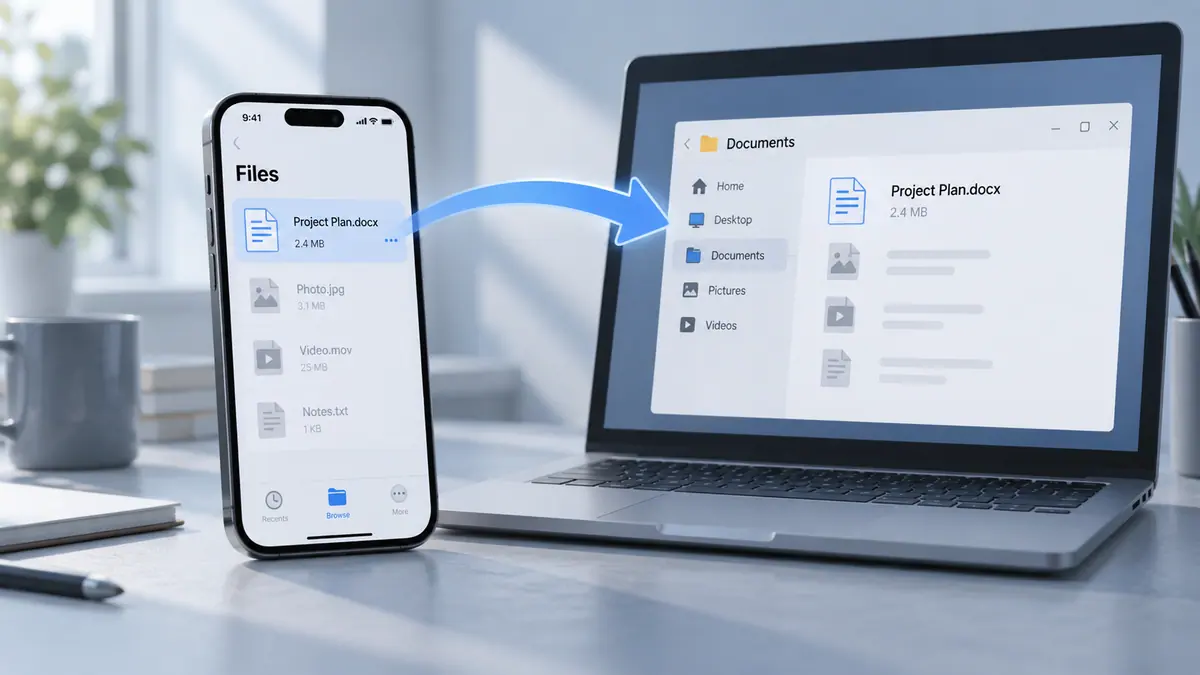
Our fast file sharing app makes it easy to transfer files between iPhone, Android and Web devices without complicated setup.
No cables. No slow transfers. Just fast and simple file sharing.
Fast File Transfer
Send large files instantly with high-speed local transfer technology.
Move photos, videos, documents and other files between devices in seconds.
• Much faster than traditional Bluetooth transfers
• Send large files quickly
• No quality loss during transfer
Cross-Platform Sharing
Easily share files across different devices.
• iPhone to Android
• Android to iPhone
• Phone to Web browser
• Phone to laptop or computer
Transfer files smoothly between all your devices.
Supports All File Types
Share almost anything from your device:
• Photos
• Videos
• Music
• Documents
• PDFs
• Apps and other data
No file type limitations.
No Internet Required
Transfer files directly between nearby devices without using mobile data.
• Works offline
• No data usage
• Secure local connection
Private & Secure
Your files are transferred directly between devices.
• No cloud upload required
• No unnecessary data collection
• Direct device-to-device transfer
Your files stay yours.
Simple to Use
Sharing files takes only a few taps.
1. Tap Send to choose files
2. Tap Receive on another device
3. Transfer instantly
Fast, simple and reliable.
Download now and start sharing files instantly.
Send photos, videos, documents and more between your devices in seconds.
Privacy Policy: https://www.zenbyte.app/privacy/shareme
Terms of Use (EULA): https://www.apple.com/legal/internet-services/itunes/dev/stdeula/
Popular uses
- Move a clearly named set of files to the device that needs them.
- Keep a verifiable project folder instead of several ambiguous copies.
How to get started
- Choose a small test file and the app’s supported source and destination.
- Complete the transfer or organization task and check the destination’s contents.
- Open representative files and compare counts before removing any source copy.
Common questions and problems
A transfer appears incomplete
Check the destination, file count, and accessible size. A progress indicator alone is not proof that every file is usable.
Several copies have similar names
Compare dates and contents, then use a consistent naming scheme. Keep uncertain originals until you know which result is complete.
App details
- Category
- Utilities
- Current version
- 1.0.0
- Store information checked
- Sep 30, 2026
Availability
Requires iOS 15.0. Availability and pricing may vary by region.