File Transfer: Phone to PC
Move photos, videos, and documents from your phone to a computer.
View on the App StoreThis app is developed by SFByte.
Features and details from the App Store listing
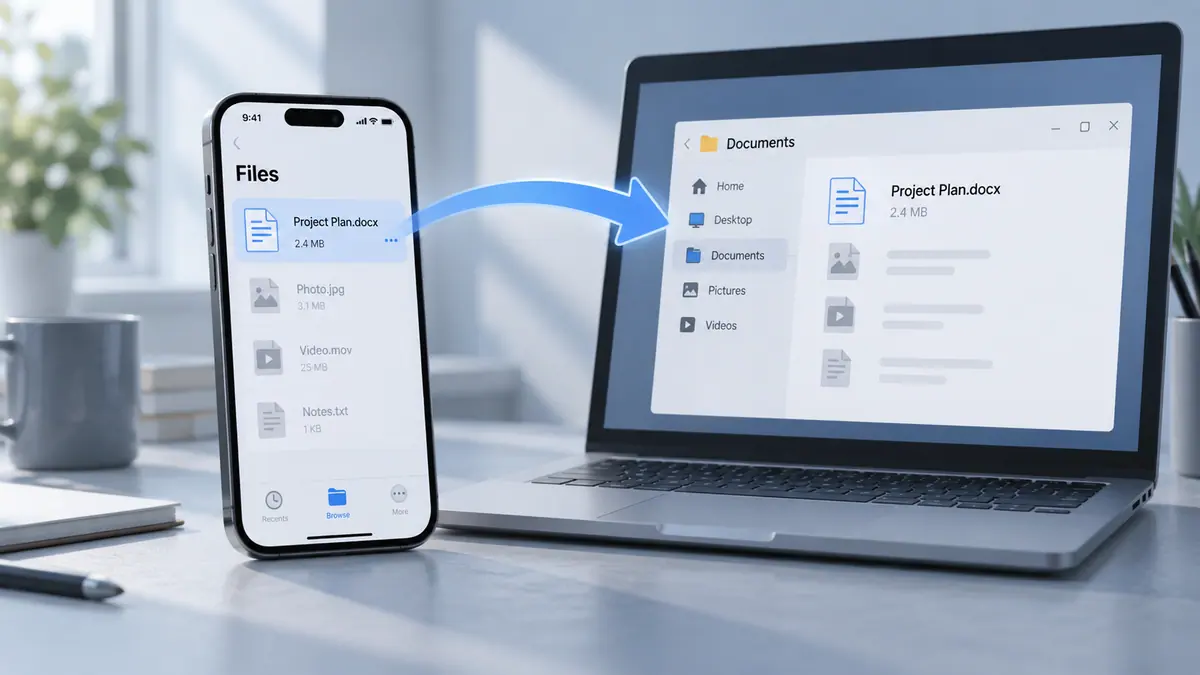
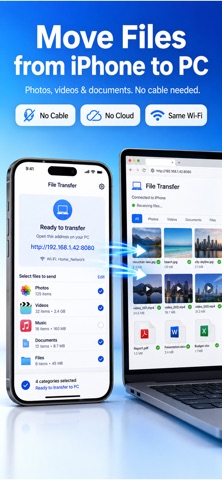
Send Files to PC from iPhone makes it easy to share videos photos music documents and files from your iPhone to Windows and macOS computers.
Sending files from iPhone to Windows or iPhone to macOS should not be complicated. This app lets you transfer your files instantly over the same WiFi network without cables cloud services or account setup.
Whether you are moving files from iPhone to a Windows PC or sending files from iPhone to a Mac this app gives you a simple and reliable way to share everything locally.
Just open the address shown in the app on your computer select what you want to share on your iPhone and your files are ready to download.
No uploads No logins No internet required
Key Features
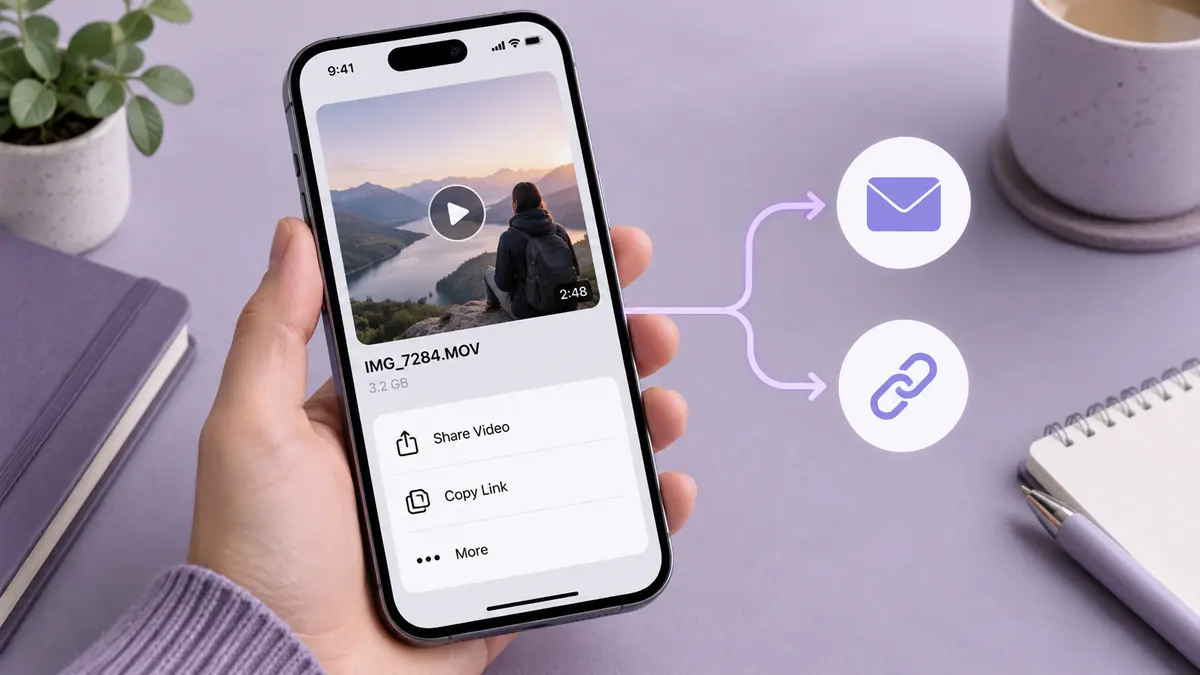
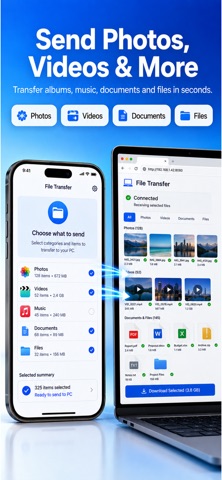
Send videos photos and music from iPhone to Windows and macOS
Transfer documents PDFs and other files easily
iPhone to Windows file transfer made simple
iPhone to macOS file transfer without cables
Works on the same WiFi network
No cable no cloud no account
Fast and secure local file transfer
Simple clean and easy to use interface
How it works
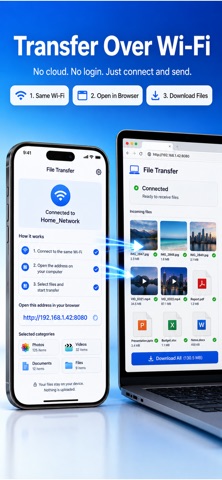
Make sure your iPhone and computer are connected to the same WiFi network
Open the app on your iPhone
Open the shown address in your computer browser
Choose videos photos music text documents or files to share
Download files instantly on your Windows PC or Mac
Privacy first
Your files never leave your local network. Everything stays between your iPhone and your computer. Nothing is uploaded to the cloud and no data is tracked.
Perfect for
Sharing videos and photos from iPhone to Windows
Sending files from iPhone to macOS
Moving music documents and files without cables
Fast local file sharing at home or work
Upgrade to Pro
Unlock unlimited transfers full speed large file support and advanced sharing features with Pro.
Send Files to PC from iPhone is the simple way to move your files from iPhone to Windows and macOS quickly securely and locally.
term of use :https://www.apple.com/legal/internet-services/itunes/dev/stdeula/
privacy policy :https://www.emzirmetakibi.com/filetransfer/privacy.html
Popular uses
- Move a clearly named set of files to the device that needs them.
- Keep a verifiable project folder instead of several ambiguous copies.
How to get started
- Choose a small test file and the app’s supported source and destination.
- Complete the transfer or organization task and check the destination’s contents.
- Open representative files and compare counts before removing any source copy.
Common questions and problems
A transfer appears incomplete
Check the destination, file count, and accessible size. A progress indicator alone is not proof that every file is usable.
Several copies have similar names
Compare dates and contents, then use a consistent naming scheme. Keep uncertain originals until you know which result is complete.
App details
- Category
- Utilities
- Current version
- 1.0.4
- Store information checked
- Sep 30, 2026
Availability
Requires iOS 13.0. Availability and pricing may vary by region.