Video to MP3 & Audio Extractor
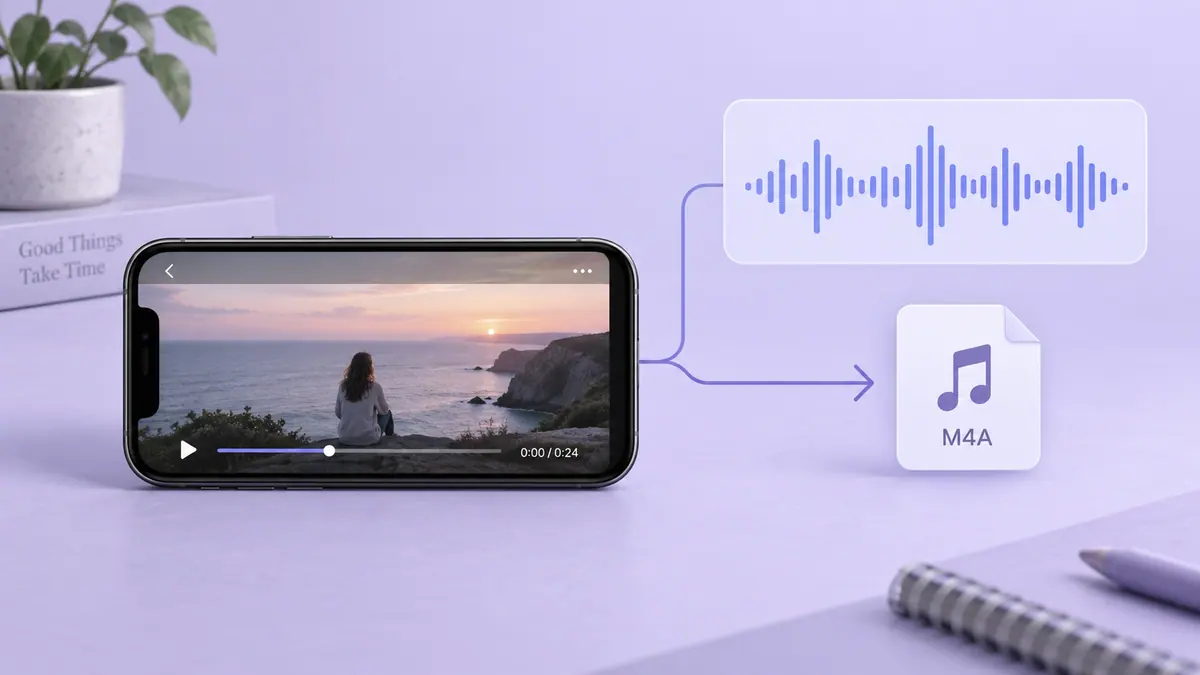
Convert the audio in a video into a separate file.
View on the App StoreThis app is developed by SFByte.
Features and details from the App Store listing
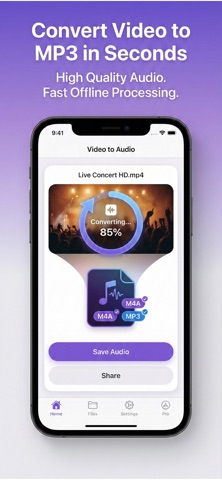
Convert Video to MP3 in Seconds Fast Simple and Fully Offline
Turn any video into high quality audio instantly No uploads No waiting No complicated tools Just select your video and get your audio in seconds
Perfect for music clips podcasts lectures interviews and voice recordings
WHY USERS LOVE IT
• Lightning fast conversion
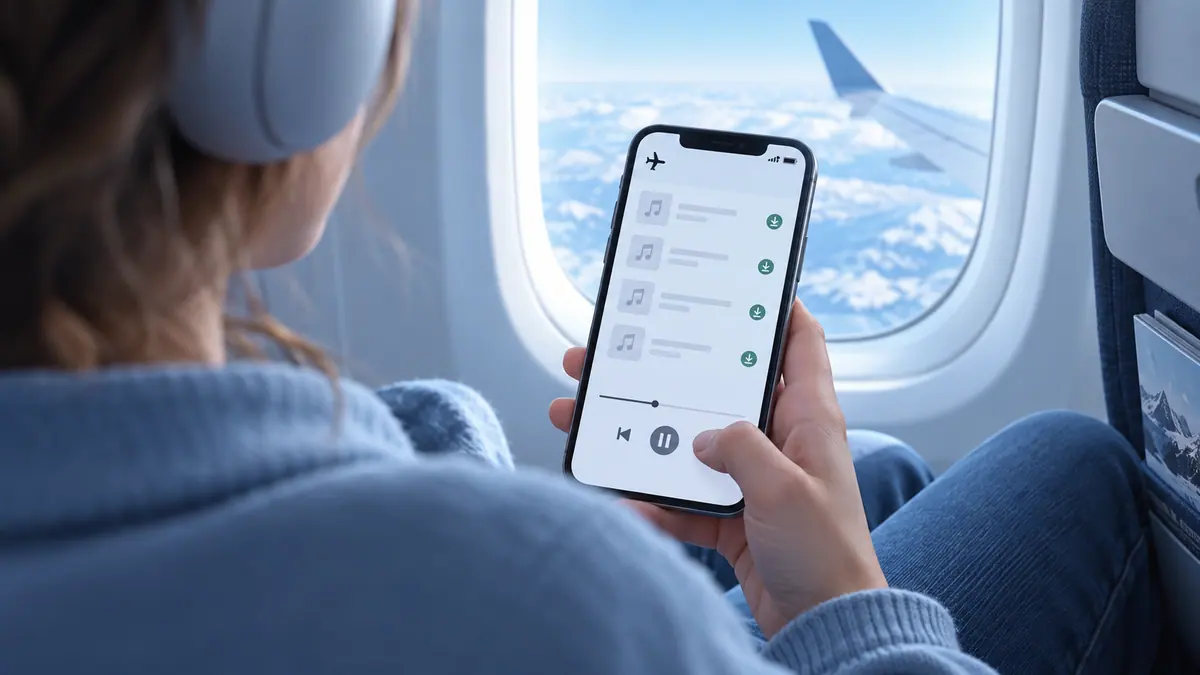
• Works 100 percent offline
• No quality loss up to 256 kbps
• No account required
• Clean and easy to use
EXTRACT AUDIO FROM VIDEO
Easily convert your videos into audio files
• Convert video to M4A
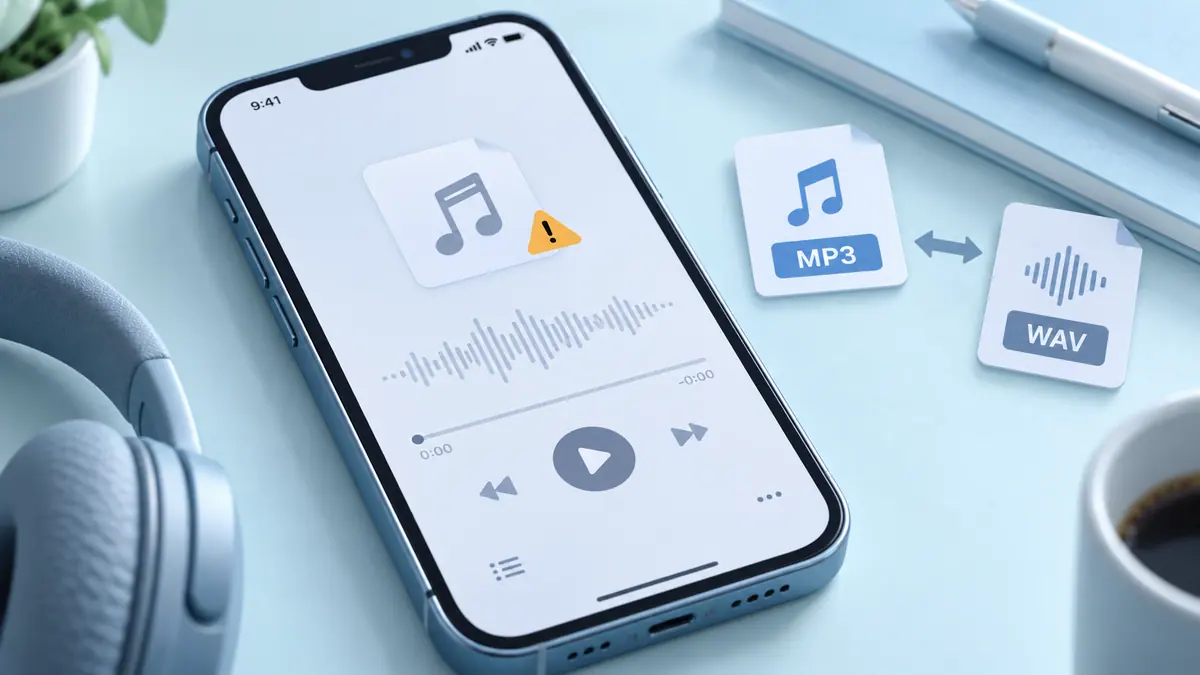
• Optional MP3 export
• High quality audio up to 256 kbps
• Fast processing
• Works offline
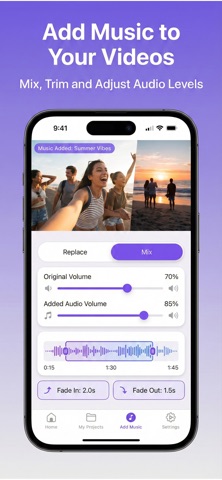
ADD AUDIO TO VIDEO
Upgrade your videos with custom sound
• Replace original audio
• Mix original and added audio
• Adjust volume levels
• Trim audio precisely
• Add fade in and fade out
• Perfect timing control
MAKE BETTER VIDEOS
Create content for social media presentations or personal use with professional audio control
SMART AND SIMPLE EXPERIENCE
• Minimal and intuitive interface
• Export progress tracking
• Background processing
• Save and share instantly
• Recent exports history
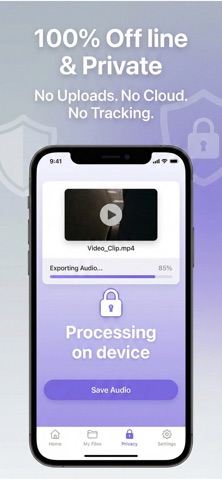
PRIVACY FIRST
No account required
No cloud processing
All files stay on your device
FREE VERSION
• Limited export duration
• Basic audio format
PRO VERSION
• Unlimited exports
• MP3 support
• High quality audio
• Audio mixing tools
• Trim and fade effects
• Advanced controls
Upgrade to unlock the full experience
Terms of Use
https://www.apple.com/legal/itunes/appstore/dev/stdeula/
Privacy Policy
https://www.emzirmetakibi.com/videotomp3/privacy.html
Popular uses
- Create a delivery copy for a message, project, or social post.
- Keep the source recording available for another edit or a higher-quality export.
How to get started
- Import a short representative clip into the task described by this app’s listing.
- Preview the change, checking motion, framing, duration, and sound.
- Export a separate copy and replay the saved file before sharing or deleting any source.
Common questions and problems
The export is too large
Check duration and actual byte size, then decide whether a shorter selection, smaller delivery copy, or transfer link suits the recipient.
The saved file differs from the preview
Compare the original, project, and saved export. Check audio, orientation, and format compatibility one change at a time.
App details
- Category
- Photo & Video
- Current version
- 1.0.1
- Store information checked
- Sep 30, 2026
Availability
Requires iOS 16.0. Availability and pricing may vary by region.