How to Summarize a PDF and Verify the Result
Create a useful PDF summary by first defining the questions you need answered, then checking the generated points against the original document. Keep page references for important claims and verify names, figures, dates, exceptions, and quoted instructions yourself. If the PDF is a scan, confirm that the summarizer can read its text or prepare an OCR copy through an appropriate workflow. Treat the summary as a reading aid rather than a replacement for the source. A fluent answer can still omit a qualification, mix two sections, or describe information that the document does not contain.
Decide what the summary is for
A meeting brief, revision notes, and a list of action items need different outputs. Write two or three questions before importing the document. For a project report, you might need the decision requested, the evidence supporting it, and unresolved risks. For study notes, you may need definitions and how they connect. A generic shorter version of the PDF may not serve either purpose well.
Check that you have the right edition. A summary of an obsolete draft can be accurate to that draft and still be the wrong answer for your task. Record the filename, document date, and relevant version information next to your notes.
Start with a document you can evaluate
- Open the complete PDF and inspect its page count and contents.
- Try selecting and searching text on several pages.
- Choose a short, non-sensitive section for the first summary.
- Import the file through the summarizer’s documented workflow.
- Compare the output with the source and mark any point you cannot locate.
- Expand to the whole document only after understanding the tool’s limitations.
PDF Summarizer — Document Read is an SFByte option for producing a summary from a PDF. Its recorded listing describes a credit-based workflow; check the current generation cost and input limits before processing a long file. Do not assume that importing a document means every page was successfully read.
Use a claim-by-claim verification table
Create three columns in your notes: summary claim, source page, and correction needed. Keep the wording brief. For example, a summary might say a project is due in June, while the source says a proposal is due in June and final delivery is conditional on approval. The date alone is insufficient; the type of deadline and its condition matter.
Check numbers with their units and denominators. A percentage increase in one sample is not automatically a result for all users. Distinguish the author’s recommendation from an observed result, and distinguish an example from a rule. These checks are especially useful when a summary compresses several paragraphs into one confident sentence.
Watch for difficult source material
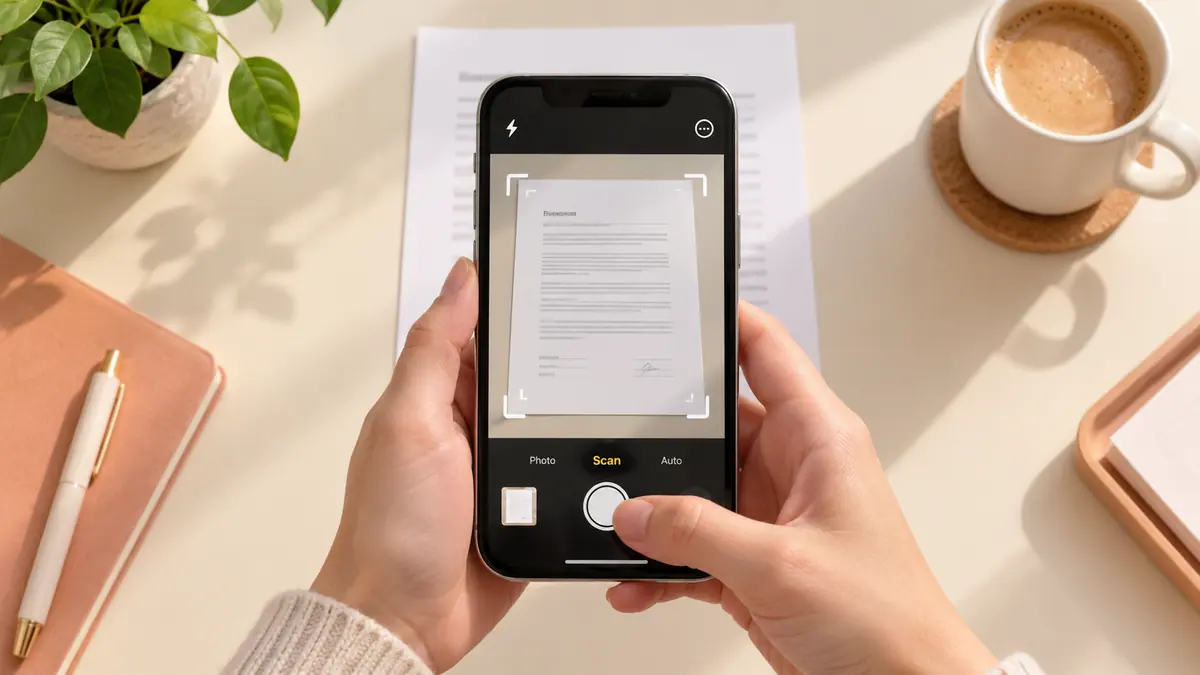
Scanned pages may lack selectable text. Follow the scanned PDF text guide before assuming the summarizer ignored a page. Tables can lose their row and column relationships, while multi-column layouts can scramble reading order. Review those areas directly rather than trusting the summary to reconstruct them.
Long appendices and footnotes often contain the conditions that shorten an attractive headline. Ask yourself whether the missing details change the decision you intend to make. A summary for quick navigation can omit more than a summary used to support a consequential action.
Keep source access and privacy clear
Use only documents you are allowed to process with the chosen service. Check its current privacy information and processing behavior; a mobile interface does not by itself establish that all computation stays on the device. Test with a public or harmless document before submitting confidential work.
Save your checked notes alongside a reference to the original. If the document changes, revisit the summary rather than changing only its date. Our file version guide can help keep related copies identifiable.
Common questions
Does a source citation prove a generated claim?
No. Open the cited page and confirm that it supports the specific wording. A real page reference can still be attached to an inaccurate interpretation.
Should I ask for a shorter summary until it looks right?
Length is not a reliability control. Define the question, check the evidence, and correct omissions. A shorter response can hide the same mistake more efficiently.
Can I use the result for legal, medical, or financial decisions?
Use qualified guidance and the original document for consequential decisions. This workflow organizes reading; it does not validate professional advice or replace an expert’s interpretation.
Sources & further reading
- Official documentation · Checked Oct 1, 2026
- Apple · Checked Oct 1, 2026