Video Editor &Creator: ViraCut
Arrange photos into videos for social sharing.
View on the App StoreThis app is developed by SFByte.
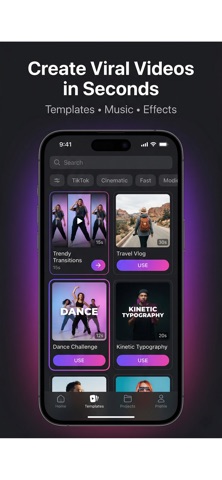
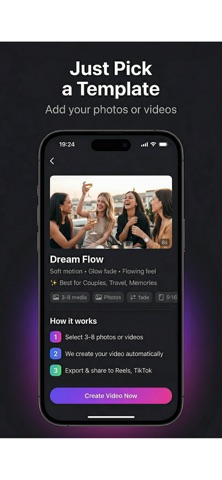
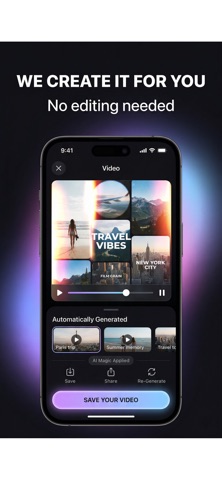
Features and details from the App Store listing
Turn your photos into scroll-stopping videos in seconds — no editing skills needed.
Viracut is the fastest way to create viral-ready videos for Instagram Reels, TikTok, and YouTube Shorts. Just pick your photos, choose a style, and let the app do the rest.
HOW IT WORKS
1. Select 2-12 photos or videos from your camera roll
2. Choose from 13 handcrafted video templates
3. Add music from our library or import your own
4. Export in HD and share instantly
PREMIUM TEMPLATES
Each template has its own unique motion, transitions, color grading, and speed:
• Dream Flow — Soft aesthetic with glow fade, perfect for memories
• Story Crush — Fast cuts and zoom bursts for Stories
• Neon Pulse — Beat-synced energy with neon glow overlay
• Cinematic Drift — Professional slow drift with film grain
• Velvet Memories — Romantic soft bloom with rose tint
• Echo Split — Triple split with parallax layer motion
• Motion Grid — Dynamic 4-panel grid with stagger animation
• Tempo Lift — Music-synced rhythmic editing
• Orbit Zoom — Eye-catching center snap with radial blur
• And more...
SMART FEATURES
• Speed Presets — Smooth, Balanced, or Fast with one tap
• Music Library — Royalty-free tracks included, or import your own
• Beat Sync — Cuts sync to the music rhythm naturally
• Depth Effects — Blur, parallax, and light overlays
• Cinematic Filters — Warm, cool, cinematic, vintage, neon, rose
• No Timeline — Zero complexity, professional results
EXPORT & SHARE
• 1080x1920 HD optimized for vertical video
• 30fps smooth playback
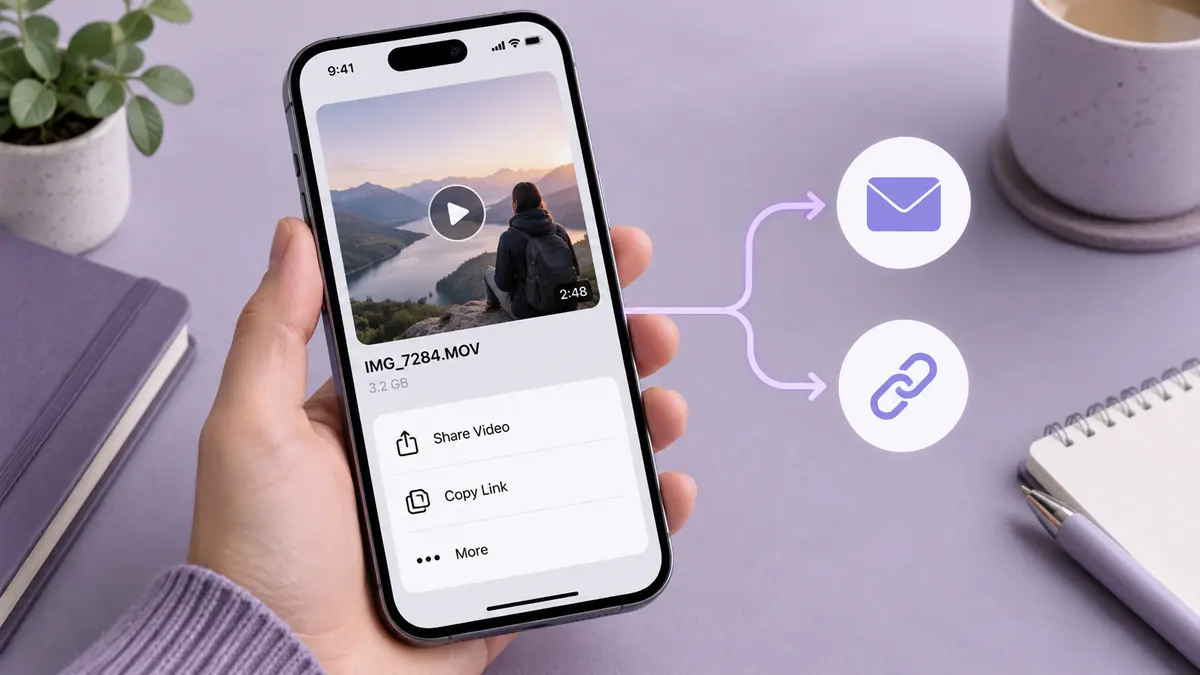
• Direct share to Instagram, TikTok, Snapchat, WhatsApp
• Save to camera roll
FREE & PRO
• 2 templates free forever with full export
• Pro unlocks all 13 templates, removes watermark, full music library
Download Viracut and create your first viral video in under 30 seconds.
SUBSCRIPTION INFORMATION
• Viracut Pro is available as weekly, monthly, or yearly auto-renewable subscription
• Payment will be charged to your Apple ID account at confirmation of purchase
• Subscription automatically renews unless cancelled at least 24 hours before the end of the current period
• You can manage and cancel subscriptions in your Apple ID Account Settings
Privacy Policy: https://www.emzirmetakibi.com/viracut/privacy.html
Terms of Use: https://www.apple.com/legal/itunes/appstore/dev/stdeula/
Popular uses
- Create a delivery copy for a message, project, or social post.
- Keep the source recording available for another edit or a higher-quality export.
How to get started
- Import a short representative clip into the task described by this app’s listing.
- Preview the change, checking motion, framing, duration, and sound.
- Export a separate copy and replay the saved file before sharing or deleting any source.
Common questions and problems
The export is too large
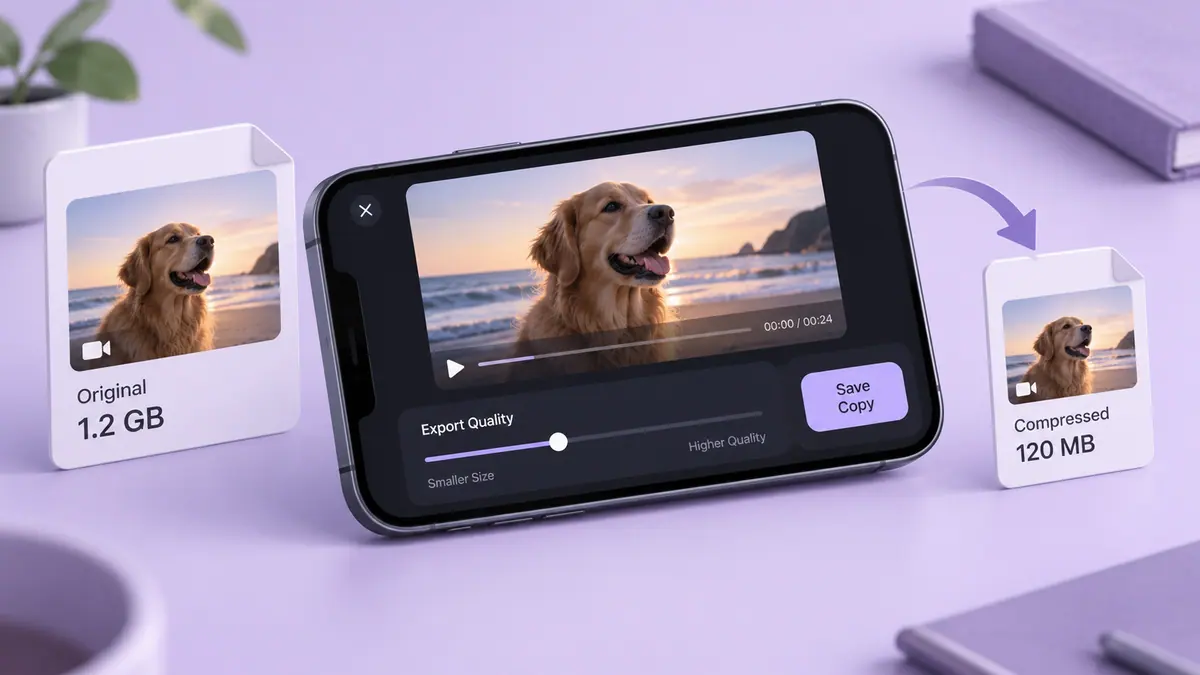
Check duration and actual byte size, then decide whether a shorter selection, smaller delivery copy, or transfer link suits the recipient.
The saved file differs from the preview
Compare the original, project, and saved export. Check audio, orientation, and format compatibility one change at a time.
App details
- Category
- Photo & Video
- Current version
- 1.0
- Store information checked
- Sep 30, 2026
Availability
Requires iOS 16.0. Availability and pricing may vary by region.