Video Editor & Maker: VibeCut
Build short video edits around music with beat effects, templates, and adjustments for the look you want.
View on the App StoreThis app is developed by SFByte.
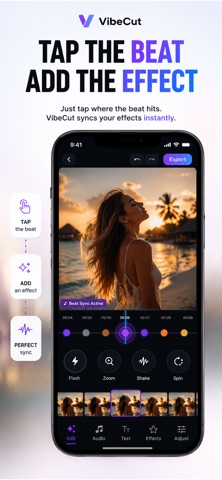
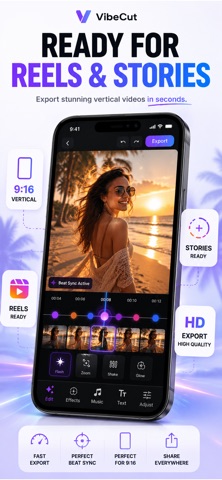
What you can do
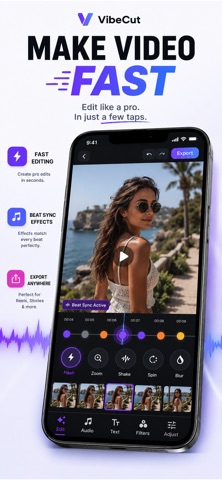
- Apply beat-synced effects
- Use ready-made video templates
- Adjust brightness, contrast, and color
Features and details from the App Store listing
VibeCut – Video Editor & Music
Create stunning beat-synced videos in seconds.
VibeCut makes video editing fast, fun, and effortless. Add music, sync effects to the beat, apply powerful templates, and export beautiful videos ready for TikTok, Reels, Shorts, and Stories — all from your iPhone.
No complicated timeline. No editing experience needed. Just pick a video, choose a sound, tap effects, and export.
Perfect for:
• TikTok videos
• Instagram Reels
• YouTube Shorts
• Travel edits
• Vlogs
• Party videos
• Aesthetic edits
• Beat-sync edits
• Social media content
POWERFUL EDITING TOOLS
Beat Sync Effects
Create edits that move with the music. Add zooms, flashes, shakes, spin effects, blur transitions, freeze frames, and more synced to every beat.
Templates
Choose from ready-made editing templates designed for viral short-form content. Apply cinematic, glitch, vlog, travel, beat-drop, and aesthetic looks instantly.
Music Library
Browse built-in royalty-free music by mood and category, or import your own music from Files.
Video Adjustments
Fine-tune every detail with easy controls:
• Brightness
• Contrast
• Saturation
• Warmth
• Exposure
Fast Export
Export in high quality and share instantly to TikTok, Instagram Reels, YouTube Shorts, and Stories.
WHY CREATORS LOVE VIBECUT
• One-tap video editing
• Beat-synced effects
• Premium templates
• Built-in music library
• Fast rendering
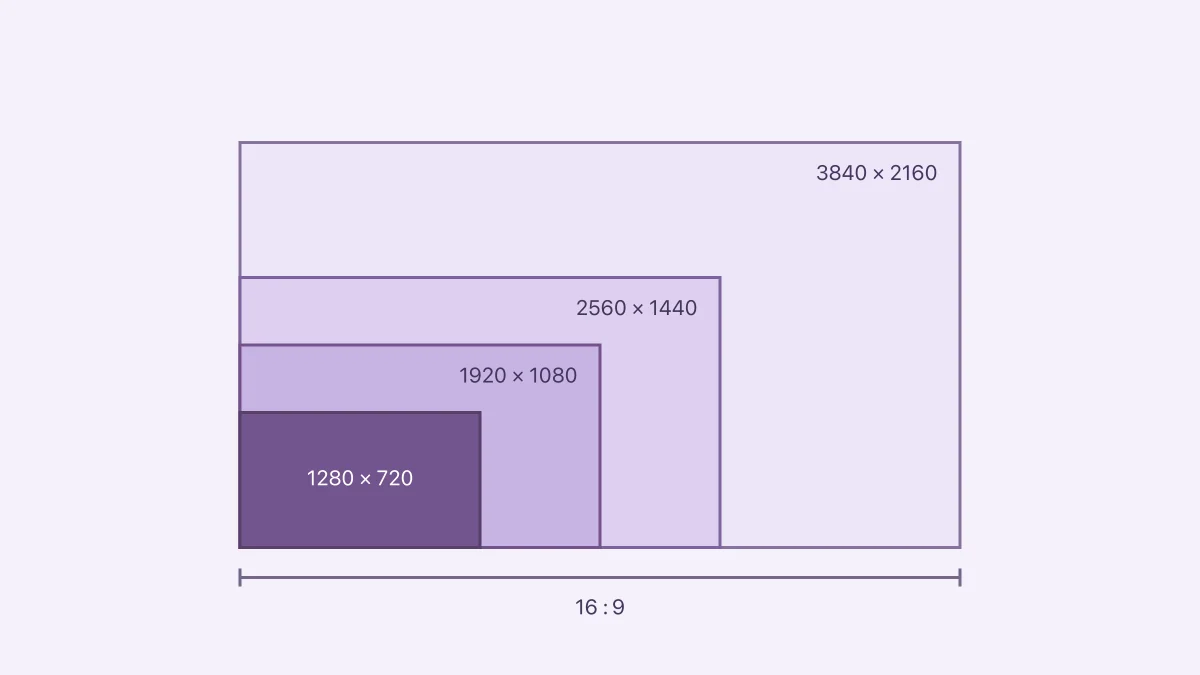
• 4K export
• 60 FPS export
• Clean and easy workflow
• Made for short-form video creators
Create professional-looking videos in seconds with VibeCut.
Download now and start editing.
Privacy Policy:
https://www.zenbyte.app/vibecut/privacy.html
Terms of Use:
http://apple.com/legal/itunes/appstore/dev/stdeula/
Popular uses
- Create a delivery copy for a message, project, or social post.
- Keep the source recording available for another edit or a higher-quality export.
How to get started
- Import a short representative clip into the task described by this app’s listing.
- Preview the change, checking motion, framing, duration, and sound.
- Export a separate copy and replay the saved file before sharing or deleting any source.
Common questions and problems
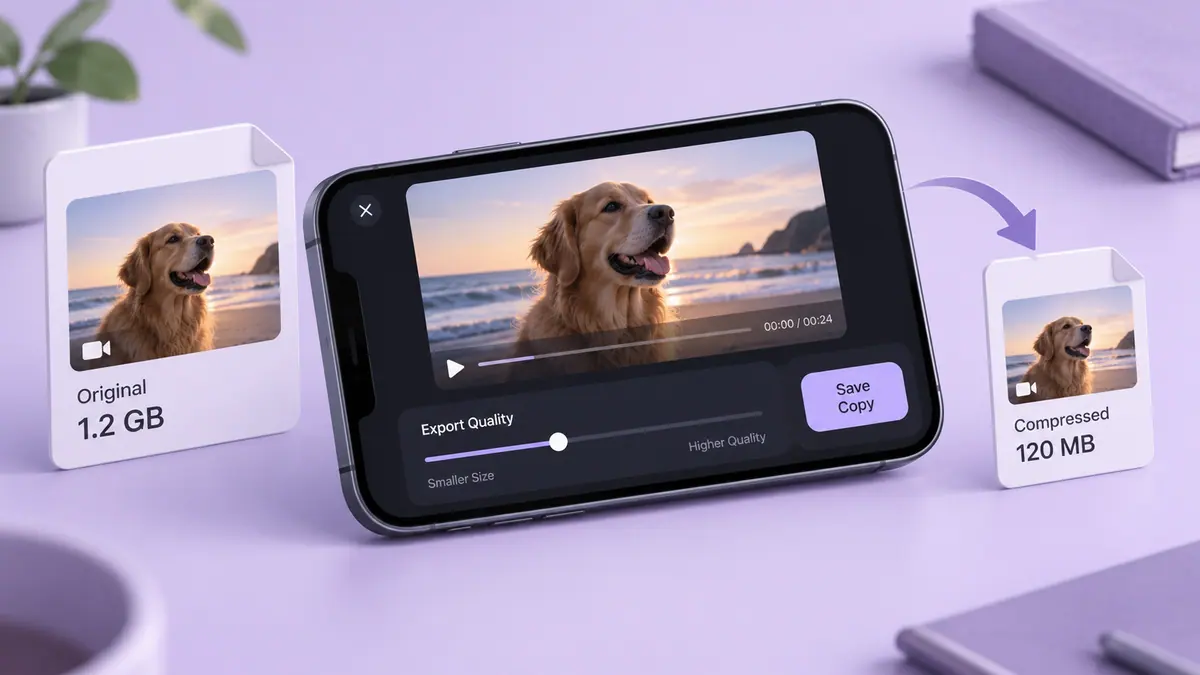
The export is too large
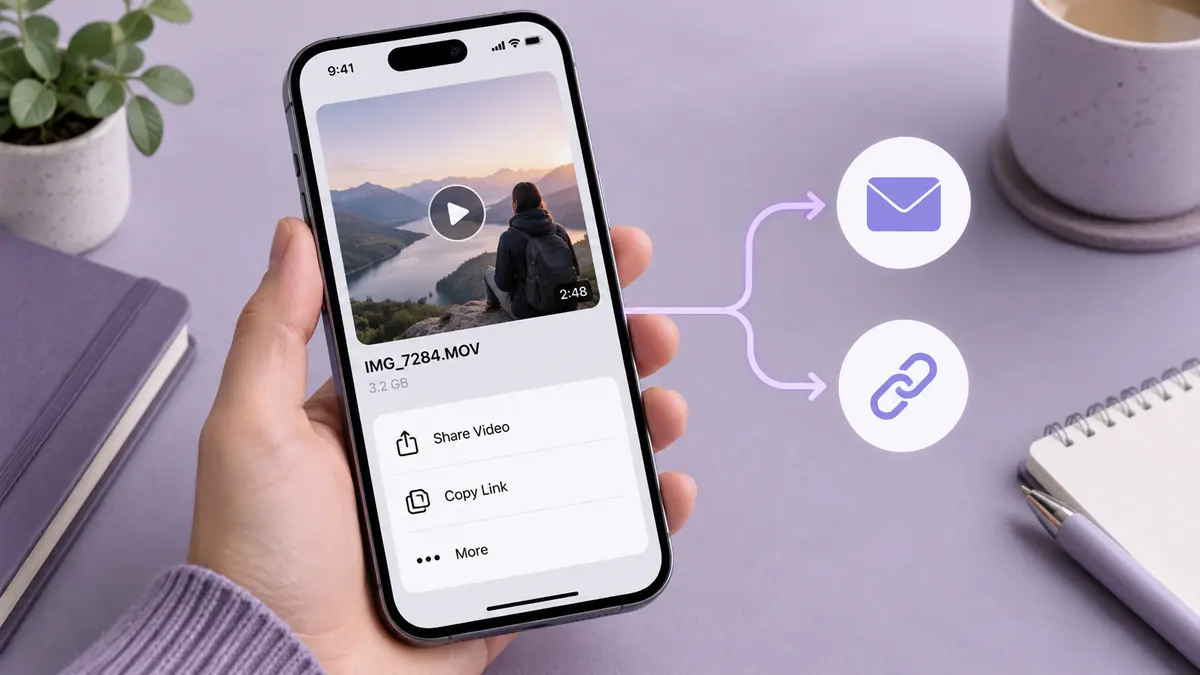
Check duration and actual byte size, then decide whether a shorter selection, smaller delivery copy, or transfer link suits the recipient.
The saved file differs from the preview
Compare the original, project, and saved export. Check audio, orientation, and format compatibility one change at a time.
App details
- Category
- Photo & Video
- Current version
- 1.1.3
- Store information checked
- Sep 30, 2026
Availability
Requires iOS 16.0. Availability and pricing may vary by region.