Photo to PDF Converter,Scan
Bring photos, receipts, and scanned pages together in a PDF you can save or share from your iPhone.
View on the App StoreThis app is developed by SFByte.
What you can do
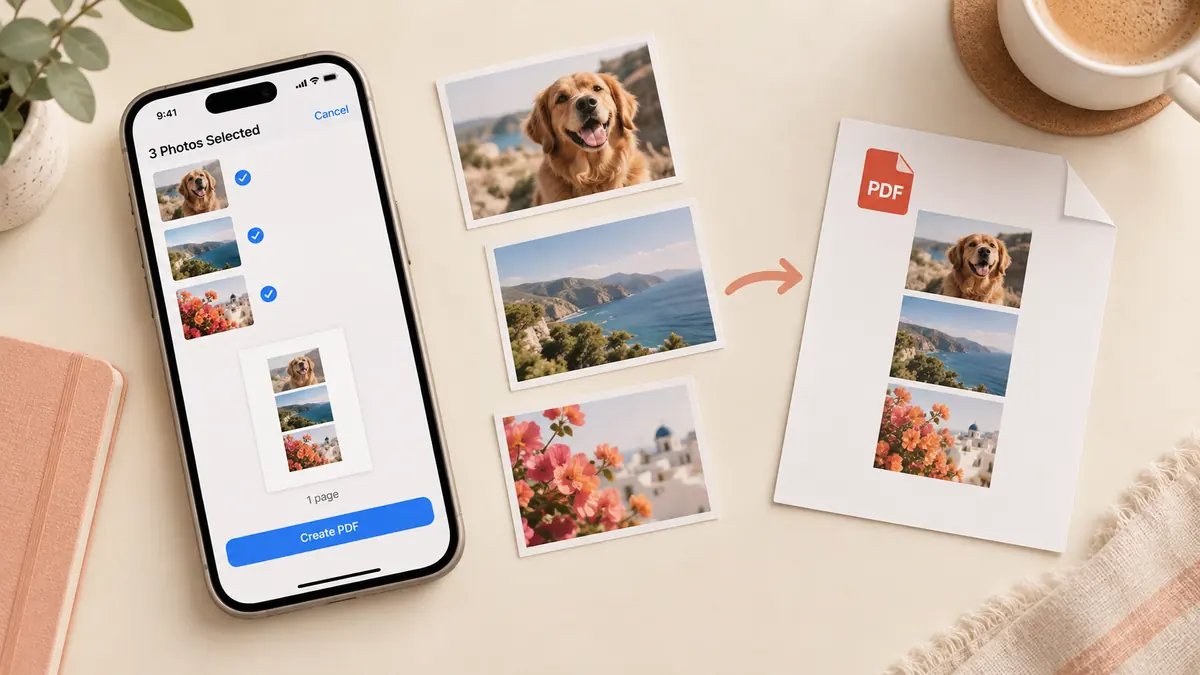
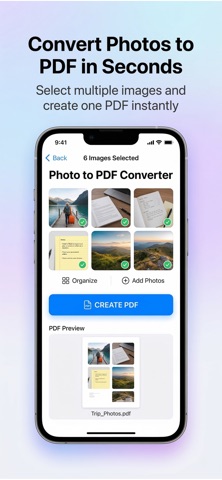
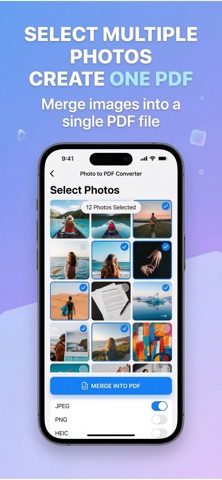
- Combine selected images into one PDF
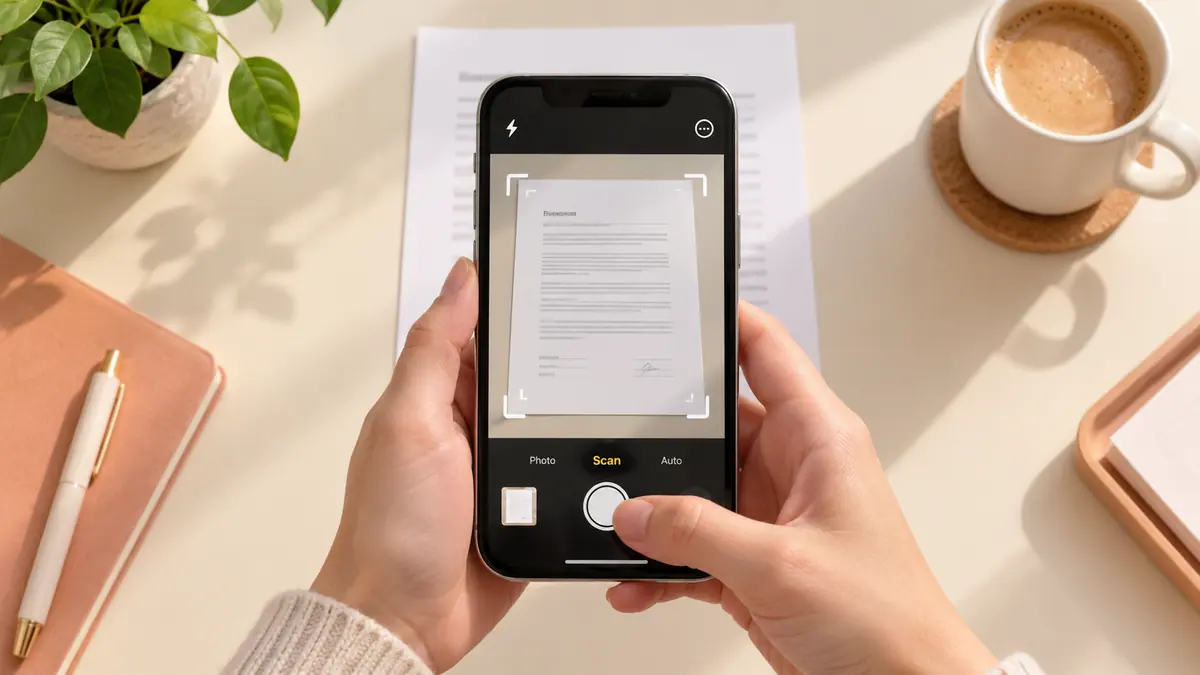
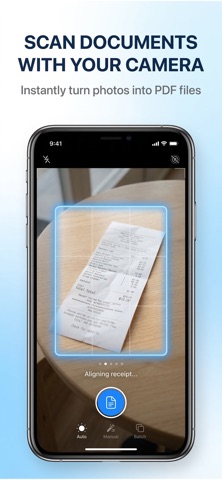
- Scan a new page with the camera
- Reorder pages before exporting
Features and details from the App Store listing
Turn your photos into PDF files in seconds.
Photo to PDF Converter & Scan makes it easy to convert images, JPG, and pictures into a single high-quality PDF directly on your device. Select photos from your gallery or scan new ones with the camera, then instantly create a clean and shareable PDF.
No complicated tools. No accounts. Everything works locally on your device for speed and privacy.
Perfect for converting receipts, documents, notes, homework, screenshots, and photos into PDF.
Simple and Fast
Select photos from your gallery
Reorder pages if needed
Convert images into a single PDF
Save or share anywhere
Create professional PDF files in just a few taps.
Key Features
• Convert photos to PDF instantly
• JPG to PDF and PNG to PDF support
• Select multiple images and merge into one PDF
• Scan documents using the camera
• Reorder pages before creating PDF
• High quality PDF export
• Save PDF to Files or share anywhere
• Fast and simple interface
Perfect For
• Receipts and expenses
• Documents and paperwork
• School assignments
• Notes and screenshots
• Photo collections
Privacy First
Your photos never leave your device.
All PDF creation happens locally on your phone.
No uploads. No accounts. No tracking.
Free & Premium
Free version includes basic PDF conversion.
Premium unlocks:
• Unlimited PDF creation
• Remove watermark
• Faster exports
• Unlimited images per PDF
Create PDFs from photos anytime, anywhere.
Download Photo to PDF Converter & Scan and turn your images into PDF instantly.
Privacy Policy: https://www.emzirmetakibi.com/imagetopdf/privacy.html
Term of Use: https://www.apple.com/legal/itunes/appstore/dev/stdeula/
Popular uses
- Prepare a document for a recipient with clear page order and a descriptive filename.
- Keep a source copy and a separate checked delivery copy.
How to get started
- Choose the document task described in this app’s listing and open a copy of your source.
- Complete the supported conversion, annotation, or reading task; inspect small text and every required page.
- Save the result where you can reopen it and confirm the recipient’s format and size requirements.
Common questions and problems
The result differs from the editing preview
Reopen the saved file from its destination, confirm that it is the latest copy, and compare all pages before sending it.
A requested document operation is missing
Check the current listing and in-app feature screen. Related guides may cover another app or an iPhone method; they are not a promise that this app performs every operation.
App details
- Category
- Productivity
- Current version
- 1.0.1
- Store information checked
- Sep 30, 2026
Availability
Requires iOS 15.0. Availability and pricing may vary by region.